Syd
Members
-
Joined
-
Last visited
-
-
ENVIRONMENT - Enpass 6.12.7 (2786), Mac App Store build - macOS 27.0.1 (26A434), MacBookPro18,2, Apple silicon - Vault: local only (previously iCloud-synced; removed from iCloud while troubleshooting) SYMPTOM After launching and unlocking, Enpass sits with one core at ~100% for several minutes (one run took about 8 minutes, then CPU dropped on its own). The UI is sluggish. WHAT I TRIED THAT DID NOT FIX IT - Removing the vault from iCloud sync - Cutting the vault from ~2500 items to ~500 (spin was still several minutes) WHAT FIXED IT Disabling Enpass as an AutoFill provider in System Settings eliminated the 100% CPU, tested on multiple restarts of the app. LOGS from sample and fs_usage during the spin using these commands: sample Enpass 60 10 -file /tmp/enpass.hang60.txt sudo fs_usage -w -f filesys Enpass > /tmp/enpass.fsu.txt 1. The busy thread is not the UI and not the network. The main thread is idle in mach_msg; no CFNetwork/NSURLSession frames appear in any thread. lsof shows only two localhost LISTEN sockets and no outbound connections. 2. Two threads run the same Enpass routine at the same time: - the XPC reply thread, called from -[ASCredentialIdentityStore removeAllCredentialIdentitiesWithCompletion:] (5033/5033 samples in Enpass code) - a pooled worker thread (reaches the same routine via +0x6797d4 -> +0x95d74c -> +0x95e254 -> +0x95eb9c) 3. They contend on one std::recursive_mutex (call site +0x4887c): 2856 of 5033 samples (57%) blocked on the worker, 2085 of 5033 (41%) blocked on the AutoFill thread. 4. fs_usage over ~28 s shows ~990,000 pread calls (all 4 KB, sequential, served from cache, 1-2 us each), ~14,000 pwrite, 1,216 fsync, 304 unlink. The pattern is ~11 journal-delete transactions per second, each preceded by a ~3,250-page scan. 5. The path-bearing calls all go to Documents/.settings/securesettings.db and its -journal and -wal files, not to the vault database. (The pread lines show only a file descriptor, F=34, so the link to that file is inferred.) 6. The crash on quit is in the same code path as the spin: the MasterCommandWorker frames in the crash report match the sample's frames (same build UUID 7f26ae3c-f9ab-396e-b9b9-7bf6d8e5e859), including the crashing function near +0xc87400. MY HYPOTHESIS The AutoFill credential-identity refresh scans securesettings.db repeatedly, with two threads serializing on one lock. That cost would not depend on vault size, which fits the 2500 -> 500 result.
-
Trying to switch from App Store version to Direct Download. Delete vaults, complete reset Download Enpass from Web Site Activate vie email - done Now select iCloud as source of existing vault Authentication error with Apple iCloud after logging into Apple with passkey or password.
-
-
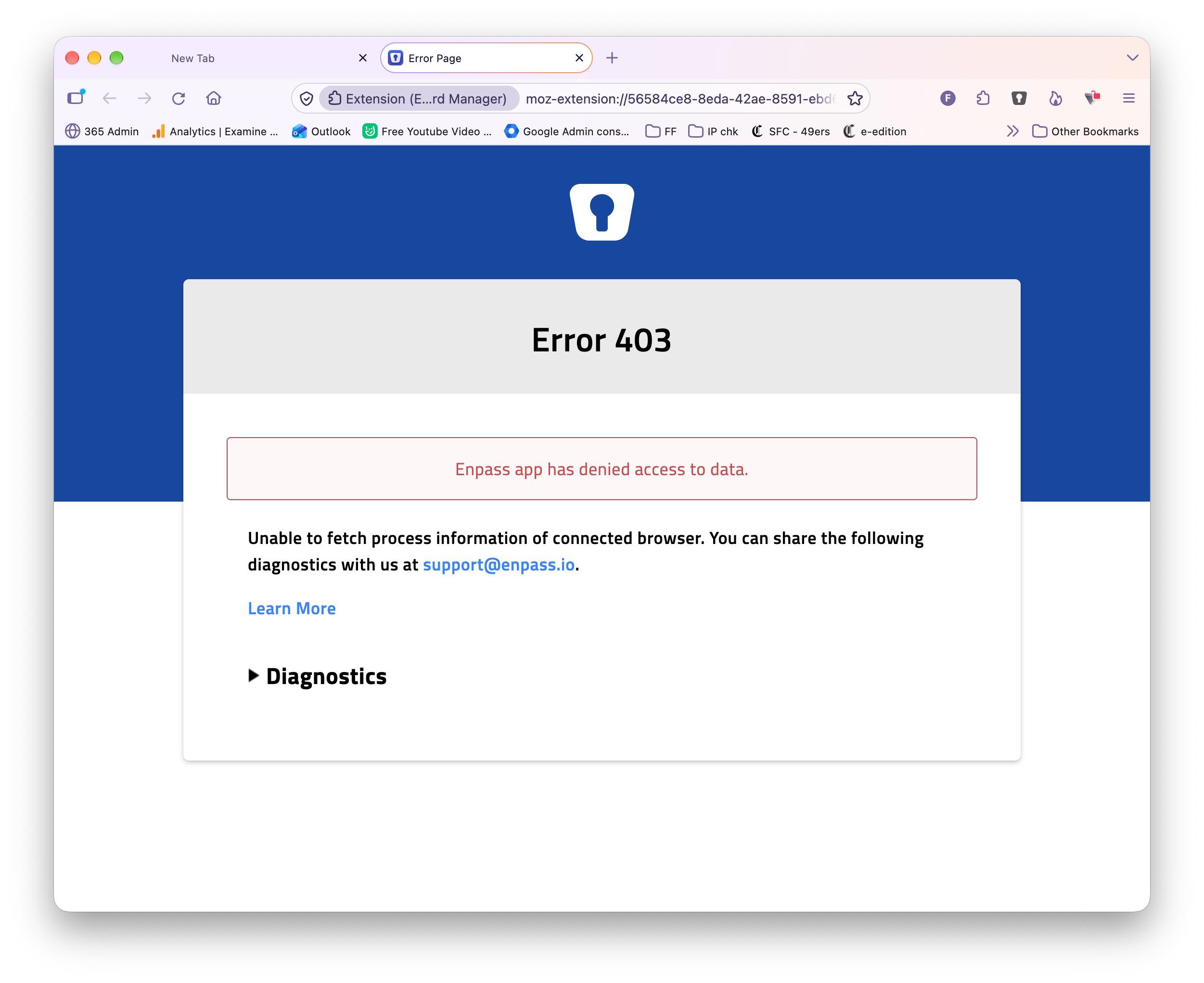
Testing Version 6.12.6 (2772) - seems to be working for Safari, Chrome, and Brave. But not Firefox 155.0.1 (aarch64). I get Error 403

-
27.0 Beta 5 (26A5406e) is out and the current Enpass beta version 6.12.6 (2728) still doesn't work... Any update?
-
macOS 27 beta 3 is out, and there's been no change for Enpass. Still broken with no new version in TestFlight to test.
-
No change with the Enpass beta Version 6.12.4 (2624) from TestFlight released on 1 July. Browsers still don't work. And once you remove them in the app they won't re-authenticate.
-
Firefox and Safari too.
-
As the OP - it's been quite stable for the past 3-4 months. I'm on a 2021 MacBook Pro running the current release of macOS 26
-
-
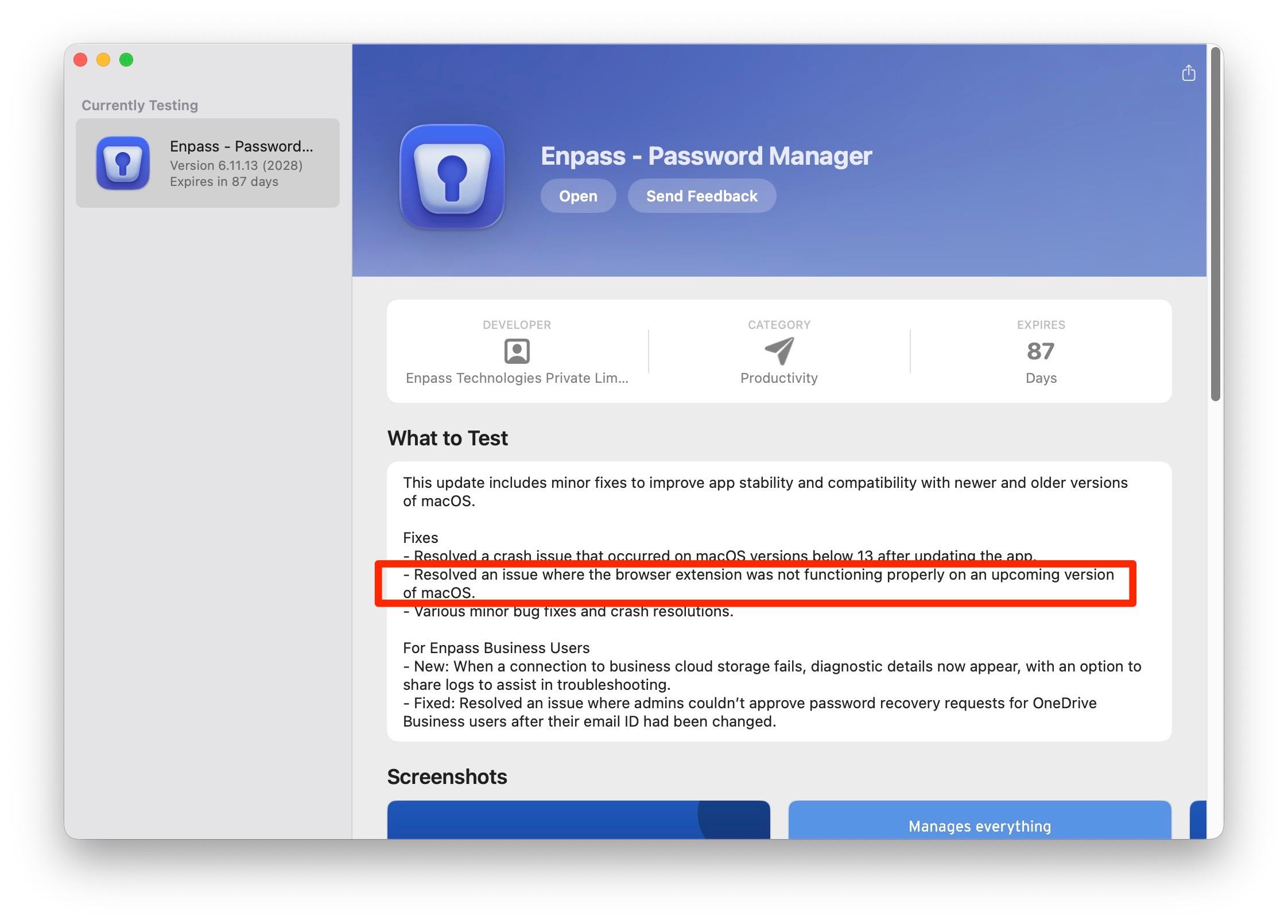
I'm running the latest beta 6.11.13 (2028) and it's working for me. You can get it on their beta web site https://www.enpass.io/beta/