mark chang
-
Posts
15 -
Joined
-
Last visited
mark chang's Achievements






-
Enpass Extention 6.7.4 'Inline Autofill blocklist' does not work
mark chang replied to mark chang's topic in Desktop
This extension will cause the website not work properly, so I can only add it to the block list, unfortunately, the block list does not work either. -
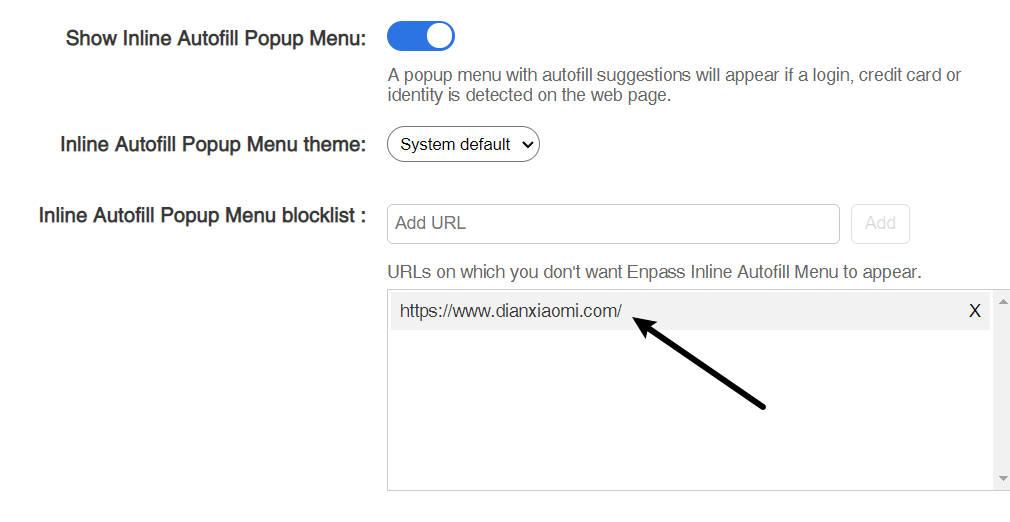
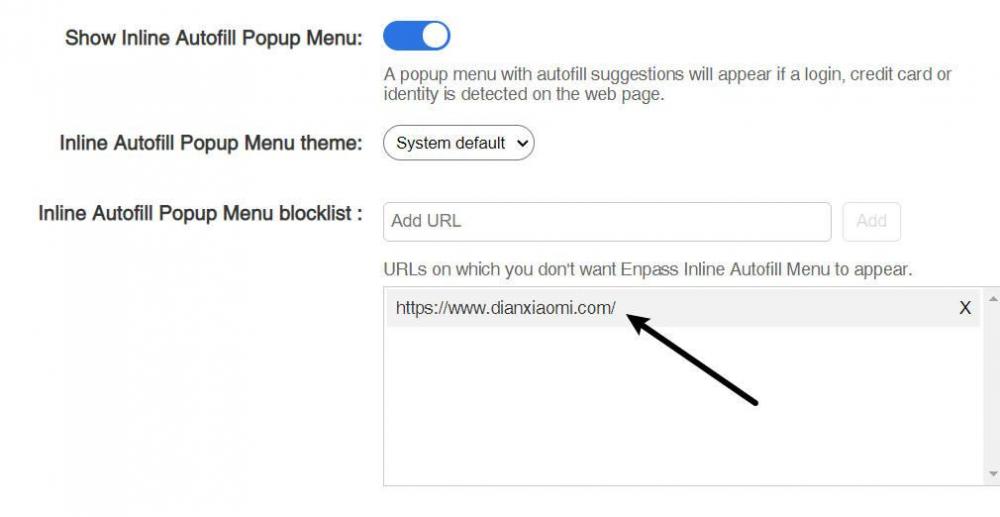
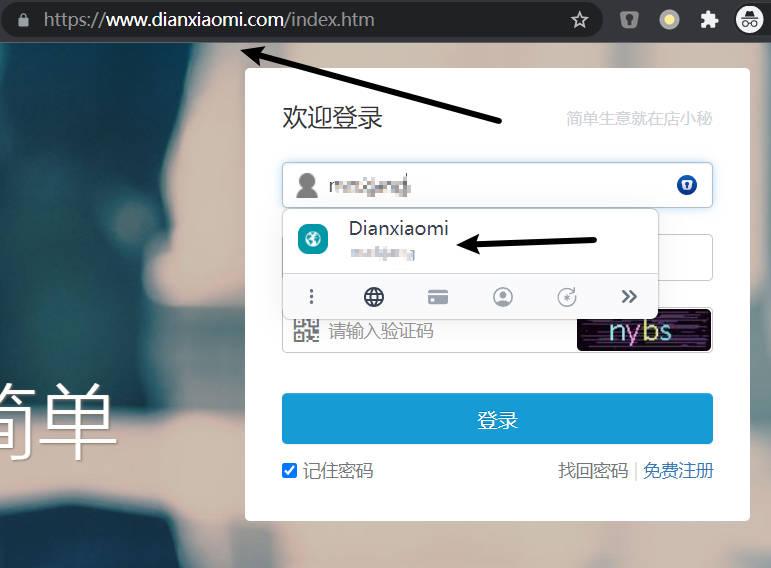
I have added the URL to the block list. It just doesn't work, The extension will still appear in the page. Enpass and extension are the latest versions, and so is Chrome browser.
-
-
Sync lost: Password of data on OneDrive is required
mark chang replied to Octapus's topic in Desktop
Maybe onedrive changed the deta. I'm using Google drive now, everything is fine. -
Sync lost: Password of data on OneDrive is required
mark chang replied to Octapus's topic in Desktop
Enpass --> Settings --> Advanced There is no "logs" on windows10 -
Sync lost: Password of data on OneDrive is required
mark chang replied to Octapus's topic in Desktop
PLEASE FIX! -
This can't be solved completely. A few days later, it's still like this.
-
https://dl.enpass.io/stable/windows/setup/6.0.0.230/Enpass-setup.exe
-
设置完语言需要重新启动的。
-
When is the next update?
-
https://dl.sinew.in/windows/setup/5-3-0-1/Enpass_Setup.exe
-
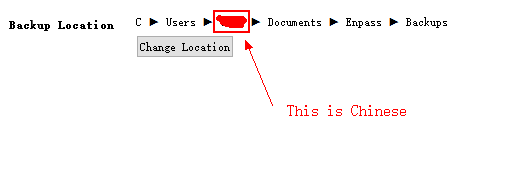
My computer user name is Chinese, Individual software will not be compatible. Backup is turned on by default,the file path is in Chinese,Is this the problem?
-
After entering the master password. Version 5.3.0.1 Folder sync Thanks
-
Windows 10 x64
-
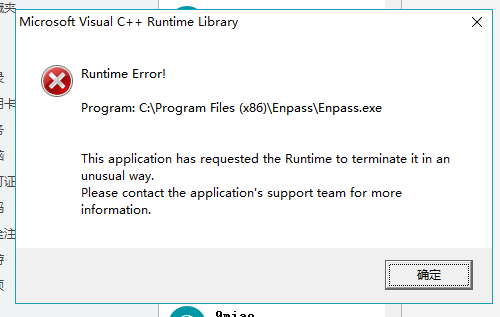
Today, I upgraded to the new version, but it does not work. I tried to re-install microsoft vc ++, but did not solve