mrc247
-
Posts
46 -
Joined
-
Last visited
-
Days Won
3
mrc247's Achievements






-
I can confirm that your workaround also works on macOS. It seems all versions (Windows/macOS/Linux) have the same bug. Thanks again for sharing this simple but effective tip!!! It's even more ridiculous that as a customer you can't get this information from the official Enpass support or that this simple error is finally fixed.
-
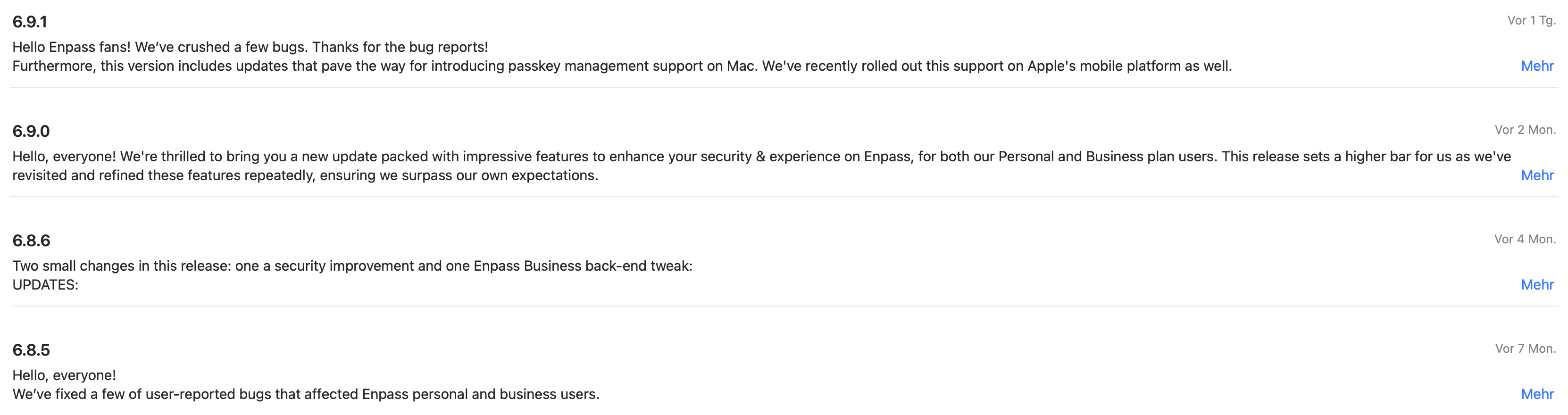
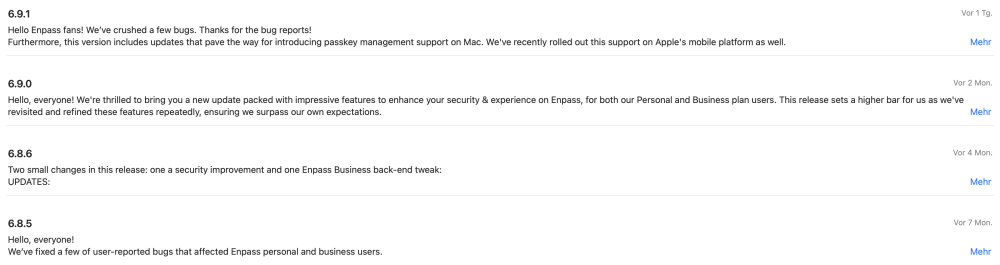
Hi Abhishek Dewan, I just installed the new version 6.9.1 and guess what, the error hasn't been fixed. It's really starting to get ridiculous. This is only the fourth update in 2023. You might think Enpass will soon be out of support. How can it be that errors that were reported 10 months ago and are quite simple cannot be fixed?
-
Many thanks to everyone who shares with us here in the thread that they have the same problem! Thank you for sharing this workaround with us. Before I try it myself I have a question: If I remove the key file and add it back, is it a new file so I have to replace it on all my other devices as well? or does it remain the same file during the process?
-
Hi Abhishek Dewan, I just installed the new Enpass version (6.9.0) and I can't believe the bug hasn't been fixed yet. WTF It's been 7 months since I reported the bug. I'm lost for words..
-
Unfortunately not, I already had the same idea. ;-)
-
Thanks for the information. Then let's hope it doesn't take another four months.
-
You are not serious, are you???
-
The problem you describe has existed for months, among many other problems... but nobody at Enpass seems to care about the Mac version's problems. I'm sorry to say this so harshly, but all these issues were reported by several users months ago.
-
maybe we should switch to another password DB provider.. unfortunately the state of the Enpass Mac version is no longer sustainable and the speed of bug fixes is certainly not
-
What is the status of this issue? Unfortunately it still exists.
-
What is the status of this issue? Unfortunately it still exists.
-
What is the status of this issue? Unfortunately it still exists. in the meantime the thread and the problem had its 3 year old birthday. So happy birthday!
-
When will the problem I described be fixed??? It annoys me to death having to manually select the key file every time Enpass starts on the Mac. I already opened a support case and this thread in mid-December 2022 and have not received an answer... four months later..
-
should I open a support case for this?
-
As I mentioned in the other thread, I have the same problem: It first appeared after updating to Enpass 6.8.3 in early October. (The same update also destroyed the Dropbox Sync for me) I use Safari on macOS. it seems to help to quit and restart the Enpass app, then the problem goes away until it occurs again at some point. My Setup: Intel based iMac macOS 13.1 Safari 16.2 Enpass 6.8.4 (1166)