

acyclovir
-
Posts
7 -
Joined
-
Last visited
acyclovir's Achievements





-
Yeah, publish the previous version, use another channel, post, in this forum an emergency apk file, this fail is unadmissible, it has been past 4 days from this crash without any solution. Personally, As soon as my suscription ends, I will find another multiplatform solution for my passwords. I am done with you Enpass
-
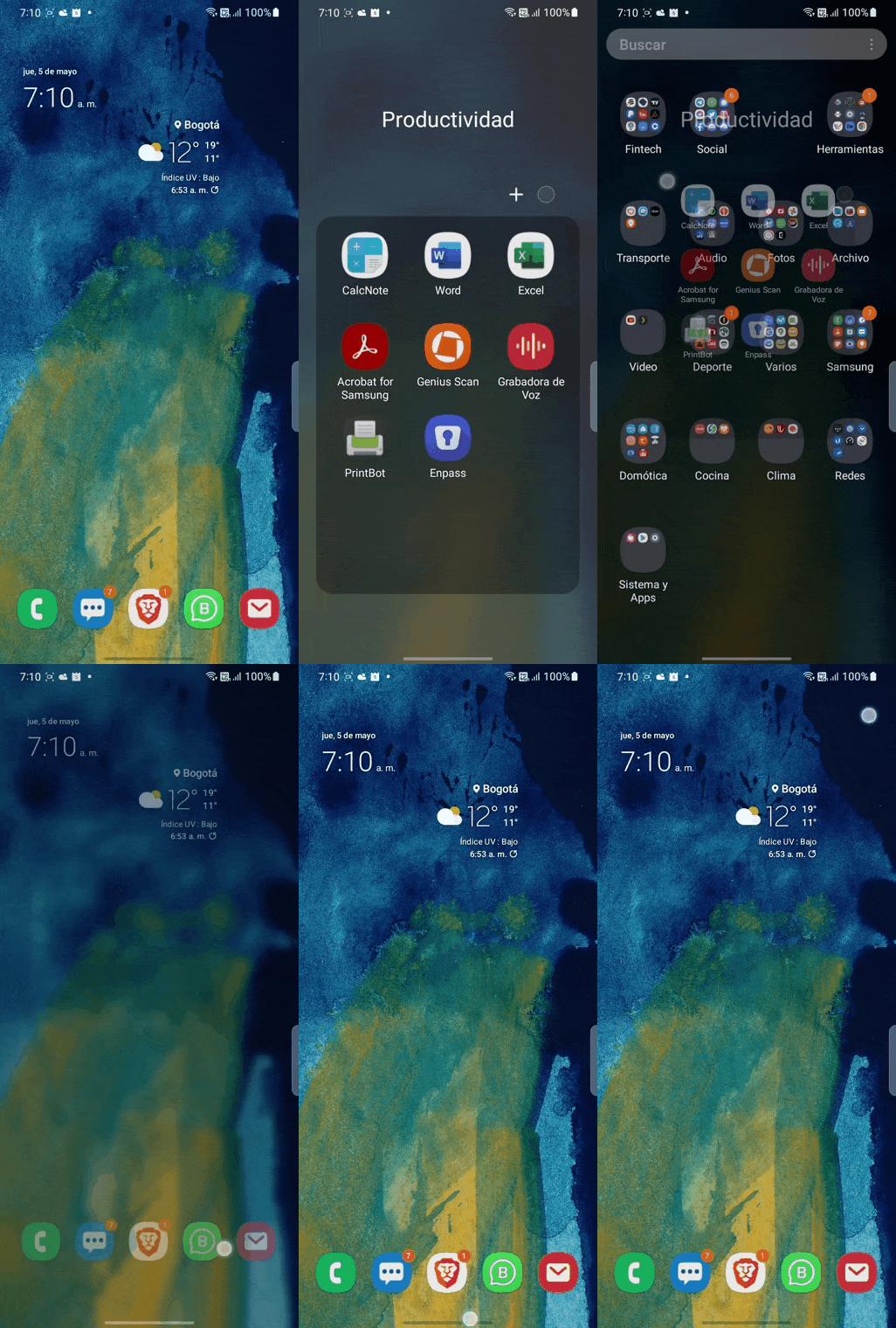
Here is an animated GIF reproducing the crash, I have uninstalled, login/requested te OTP code, and after that, Enpass crashes (Android 12, Galaxy S20 U)
-
Same here, Enpass crashes and self closes, Android 12, Samsung Galaxy S20 Ultra
-
Browserextension not working after Brave Browser Update
acyclovir replied to bernhard's topic in Windows PC
Me too Brave V1.21.73 (Mar 3, 2021) extension doesn't work anymore, on Win 10 -
The extension stopped working on Brave Beta
acyclovir replied to BSoD38's topic in Autofilling and Desktop Browser Extensions
This is not only with beta, with latest Stable Brave browser V1.21.73 (Mar 3, 2021) Enpass extension stops to work, unable to connect to Enpass app -
I Have updated from previous beta to this version, but when trying to log in Empass 6 keeps showing "wrong password" what is going on?
-
Enpass update to version 6 leaves chrome extension behind
acyclovir replied to Philip's topic in Windows PC
Same for me WIN10 Chrome latest, extension from link you have provided, I have tried everything, but nothing

