MisterJ
-
Posts
5 -
Joined
-
Last visited
MisterJ's Achievements

Newbie (1/14)
0
Reputation
-
-
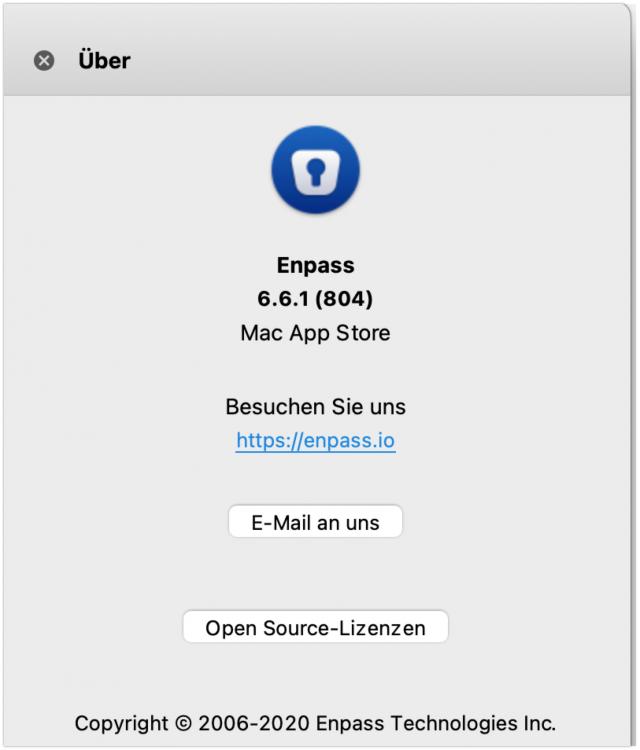
I am using 6.6.1 for a while now but the Problem does still exist. I need to quit and restart Enpass after every episode I was absent from my mac, otherwise the vaults are empty. I have paid for Enpass Pro and Premium and I am not pleased about these bugs. Furthermore, I am thinking of changing over to a self-hosted Bitwarden_RS installation because of all these bugs and lack of fast support.
-
Thank you @Pratyush Sharma. Any news when or with which version it will be fixed?
-
If the Firefox extension on my Windows 10 64 Bit Computer is enabled. I always must add a space after a domain in the adressbar, otherwise I am not able to send the request for the domain. So I need to enter "example.com " instead of "example.com". This only happens on my windows Computer.
-
I have exactly the same issue like MisterT. I used %20 in Version 6.0.0 (macOS) now in Version 6.0.3 (macOS) this is no more working.