
zyghom
Members
-
Joined
-
Last visited
Everything posted by zyghom
-
I finally switched to Safe In Cloud - simply it satisfies me more than enpass and the changes here that happened
-
v6 is paid, on android and iOS you need to buy it again on desktop for free you will get "disabled" version - to get what you had on desktop in v5 you need to pay as well
-
+1 I just moved 5 users (including 5 purchase) from Enpass to the competition just because devs decided to tweak it
-
ha ha ha did you sleep over last 2 months?
-
You can use free desktop version of Safe-in-Cloud to take all data from Enpass v6 and then either stay with SafeInCloud or export to any other app. safeincloud takes json file from enpass 6 perfectly
-
-
...because it was only a matter of time when other devs will use the flaw of what Enpass devs screwed up ;-)
-
attachements: I did not have any in enpass however safeincloud is limited to 150KB per file others: I am not sure I had any custom fields in enpass either as well as totp I migrated to enpass v5 from Keepass but once I test properly android and iOS I will move to safeincloud especially that it supports family plans and with few people in my family we will have nice password manager for 1 time pay - unless devs of safeincloud do what devs of enpass did ;-(
-
@earl.grey I owe you one for the safeincloud!!!
-
I just exported v6 enpass to json and imported SUCCESSFULLY to Safeincloud! that is the first step to say GOOD BYE to enpass - let me test iOS and Android... it is in the Import menu - it says "v6 and above of enpass"
-
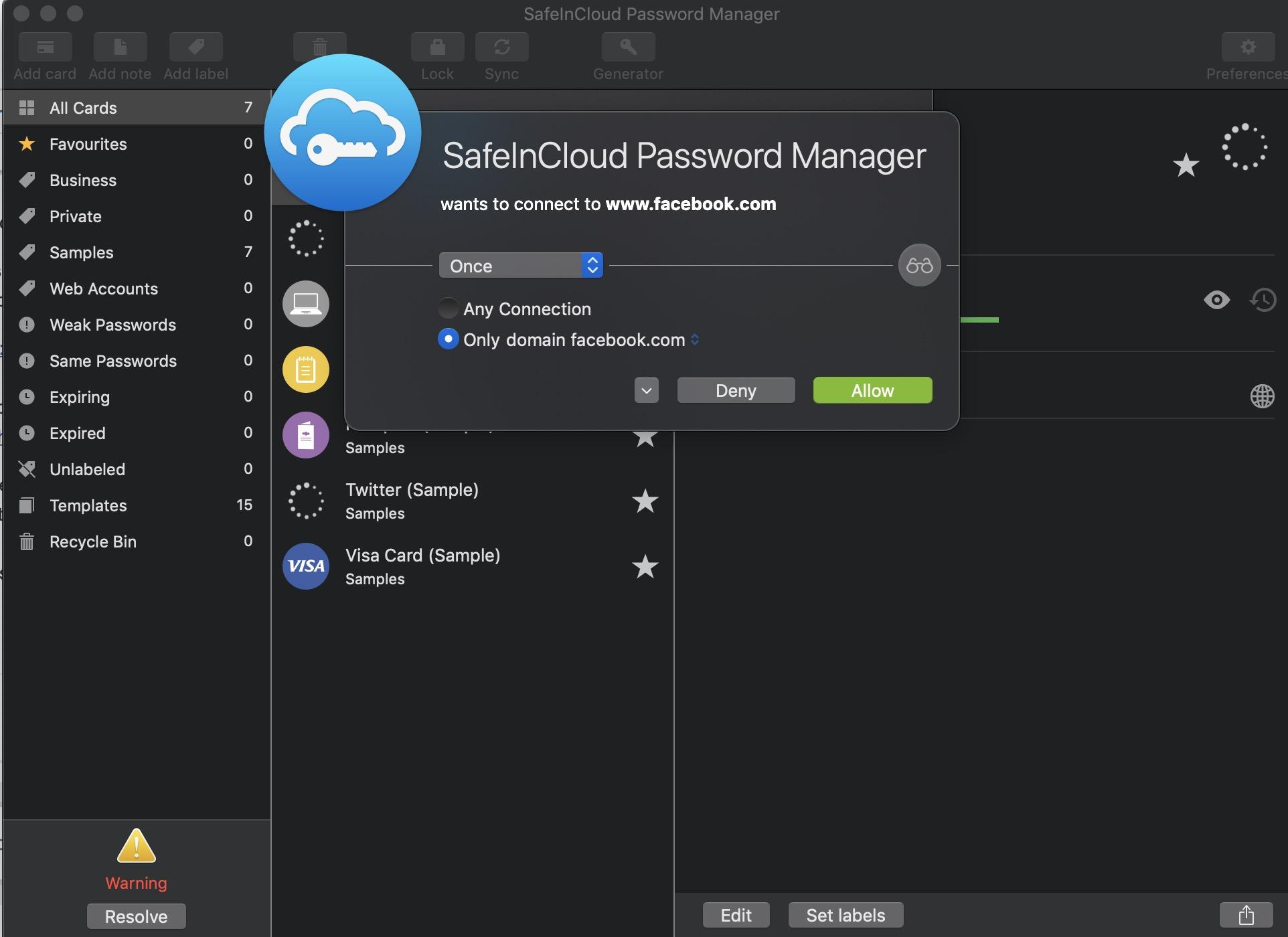
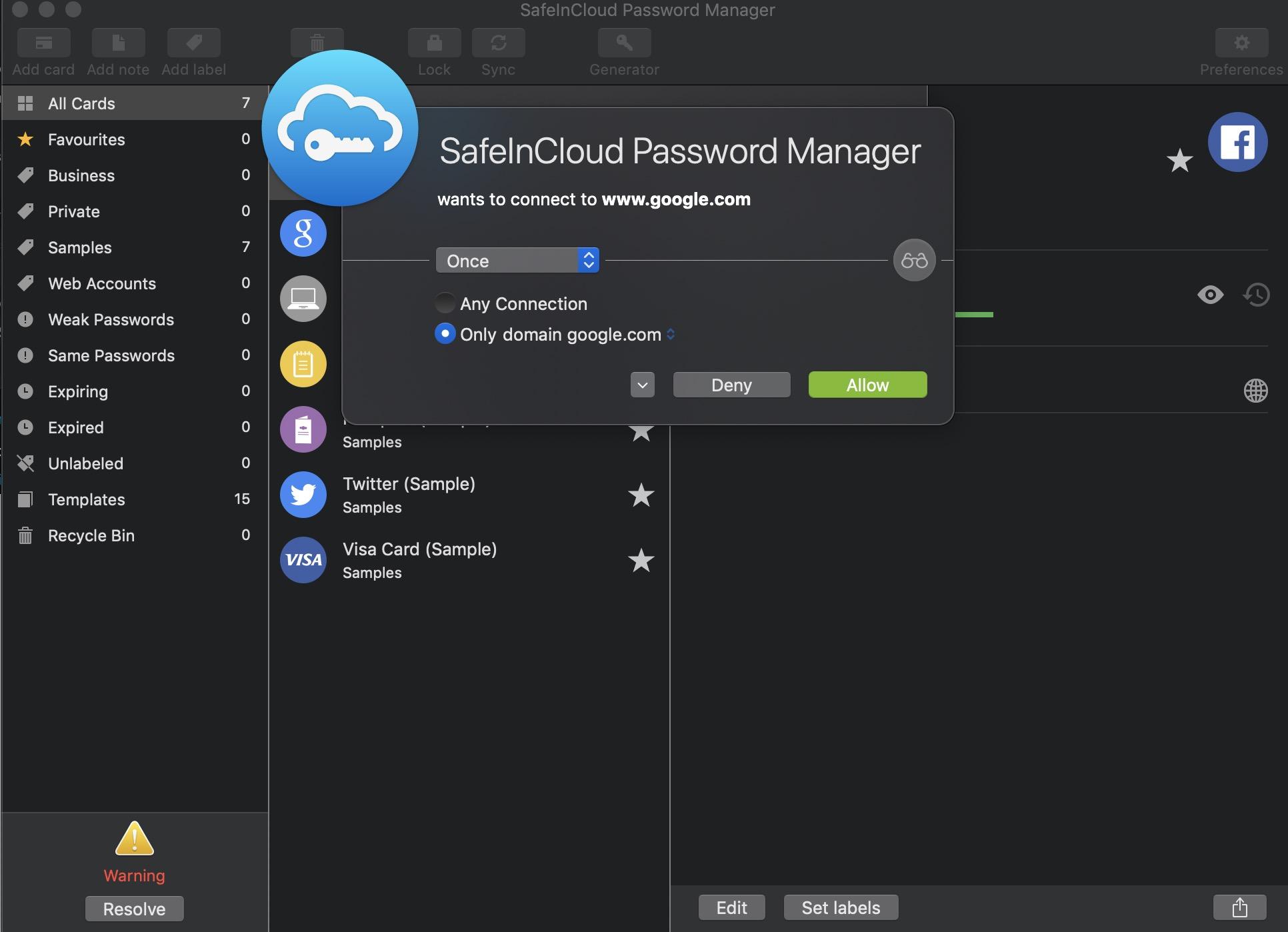
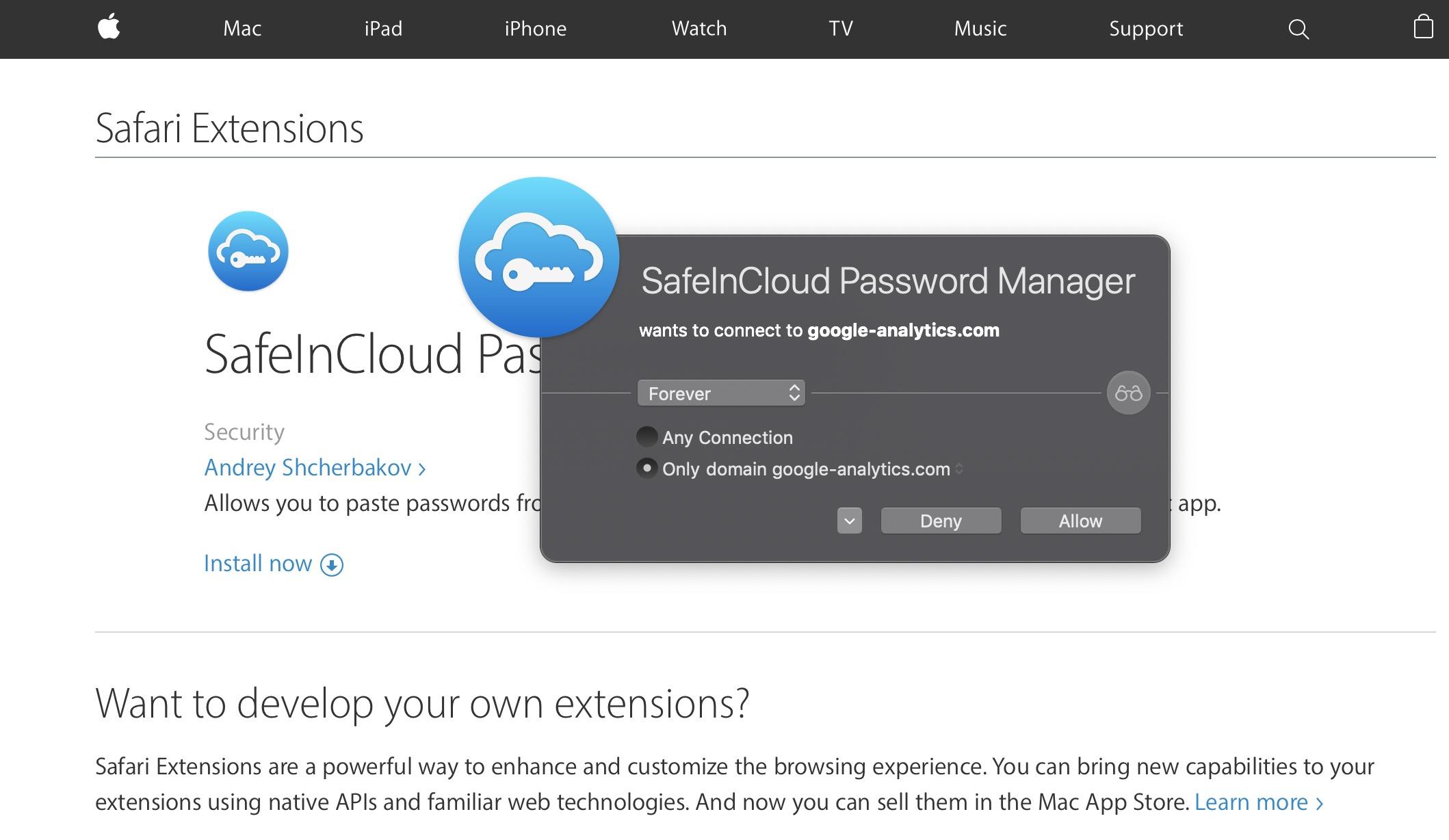
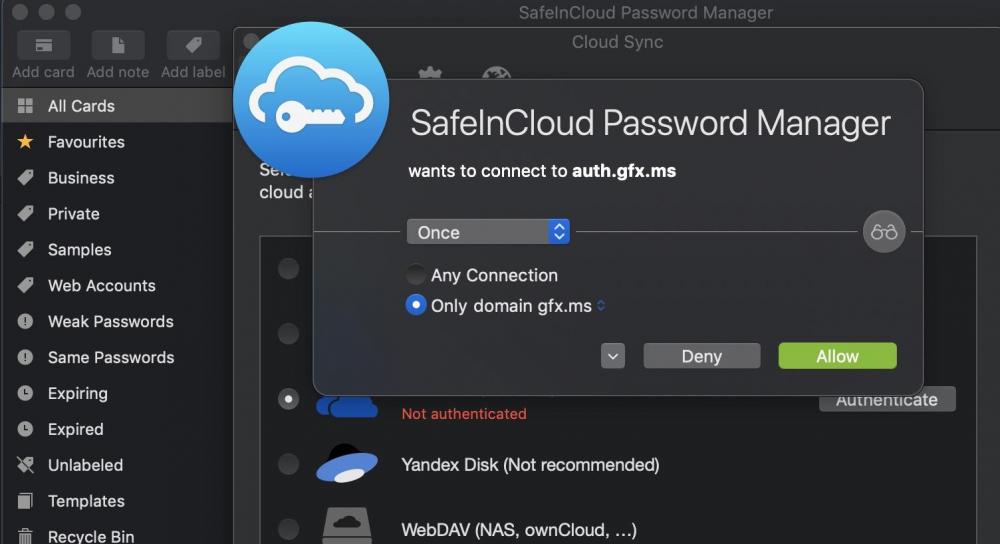
@earl.grey you are right about gfx.ms ;-) how about others? btw safeincloud supposed to import v6 enpass db - let us see ;-)
-
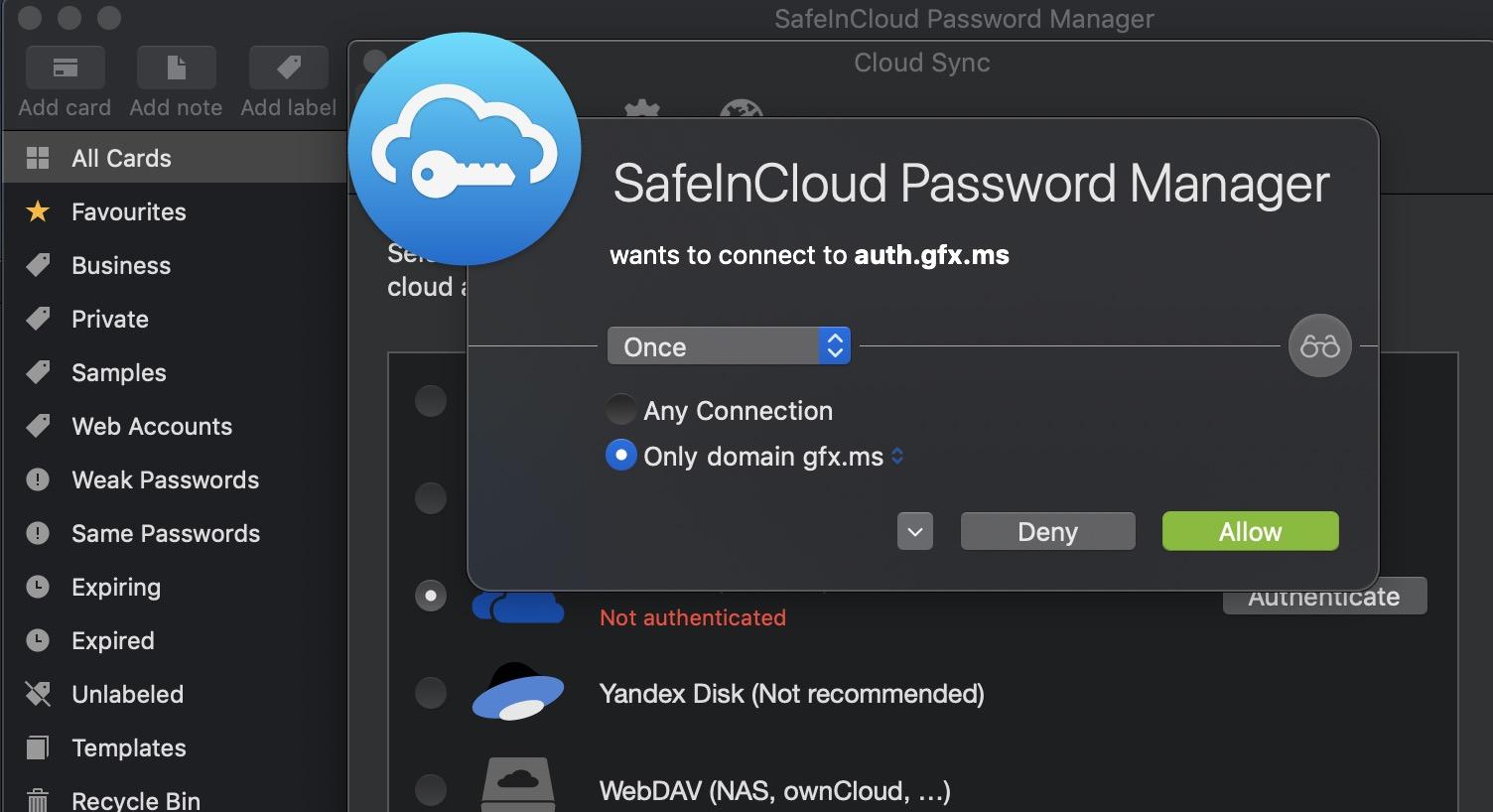
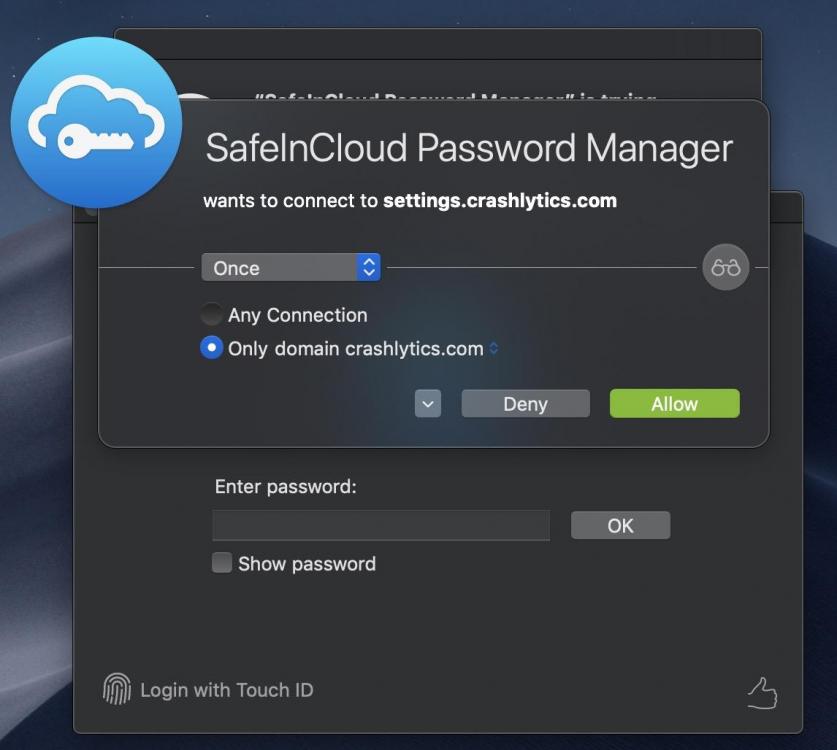
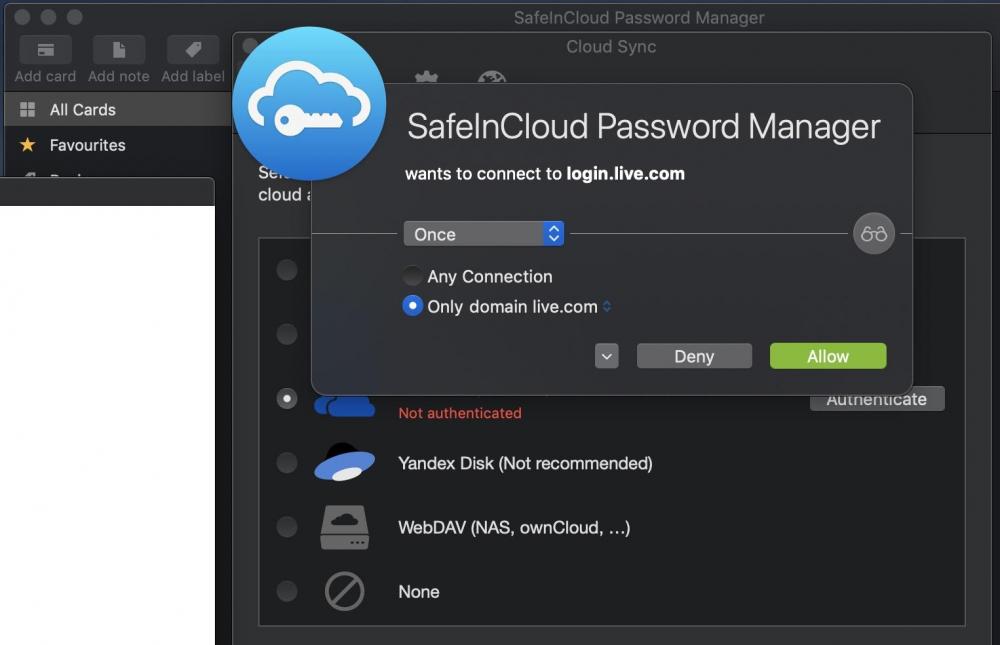
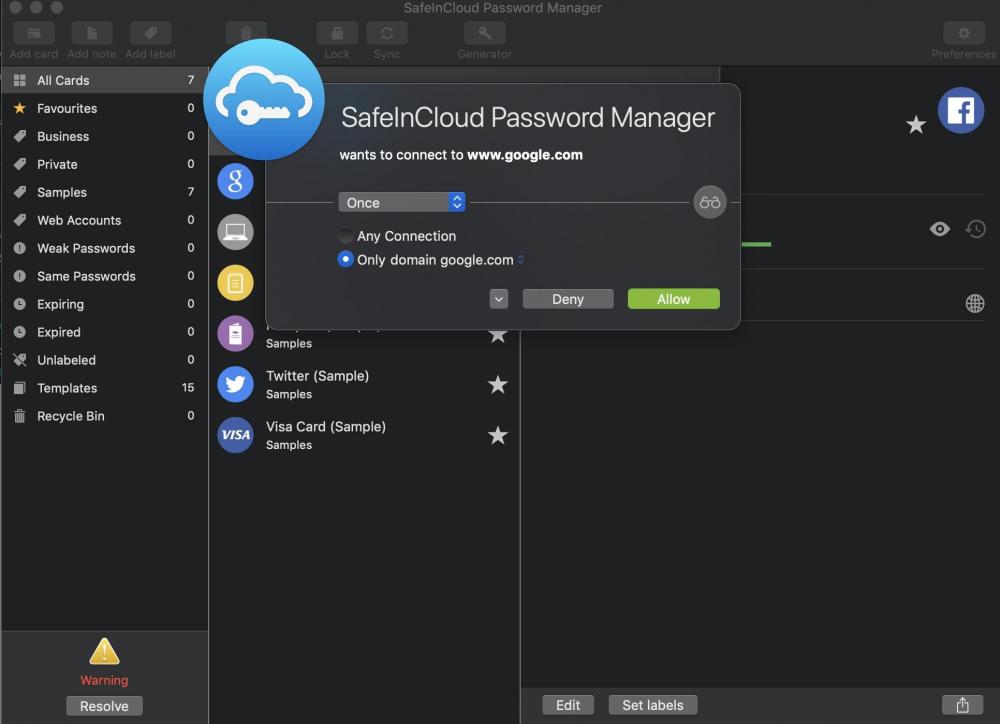
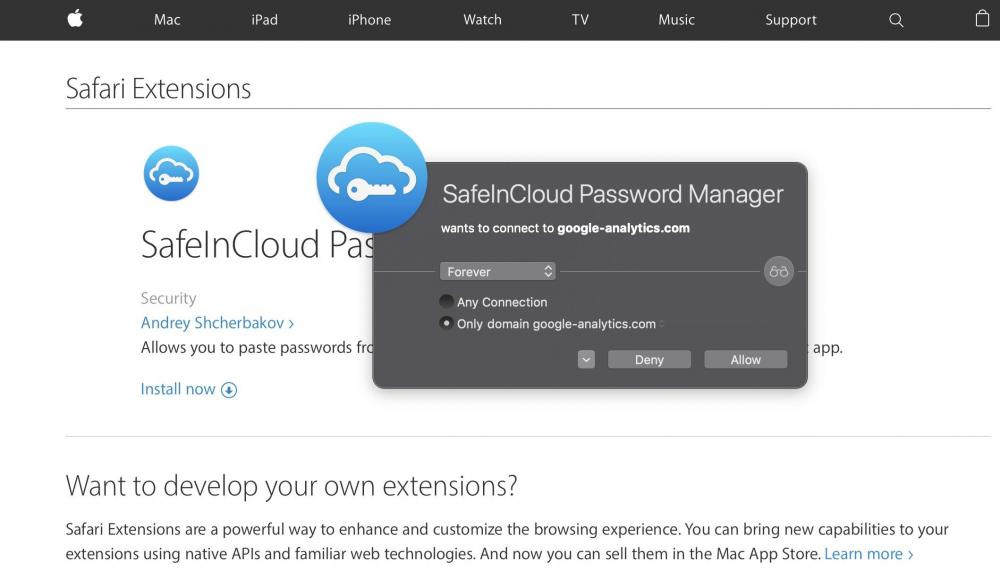
going further with synchronisation with OneDrive it is asking for both: connecting to OneDrive (expected) but then to gfx.ms - unexpected. Once you block gfx.ms it will not allow you to synchronise. Last one: crashlitycs.com? wtf? so ZERO trust to this one my friend:
-
+1
-
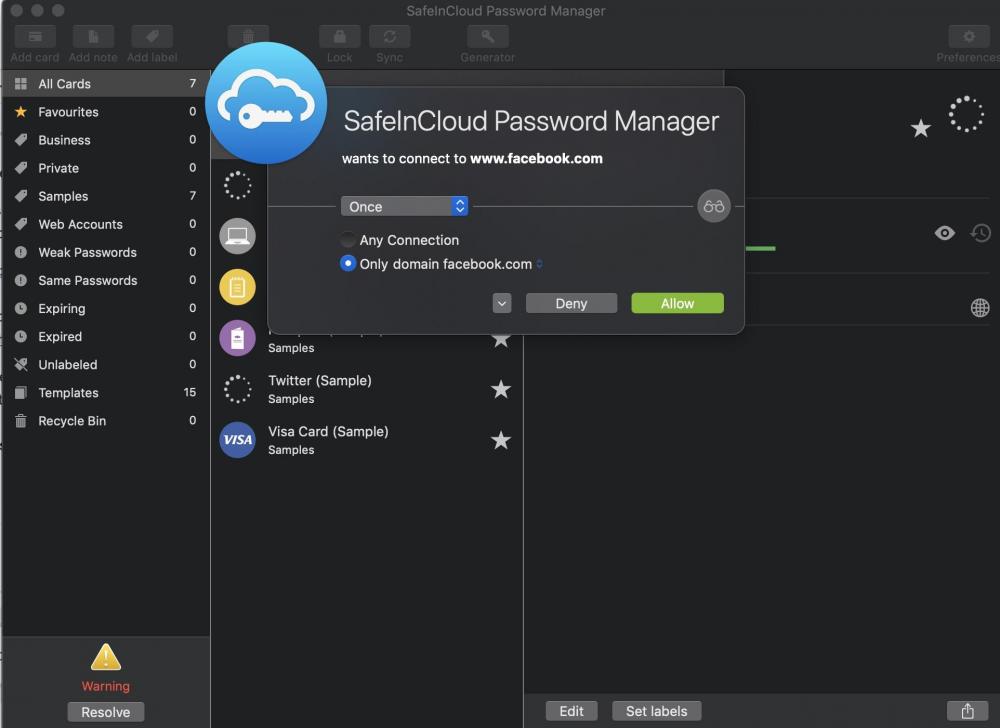
just fresh installation on my Mac and ... thx god I have a firewall...
-
they are not supporting existing users with the issues that arrived in v6 - how do you expect them to support exiting user? first and the utmost important: upgrade of database from v5 to v6 without consent second: export from v6 in unreadable by any other software format? should I continue?
-
expect NOTHING from devs ;-)
-
@Rodanne your answer is only partially correct
-
let me know if you find anything better than manually
-
Completely ignored by devs
-
True but you must use their cloud In keepass you don't have to
-
Keepass is native to windows But mac has superb port: keepassxc, soon to be officially with touchid Android has also a port and even 2 versions: offline only and online of your choice of cloud iOS is a pain unfortunately and all ports are bad
-
-
https://apt.enpass.io. - did you try it?
-
as far as I understand there is NO enpass account you need to close and data you have on iCloud you can delete - it is your folder in Apple environment
-
@mrSLK you did not get the point - it was/is never about how much to pay, it is about not being honest to the customers - but since you have opinion already set up there is no need to go further with this discussion with you