playmobilmeister
Members
-
Joined
-
Last visited
-
Thanks. I just managed to overcome it by uninstalling and then doing a clean install of Enpass. this did not work at first, but when I rebooted windows it worked.
-
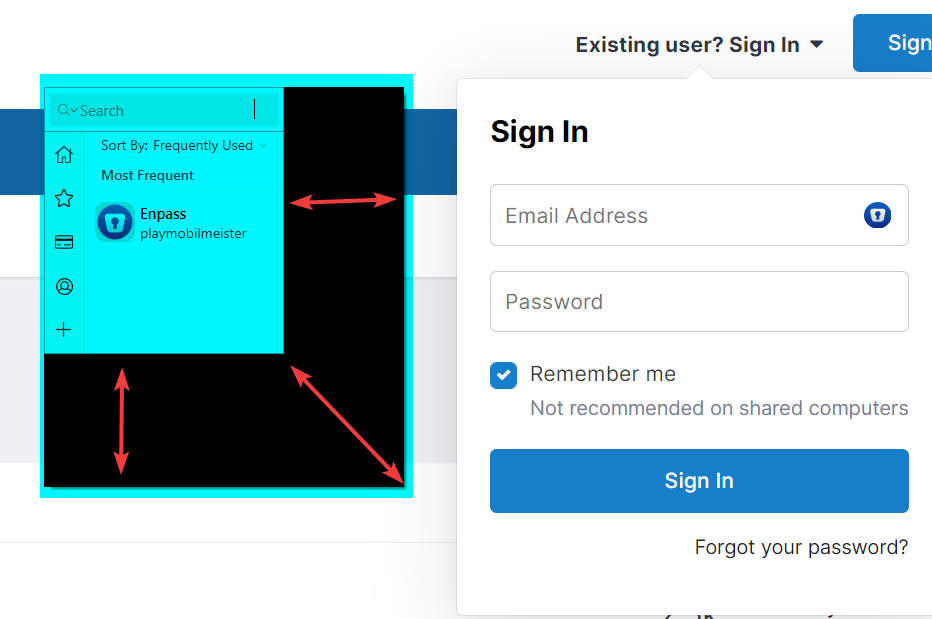
Hi, recently the Enpass pop up window shows like this in both browsers: I tried to reinstall both extensions but it did not help I am using the latest versions of Enpass - 6.8.1 (1060) on a Windows 10 computer. any idea what might be
-
if there is a way, I wasn't able to find it
-
Please reconsider adding this feature. If you can make it merge vaults, you can make it merge fields.
-
-
-
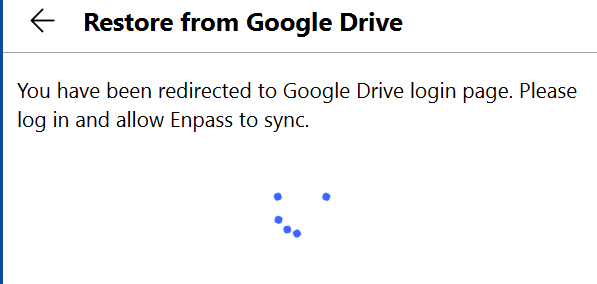
Hi all, after having uninstalled and re-installed in windows 10, I want to restore the data from google drive, but i get stuck here, indefinitely, without any of my browsers opening the login page. my internet connection is fine. Enpass version 6.74.934.0 Edition Windows 10 Home Version 21H1 Installed on 12/10/20 OS build 19043.1415 Experience Windows Feature Experience Pack 120.2212.3920.0\
-
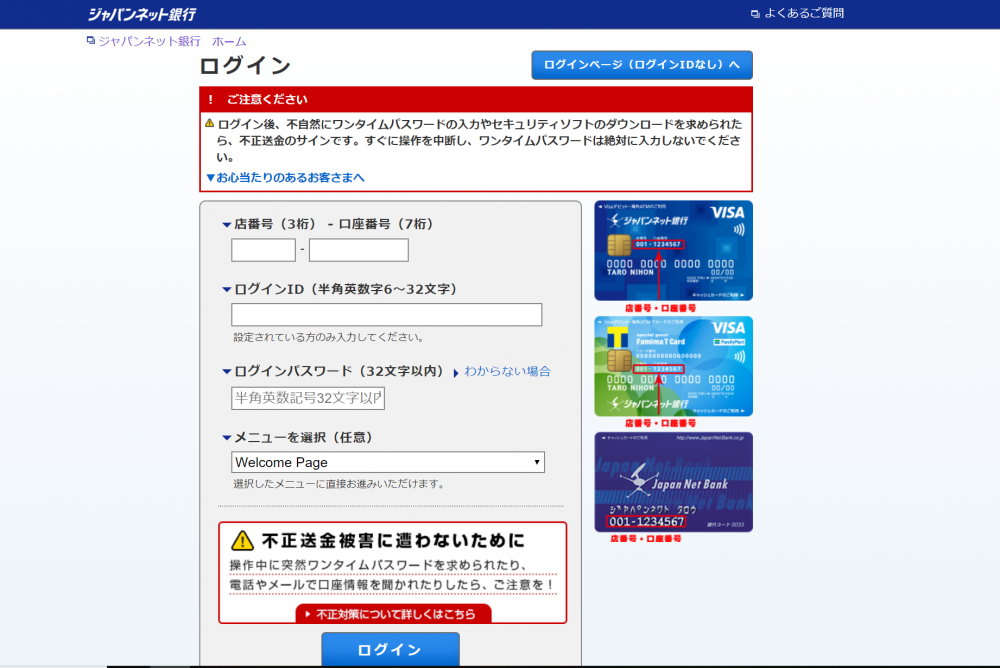
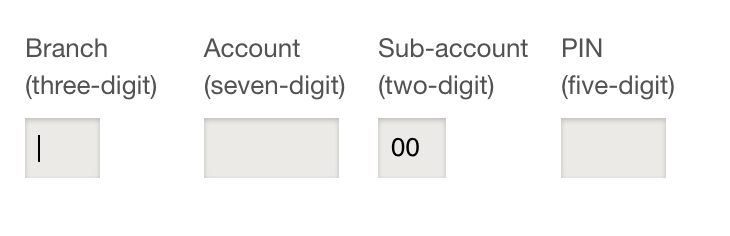
I still can't Autofill 3 fields. I now have enpass 6.0.2 after having reinstalled enpass + the latest Firefox add-on. I cleared the existing item both in Enpass and in the firefox logins and started from scratch. the 3 fields were captured correctly by Enpass but Autofilling doesn't work. Autosubmit Login is on and i didn't allow firefox to save the login to this site
-
this is mind-boggling neglect
-
+1 I also tried all different combinations of field types for 3 fields the three as defined by the network are a textual username password (both of these work) , and a numeric ID (which does't, no matter how i define that field). what happens is that the username is filled, but instead of the ID (i also tried rearranging their order inside Enpass) i also deleted the saved login in firefox before all of these tests