Bleeddragon
Members
-
Joined
-
Last visited
Everything posted by Bleeddragon
-
-
Hello Thank you for your reply, but it seems I have expressed myself in an incomprehensible way. It is about existing items. When I open them, I can't see which category they are in. I have some items that don't seem to have a category, but when I edit them I can't see if they have a category or not. In the category menu I can't see the entries that are not assigned to a category. It would be good to have an entry "no category assigned" then you could assign them accordingly. Greetings Leo
-
I can't see in the entries which category they are assigned to and especially which ones don't have a category yet. Is there any way to switch this on? Thank you and greetings
-
Hello people I have the same question, but the right click does not work for me. Where is that exactly? Greetings
-
Thank you. Looking forward to the solution.
-
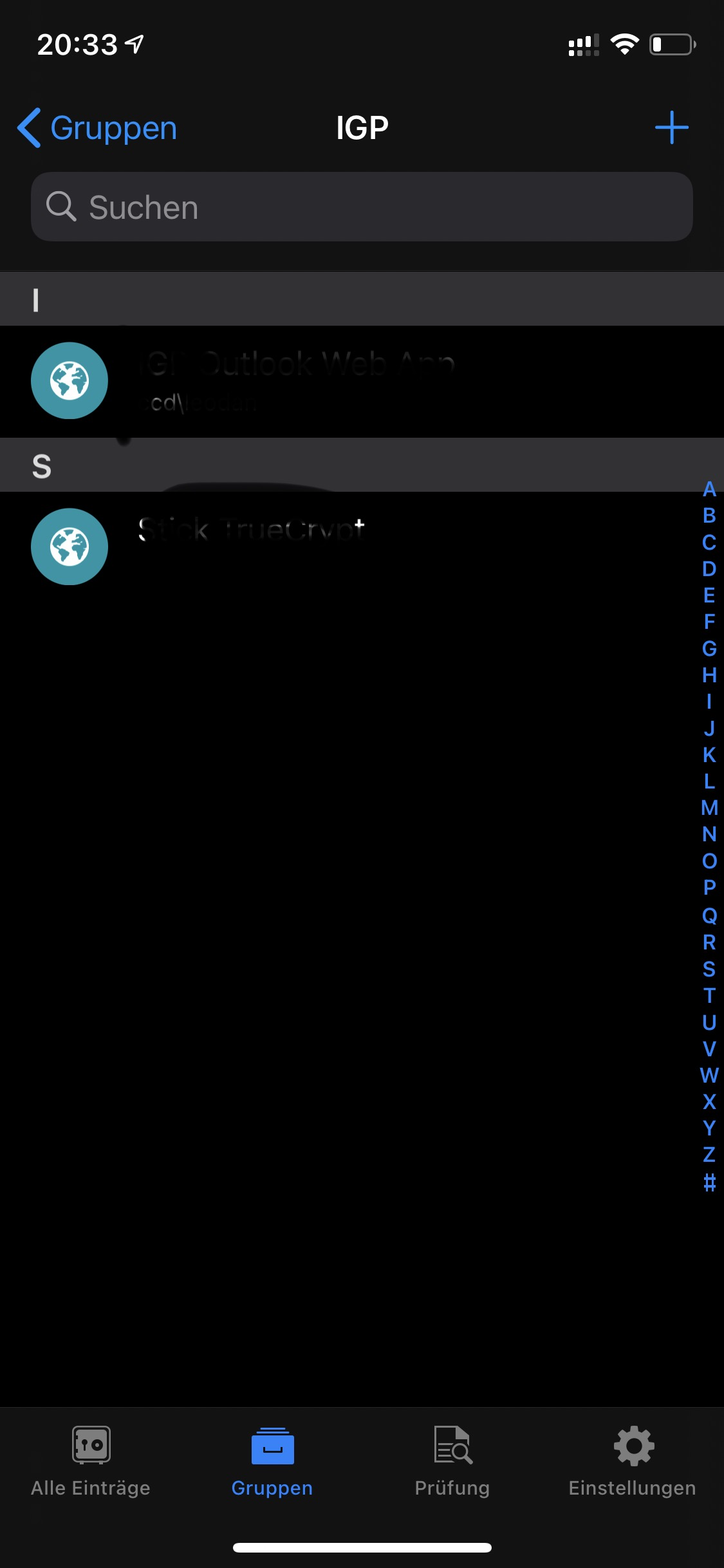
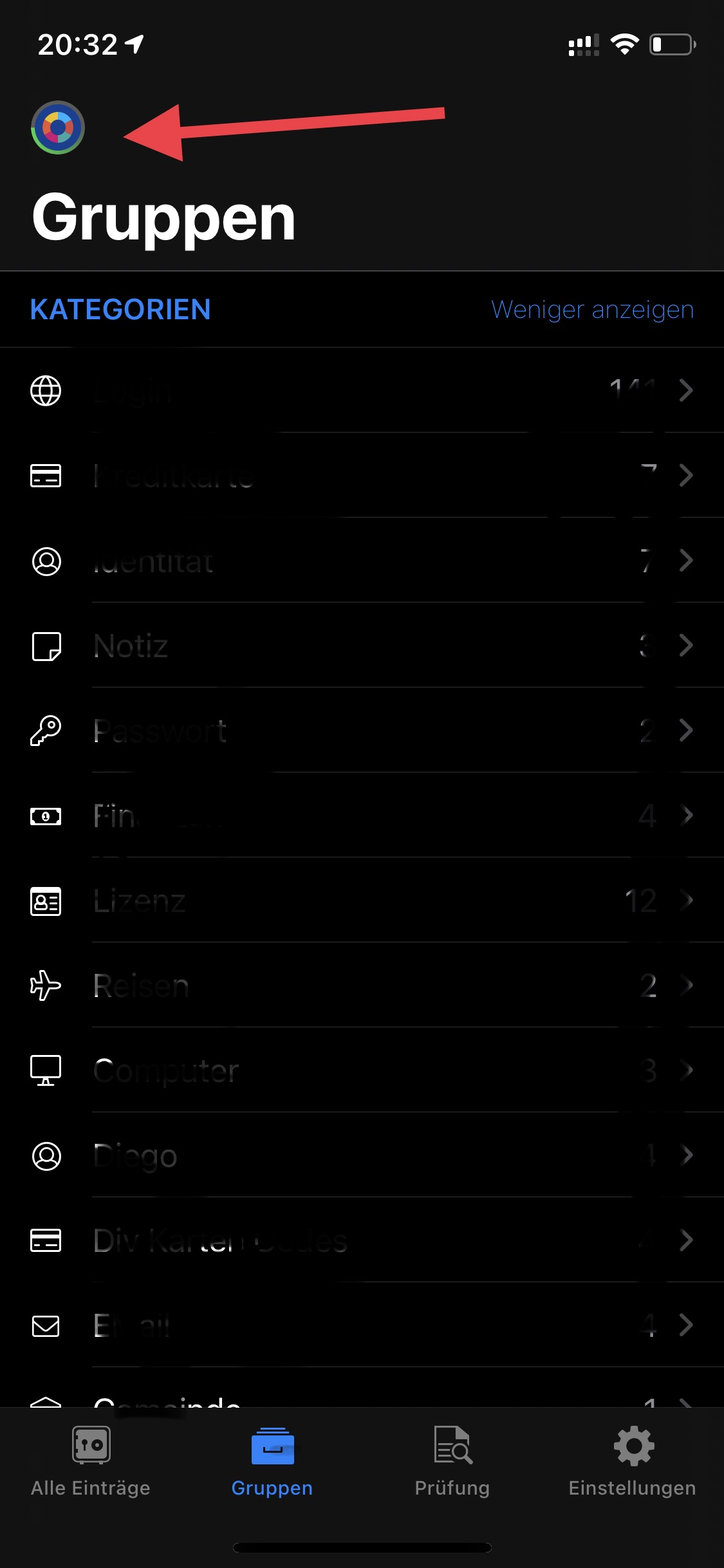
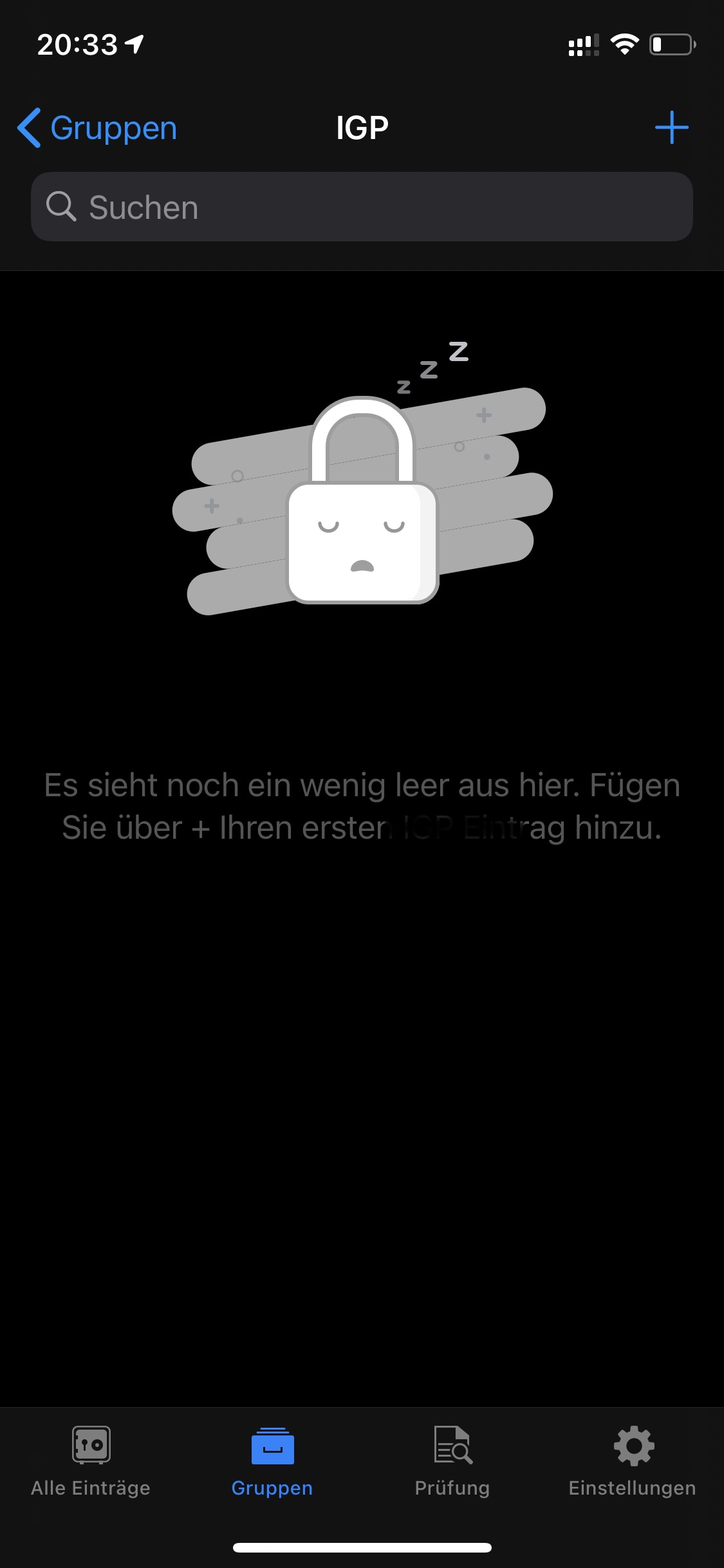
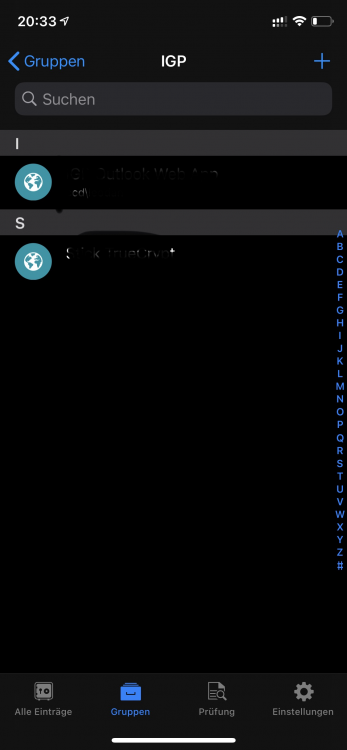
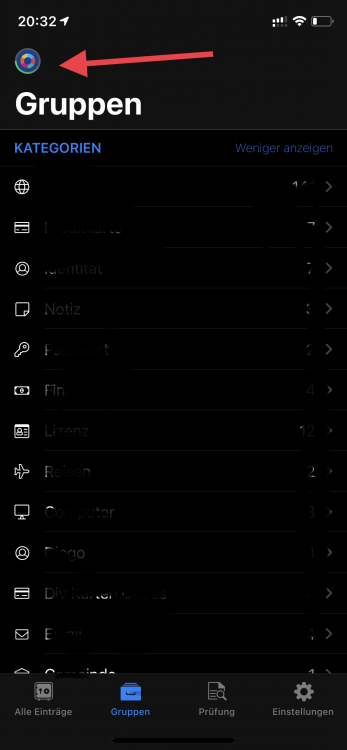
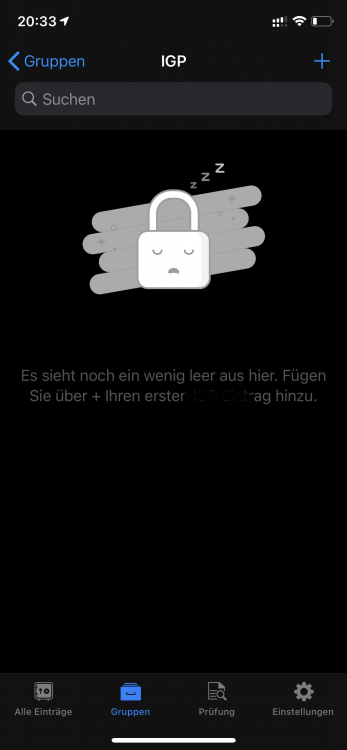
Hello Enpass Team I come back to this topic and try to explain it better with pictures. The problem only appears with the ios version. Not on the desktop Version. I have three vaults. When I select one specific, everything works and I see all items in the categories. When I select "all vaults", in some of the Categories item are not visible. Hope now its explained on a good way.
-
Thanks Garima
-
Is Enpass from the Windows store and the one from the website the same? Thought there were differences?
-
Is it possible to restore the file from the carantine without risk? Has anyone already done this without risk? Greetings to the team
-
-
Hello First of all, I wish you a happy new year. I use an iPhone XS with iOS 14.3 and Enpass Version 6.6.1 (528) Than you
-
Sorry, but in this case a printscreen its no help to see the error. Try to recreate the situation from my description. thank you and greetings
-
Hello I manage three vaults. Now I notice that when "all vaults" is selected, the entries no longer appear in the categories but only when the corresponding vault is selected. This was not the case before. Can you understand this? Is it possible to change it? Thanks and greetings Leo
-
Same problem hier. Befor its works perfect, but now Enpass Destop premium crasht wenn I open it. The workaraound on top can I not handle. Environment variable is not foundet.
-
Thanks for the update. It runs perfectly.
-
Same problem here. Under iOS 12.1.2, Enpass 6.0.0 (196) works fine. I was also able to synchronize with WebDav on my Synology NAS without any problems. All works well. But when I turn off the NAS, Enpass freezes on iPhone and can't operate menus anymore. Password fill in works but still . If I switch NAS on again, everything works again. Enpass searches run the connection to the NAS and if he doesn't find it, Enpass freezes. From my point of view, it should only be triggered as needed and by hand. P.S. The desktop under Windows simply gets an error message. Synchronization error. Unpleasant however everything runs. Thanks for fixing it soon. Greetings