Bob___
Members
-
Joined
-
Last visited
-
Hi Enpass Team, Santa was a little early with me and brought me a new MacBook Pro with the Apple Silicon M1 Pro . What is the current status of the native M1 compatible Enpass app on macOS? When will you release an M1 version of your app?
-
Hi @Samuela Yes, I have already tried that, but unfortunately nothing changes in the behavior of Enpass, the checkbox to enable Windows Hello can not be set to active.
-
Hi @Samuela but @Manish Chokwal wrote this ... So that's why I assumed that there is already the new release 6.7.1? available. What is correct now?
-
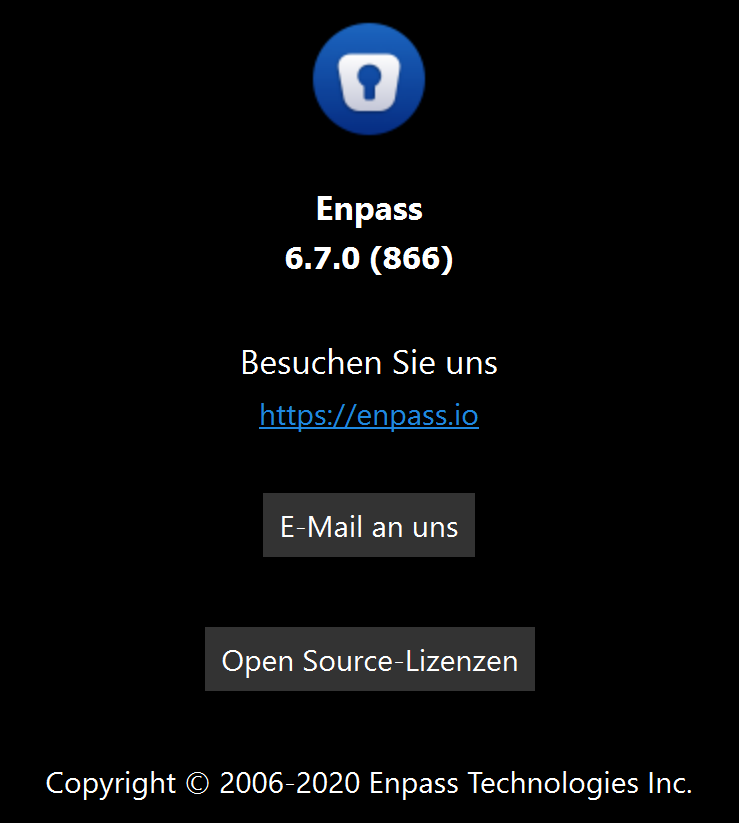
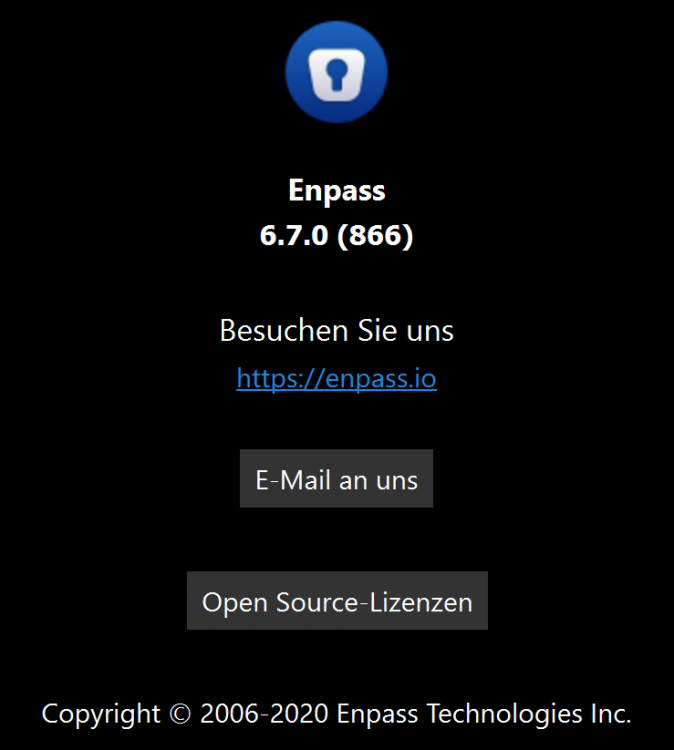
Hi @Manish Chokwal, currently I only see in the (German) Windows Store the following app version: Even after log out and log in of my user the "old" version is only available. Could you please check, if you can en-force the update to be visible in the German Windows-Store (if possible)? UPDATE: I even tried to uninstall the "old" Enpass App and reinstall it again from the (German) Windows Store but got again only the 6.7.0 (866) version

-
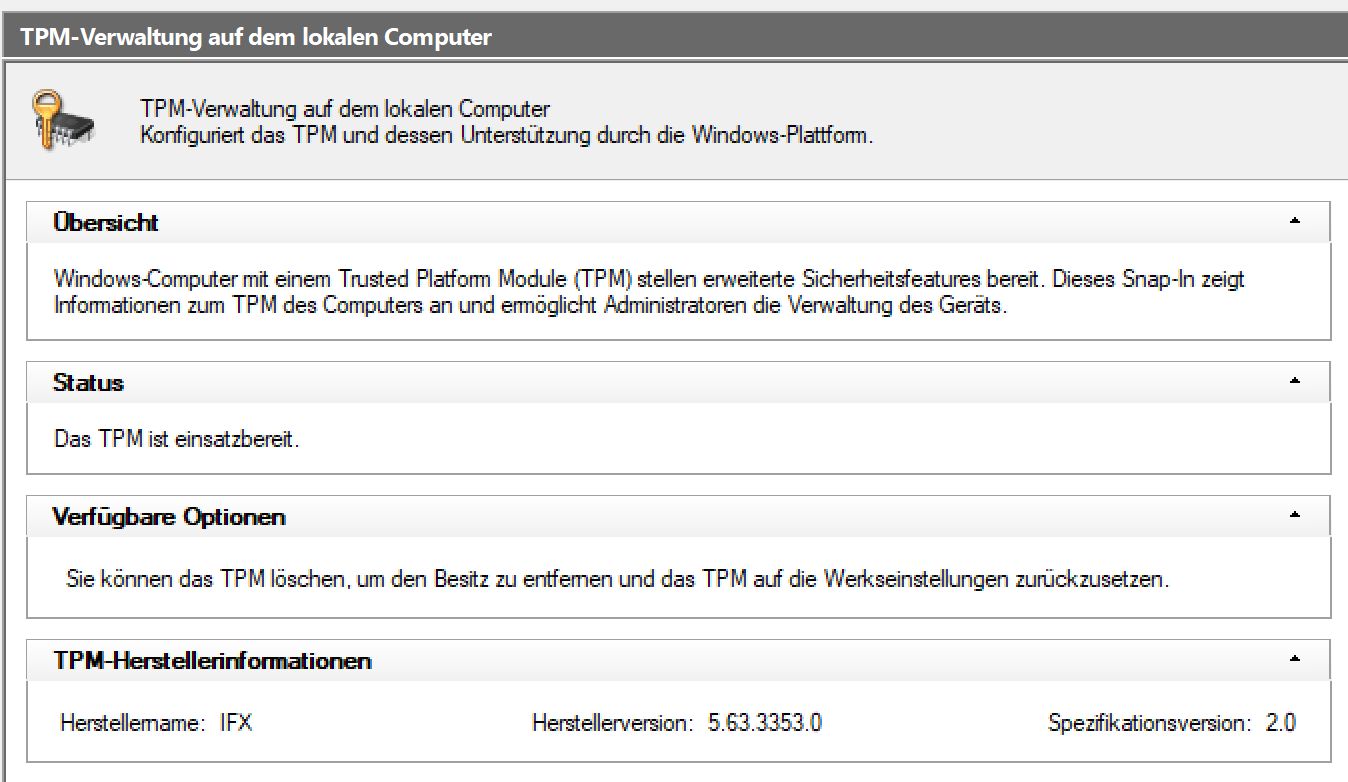
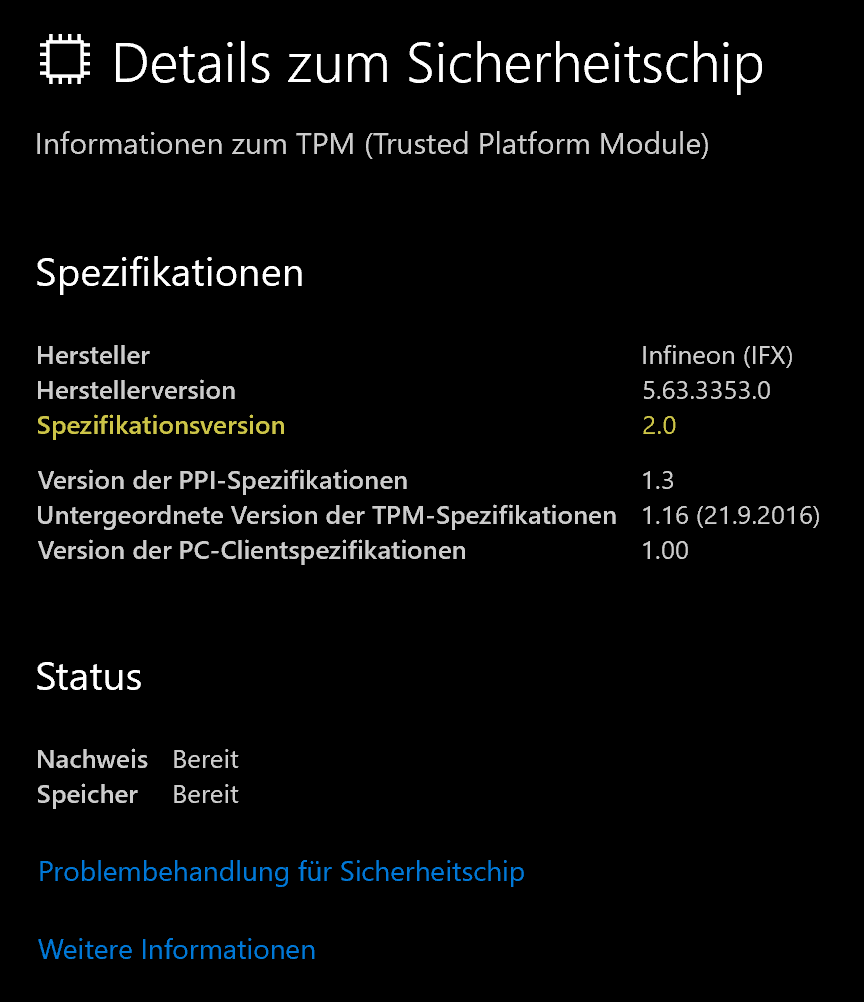
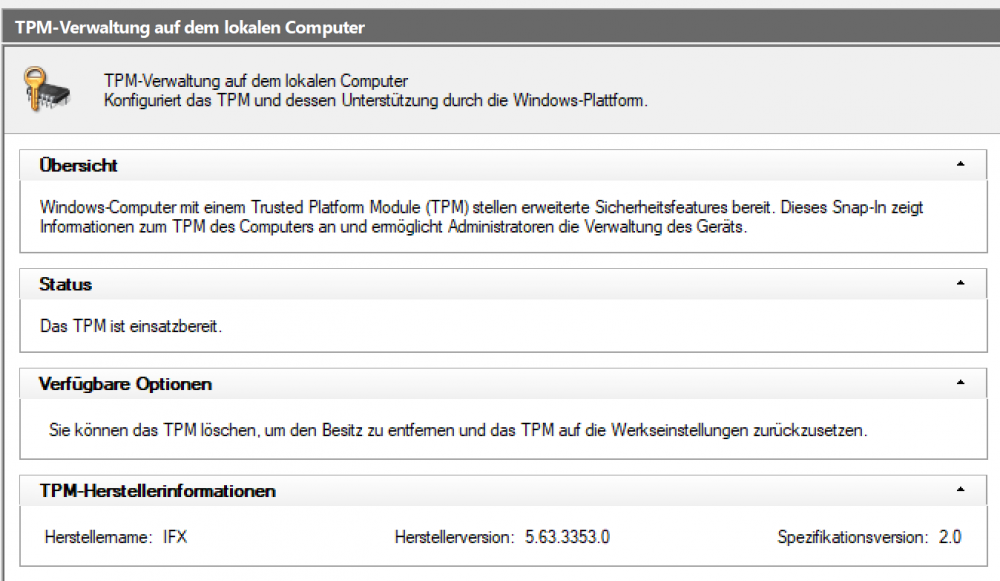
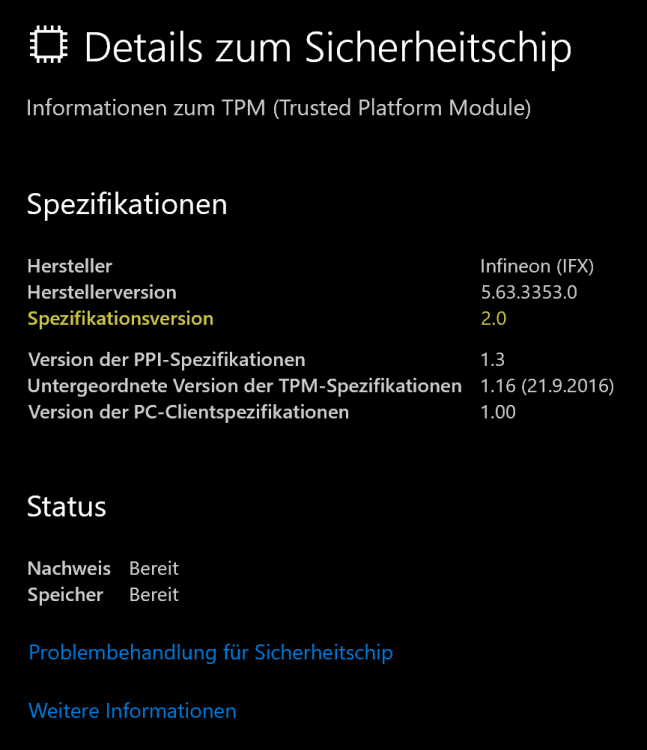
Yes, of course I see the checkbox under Quick Unlock "Windows Hello" in this menu, but it cannot be clicked or the checkmark does not stay in the checkbox. Under Windows 10 this was possible without problems on the same computer. Under Windows 11 there is the TPM management console (no idea if this was already available under Windows 10) and if you call it with tpm.msc in a console it confirms to me that my TPM is ready for use (see screenshot, sorry it is in German, but it says that everything concerning TPM is OK). Only within Enpass it does not seem to be recognized at the moment.
-
No, unfortunately the link to the "Windows-Hello-broken-fix" did not affect the issue at all. As I said, when logging in to Windows 11, Windows Hello with the fingerprint reader works without any problems, it is just currently not possible to use this option within Enpass.
-
Hi all, I am currently testing Windows 11 (22000.132) with Enpass (6.6.3 (836)) and find that (what still worked under Windows 10) unfortunately does not currently work under Windows 11, namely logging into the Enpass app (from the Windows Store) with Windows hello via fingerprint reader. It is not possible to activate Windows Hello within Enpass, although I can log in to Windows 11 with Windows hello. So OS wide Windows Hello is working. Have you been able to test this yourself? Is there perhaps a beta that already works (better) under Windows 11?
-
That would be a game changer +1
-
I have no update for the Enpass version 6.5.1(716) in the German Microsoft Store. I am constantly told that the 6.5.0 (700) is still the latest version I have installed. Could someone from Enpass say something about this?
-
Even with a TPM 2.0 compatible chip Windows Hello does not work directly when starting Enpass (Store Version 6.5.0 (700)) I still have to login with my password once and after that (if Enpass is not used for a while) I can login with Windows Hello. But this was possible before I plugged the TPM chip on my motherboard and activated it. I can only confirm what the previous users have already written, that in all other use cases Windows Hello works without problems. My request to the Enpass team: Please check the implementation of this feature again. Maybe there has to be a compatibility check with other TPM chips after all.
-
Hi Garima, I am not a developer or programmer. Can you or anyone else tell me how I can run this expression under Windows 10: public IAsyncOperation<KeyCredentialAttestationResult> GetAttestationAsync();
-
I have a similar problem with my Windows 10 PC. I extra bought an ASUS TPM-M 2.0 (it is a Infineon TPM chip) module to upgrade TPM for my desktop. The TPM-module is also correctly recognized by the Windows 10 system settings and is evaluated as ready for operation. I have already reset the TPM module (content deleted) and checked if the latest TPM firmware is installed on the module (it is he latest firmware). Nevertheless Enpass 6.50 (700) starts when restarting Windows 10 in the mode that I always have to type in the Enpass Master password first. After that (as long as the PC is running) I can open the Enpass app by finger scan with Windows Hello, but this was already possible without the TPM module. What else could be the reason that Windows Hello does not work immediately after restarting the Windows 10 PC?
-
Hello Garima, Thank you for your answer. I would be very pleased if your team could take this into account for the next Enpass update to better integrate the Windows Hello function into Enpass. But please also remember that you don't have to click on the Windows Hello smiley to use Windows hello Kind regards Bob
-
Yes, I would also be very interested in how Windows Hello can be used directly when unlocking the Windows 10 Enpass App. It's just very annoying if you have to click on the smiley face with the mouse first.
-
Yes, I would also be very interested in how Windows Hello can be used directly when unlocking the Windows 10 Enpass App. It's just very annoying if you have to click on the smiley face with the mouse first.