Skip to content
View in the app

A better way to browse. Learn more.

Enpass Discussion Forum

A full-screen app on your home screen with push notifications, badges and more.

To install this app on iOS and iPadOS
  1. Tap the Share icon in Safari
  2. Scroll the menu and tap Add to Home Screen.
  3. Tap Add in the top-right corner.
To install this app on Android
  1. Tap the 3-dot menu (⋮) in the top-right corner of the browser.
  2. Tap Add to Home screen or Install app.
  3. Confirm by tapping Install.
  • Search By Tags

    Search will match any tag entered
  • Search By Author

Content Type

Forums

  • General discussion
    • Hot topics
    • Enpass Support & Troubleshooting
    • Registration and Purchases
    • Autofilling and Desktop Browser Extensions
    • Data Security
    • Announcements
  • Help us improve Enpass
    • Feature requests
    • Enpass Beta
    • Localization
  • General discussion

Find results in

Find results that contain...

Date Created

  • Start

    End

Last Updated

  • Start

    End


Filter by number of...

  • Minimum number of replies

  • Minimum number of views

Found 4 results

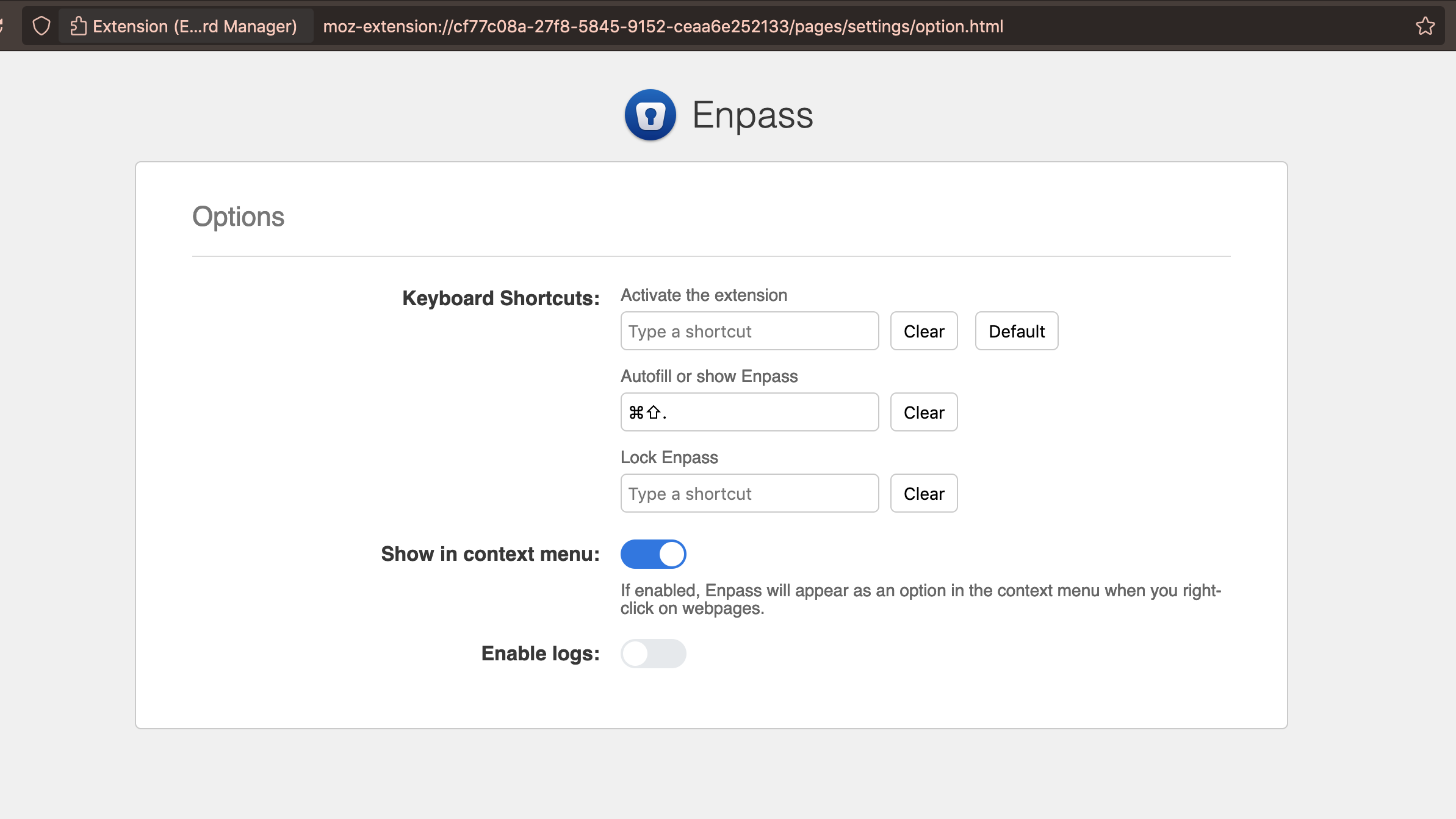
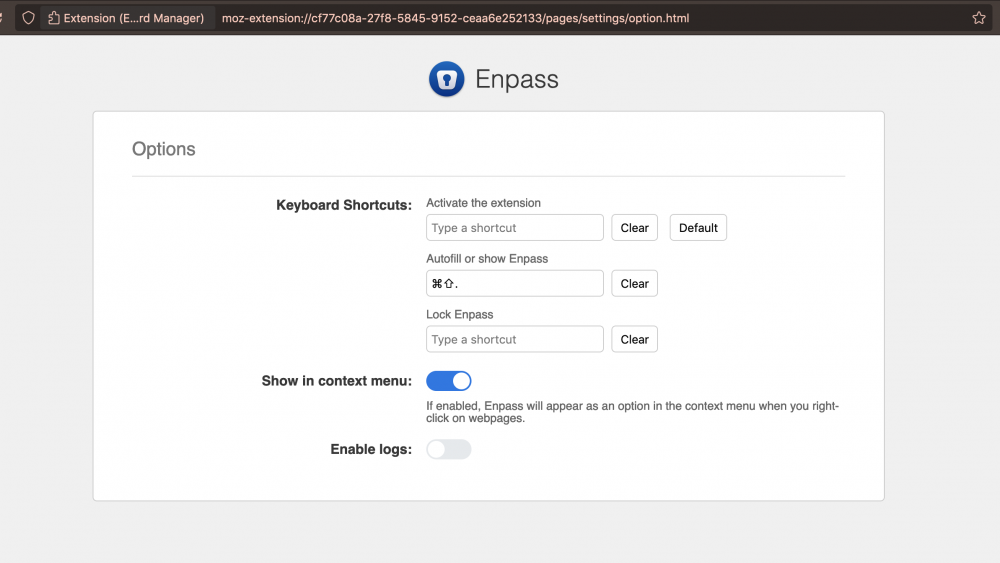
  1. After the latest update, the hotkey no longer autofills the username and password on any website. Instead, it opens a new tab showing the browser "Enpass Settings" page. I have tried resetting the hotkey under both "Activate the extension" and "Autofill or show Enpass" sections under the settings. Both open the "Enpass Settings" page in a new tab. Browser version: Firefox v 94.0.1 (x64) (current as of Nov 20, 2021) I've attached a screenshot of the page its opening. I don't have any global shortcuts setup.
  2. I just discovered hotkeys Ctrl+<up> and Ctrl+<down> for navigating in the left sidebar. But Ctrl+<key> skips sub-tags and imploded menus, so one has to expand them beforehand. Why not add Ctrl+<left> and Ctrl+<right> to expand nested tags as well as imploded menus so we can see everything without interacting with the moues? Thanks in advance
  3. Hello, please add an option where I can define a hotkey that locks the database. At work it would be helpful when I have Enpass minimized but want to lock it when my boss comes in. Best regards OLLI
  4. Why is it not possible to choose F1 for the system-wide hotkey? For other apps I can choose F1 as hotkey. Why not with Enpass?

Account

Navigation

Search

Search

Configure browser push notifications

Chrome (Android)
  1. Tap the lock icon next to the address bar.
  2. Tap Permissions → Notifications.
  3. Adjust your preference.
Chrome (Desktop)
  1. Click the padlock icon in the address bar.
  2. Select Site settings.
  3. Find Notifications and adjust your preference.