Search the Community
Showing results for tags 'plugin'.
Found 4 results
-
Since Covid a lot of our users work remotely at times and we use windows remote desktop services. The problem is Enpass uses the same 5 ports for all users to communicate between browser plugins and enpass program. 127.0.0.1:10391-5 So the first 5 will have working plugins. And everybody else won't as ports are already used. It would be immensely helpful if those 5 ports could be changed in the Enpass Programm and Browser Plugin Settings. Not sure for other Plugins, but Chrome one already has Settings. thanks a lot in advance
-
As the title, I tried to use Enpass plugin with Firefox in windows 10 but it seems that it doesnt work properly like in other browsers. When i select the item that should bring me to the site and enter automatically, nothing happens. With Chrome it works perfectly... What I'm doing wrong? Thanks.
-
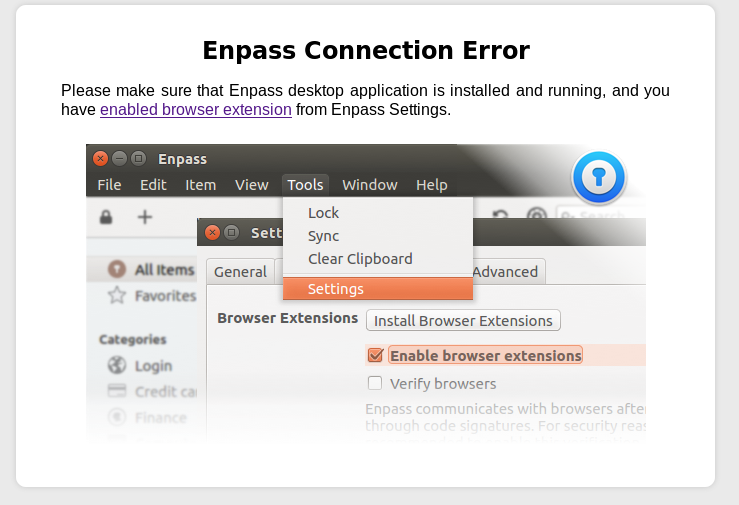
The plugin is failing to work on my system: Fedora 27, Firefox 57.01, Enpass 5.6.0, Plugin v 5.5.2 Image attached, "Enpass Connection Error" Is there a solution for this? Is anyone else encountering this?
-
I've been using enpass for several months now, after being a long time KeepassX user and I love it! One feature that would be great to have is a way to select specific characters from a password. More and more websites only ask for individual characters from your password so it's not possible to autofill. The only way to do it is to reveal the password and count the characters. It means I have to use shorter passwords as finding the 15th, 43rd and 63rd characters would be extremely annoying! A simple way may be to have a dialogue with the password hidden yet each character is numbered above or below. Selecting/clicking the desired number(s) reveals the password character(s) in order to manually input to the webform. Would something like this be feasible? Thanks.


