Leaderboard
-
buggystick
Members1Points3Posts -
mjeshurun
Members1Points30Posts -

AnakinCaesar
Members1Points160Posts



Popular Content
Showing content with the highest reputation on 11/21/23 in all areas
-
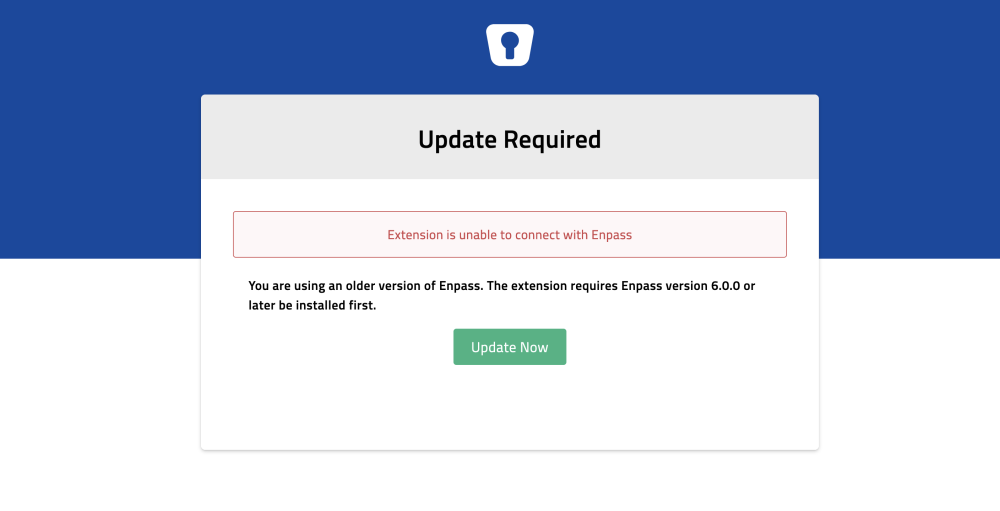
Hello Enpass staff, For the past few days I've been getting an update required error message when using the Enpass extension on Firefox for MacOS. The message is showing every few hours, and the only way to make the extension work is re-install the extension. This helps temporarily, but the error message returns after I start working on the computer after it was in sleep mode. My Enpass app and extension are updated to version 6.9.2. Firefox is on version 119.0.1 and MacOS is on version 14.1.1. Hope you can fix this issue soon.
 1 point
 -
I had to face this issue yesterday for the first time aswell. Same software versions, besides me using Win 11 23H2. A quick restart of the browser fixed it at that point, but your post suggests, there is more going on.1 point
-
1 pointI can confirm that setting the option to "Enabled for Google Password Manager and 3rd party passkeys" does indeed work. I previously had it set to only 3rd party... thinking that was what I wanted.1 point