Leaderboard
-
RachelGomez161999
Members1Points16Posts -
salvq
Members1Points1Posts -
NilsW3
Members1Points7Posts -
Matis
Members1Points57Posts


Popular Content
Showing content with the highest reputation on 06/03/25 in all areas
-
1 pointEnpass already supports the creation of custom categories. You can create and manage them from the “Categories” section within the app settings, helping you organize your logins and other items exactly the way you prefer.1 point
-
1 pointPlease add the ability to Export Selected Items to CSV. This would be a really great thing to have in order to share certain information with a Customer / Family Member / Friend / Coworker / etc. I use Enpass to track assets, and not just passwords. It would be nice to Export Specific "Selected" ones to CSV (or something in a Human Readable Format). Thanks!1 point
-
1 pointIt would be great to be able to use a non-propostional font. It would help a lot to structure notes and make it more readable. Thanks.
 1 point
 -
The scrollbar is currently only visible when hovered over. This should be changed to “always visible” or at least “visible while scrolling.” With the hidden scrollbar, it is impossible to determine my current position in the list and the total length of the length – two important functions that a school should have. Thank you for considering this improvement. -- macOS 14.5 Sonoma, Enpass 6.11.0 (1676) Мас App Store1 point
-
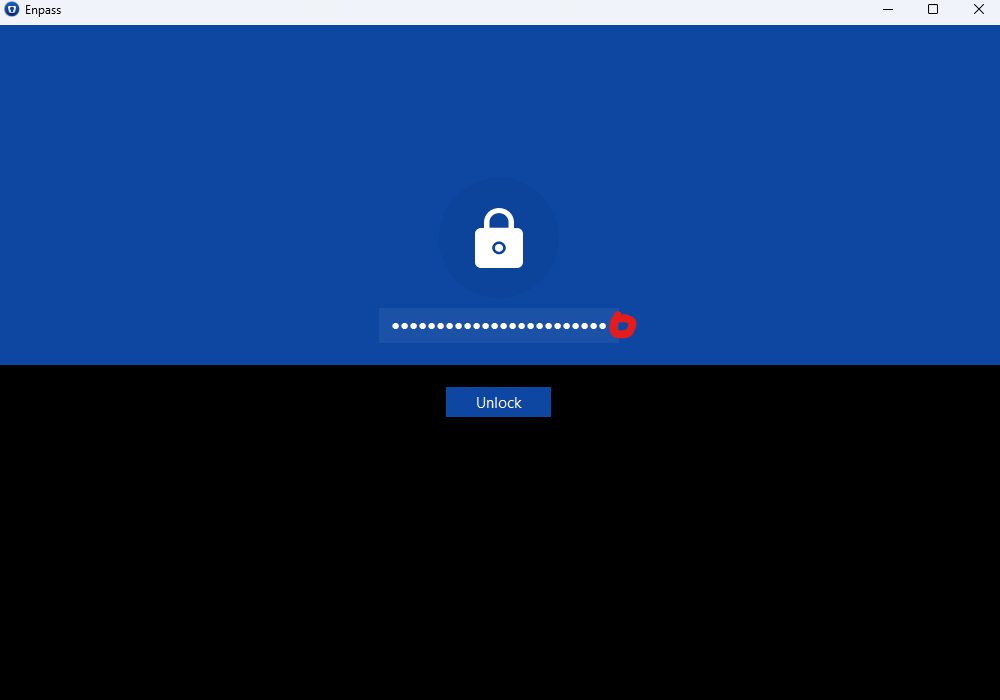
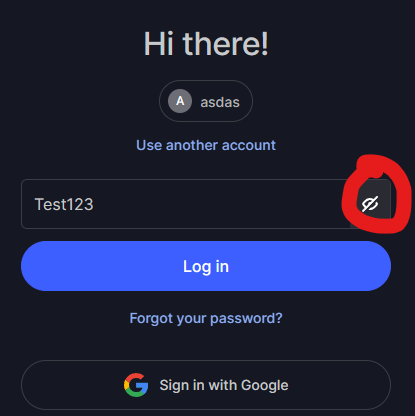
1 pointI would apperciate button to unhide password especially when there is a quite long masterpassword and typo, you have to retype pass again without easily just fix typo
 1 point
 -
Enpass Wi-Fi Sync is a small WebDAV file server under the hood, restricted to a folder of your shared vaults. Since the server is on your local machine, its address is made discoverable by the Enpass client on your other devices via the mDNS protocol. Enpass client on other devices can discover running Wi-Fi Sync Server on the network and pair with it. The pairing can be done manually by verifying a code (to verify the server’s certificate) and access code (password for server) or by scanning a QR code that embeds all information required. Regards, Rachel Gomez1 point
-
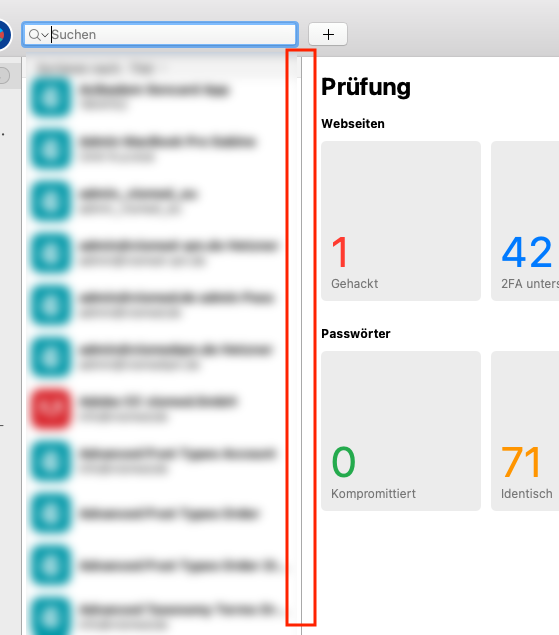
Hi Team. Please, please, please make it possible to change the width of the middle column. It is necessary for very long usernames ... . Thanks in advance.
 1 point