Skip to content
View in the app

A better way to browse. Learn more.

Enpass Discussion Forum

A full-screen app on your home screen with push notifications, badges and more.

To install this app on iOS and iPadOS
  1. Tap the Share icon in Safari
  2. Scroll the menu and tap Add to Home Screen.
  3. Tap Add in the top-right corner.
To install this app on Android
  1. Tap the 3-dot menu (⋮) in the top-right corner of the browser.
  2. Tap Add to Home screen or Install app.
  3. Confirm by tapping Install.

bestpika

Members
  • Joined

  • Last visited

Everything posted by bestpika

  1. Why does the portable version always lag so much behind other versions, when it should be something with the same architecture....
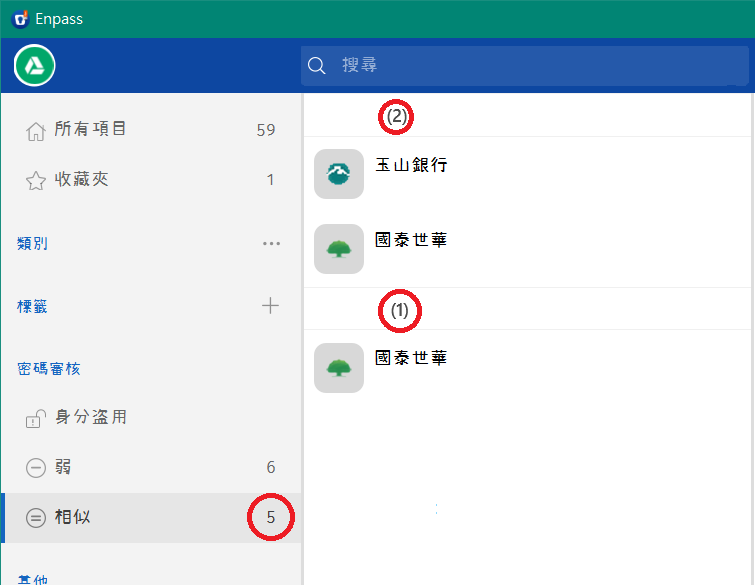
  2. This problem seems to occur every time the program is launched. If I lock the program and then unlock it, the numbers will be recalculated to be correct. But if I close the app and then launch it, the numbers will be wrong again.
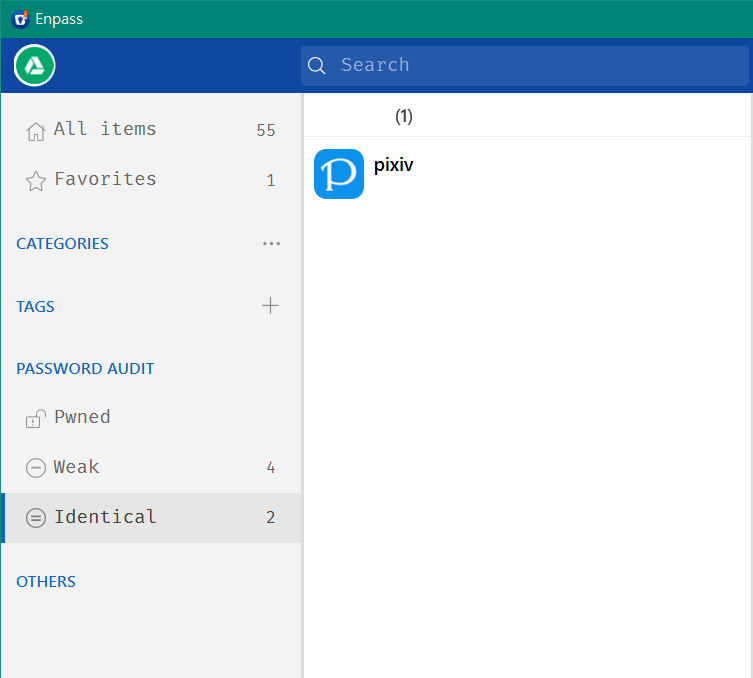
  3. When I tried to change the password on that one, the identical password disappeared. Then I tried adding items with the identical passwords and got even more amazing results. I can't figure out exactly how this app calculates quantities....
  4. Windows 10 x64 1909 Enpass Portable v6.4.0 (649) Only one 0 I checked the trash cans. They're empty.
  5. He said I had the same password for two of my items. But when I clicked on it, I saw only one item. I tried deleting it and creating a new one, but it still shows two identical passwords! This is bothering me a lot, how can I fix this problem? I'm wondering if there's an item I can't see because I've created and deleted this site. And then this invisible item causes a field mapping problem. Enpass: v6.4.0 portable.
  6. Hi, is it possible to add a feature to filter untagged items in "Tags" or "Other"? Thanks.
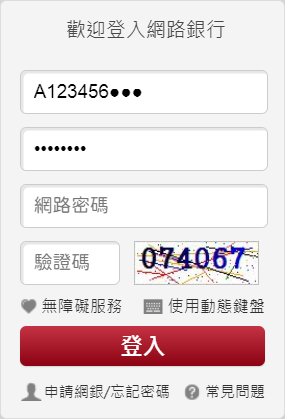
  7. This site ( https://mma.sinopac.com/MemberPortal/Member/NextWebLogin.aspx ) does not fill the fields correctly when using the autofill function, the webform is saved and the corresponding fields are set. The autofill only fill the two fields.
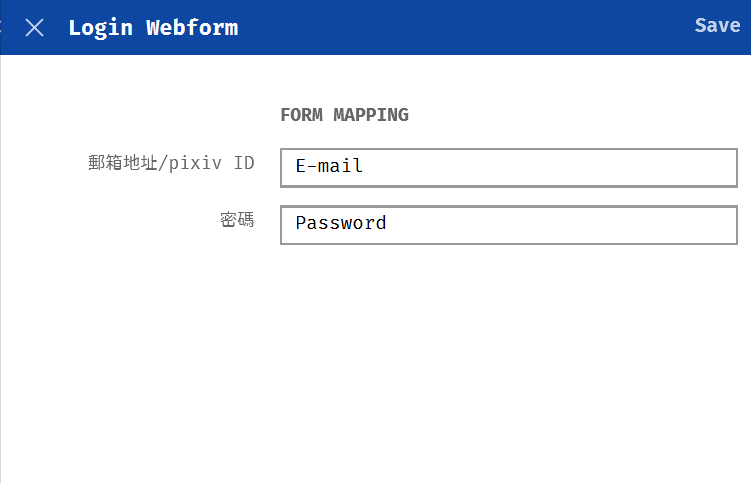
  8. @Pratyush Sharma The login page of the website can be found at https://accounts.pixiv.net/login. In Enpass I have filled in the username, email fields, and in webform I bind the login field to email. I'm using the portable version, it's the latest version on the download page. PS. I found the Android version (with Chrome) has the same problem...
  9. I've set the Webform mapping field to email, but the browser extension still fills in the username information. Enpass v6.4.0 (649)
  10. @Pratyush Sharma Oh, it's a right-click on the field. Maybe a button next to it would be more intuitive, thanks!
  11. Is it possible to have a history of sensitive fields that can be queried so as to avoid setting duplicate passwords? Thank you.

Account

Navigation

Search

Search

Configure browser push notifications

Chrome (Android)
  1. Tap the lock icon next to the address bar.
  2. Tap Permissions → Notifications.
  3. Adjust your preference.
Chrome (Desktop)
  1. Click the padlock icon in the address bar.
  2. Select Site settings.
  3. Find Notifications and adjust your preference.