bestpika
Members
-
Joined
-
Last visited
Everything posted by bestpika
-
-
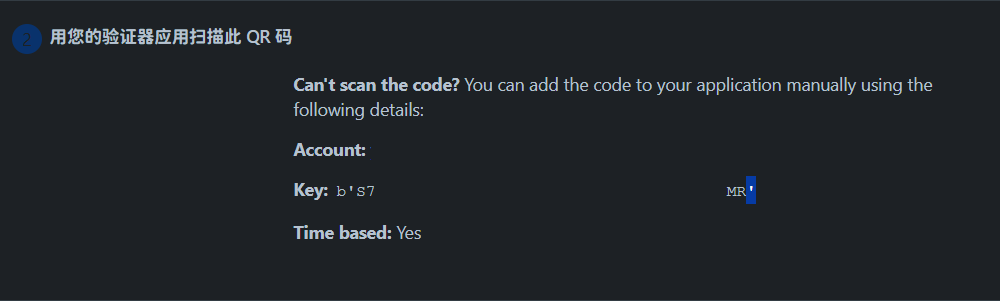
Hi, I encountered a problem while setting up two-step verification for BitBucket. Because the secret contains special characters, Enpass shows an "invalid" message after input, and I can't set it up. The character in question is the apostrophe ("'"). (QR code and some sensitive strings have been obscured.) Can you please solve this problem? Thank you.
-
Hi, Excuse me, may I know if you actually plan to address this issue? Your team requested the trial link for this service for one month, but there is absolutely no sign of any registration. Thank you.
-
Hello Enpass Team, I have a few suggestions regarding the retrieval of favicons in the application. If the application cannot intelligently retrieve favicons on its own, could it potentially utilize external services such as Clearbit or Iconhorse to assist with this process? e.g. https://logo.clearbit.com/enpass.io?size=320 https://icon.horse/icon/enpass.io Thank you for considering these suggestions.
-
The saved page appears to be malfunctioning. I can provide an invitation to register for a trial account. Please send me a private message, and once I provide the invitation, you will be able to register for the service and try it for 14 days.
-
I found that it seems to be an issue with Chrome itself. After repeatedly restarting Chrome multiple times, it suddenly worked properly.
-
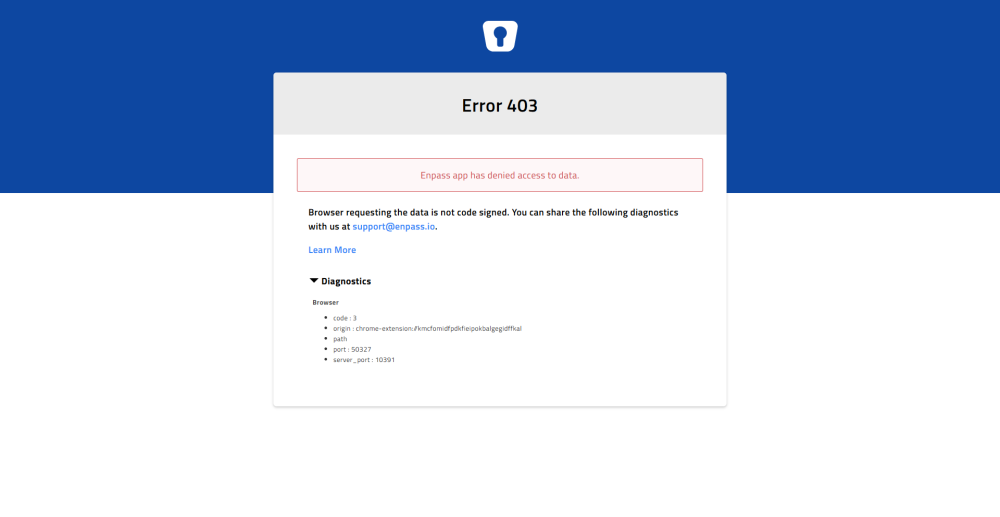
Windows 10 x64 Chrome 129.0.6668.29 beta x64 Extension 6.11.0 Enpass 6.11.3 (1769) beta
-
-
The service's URL is https://beta.scrintal.com/ The public release page created by this service is read-only and I cannot save an editable page into a usable version. I tested it on three different browsers with the same result. Chrome v124.0.6367.18 x64 Edge v124.0.2478.19 x64 Sidekick v120.58.1.38488 x64 Enpass v6.9.3
-
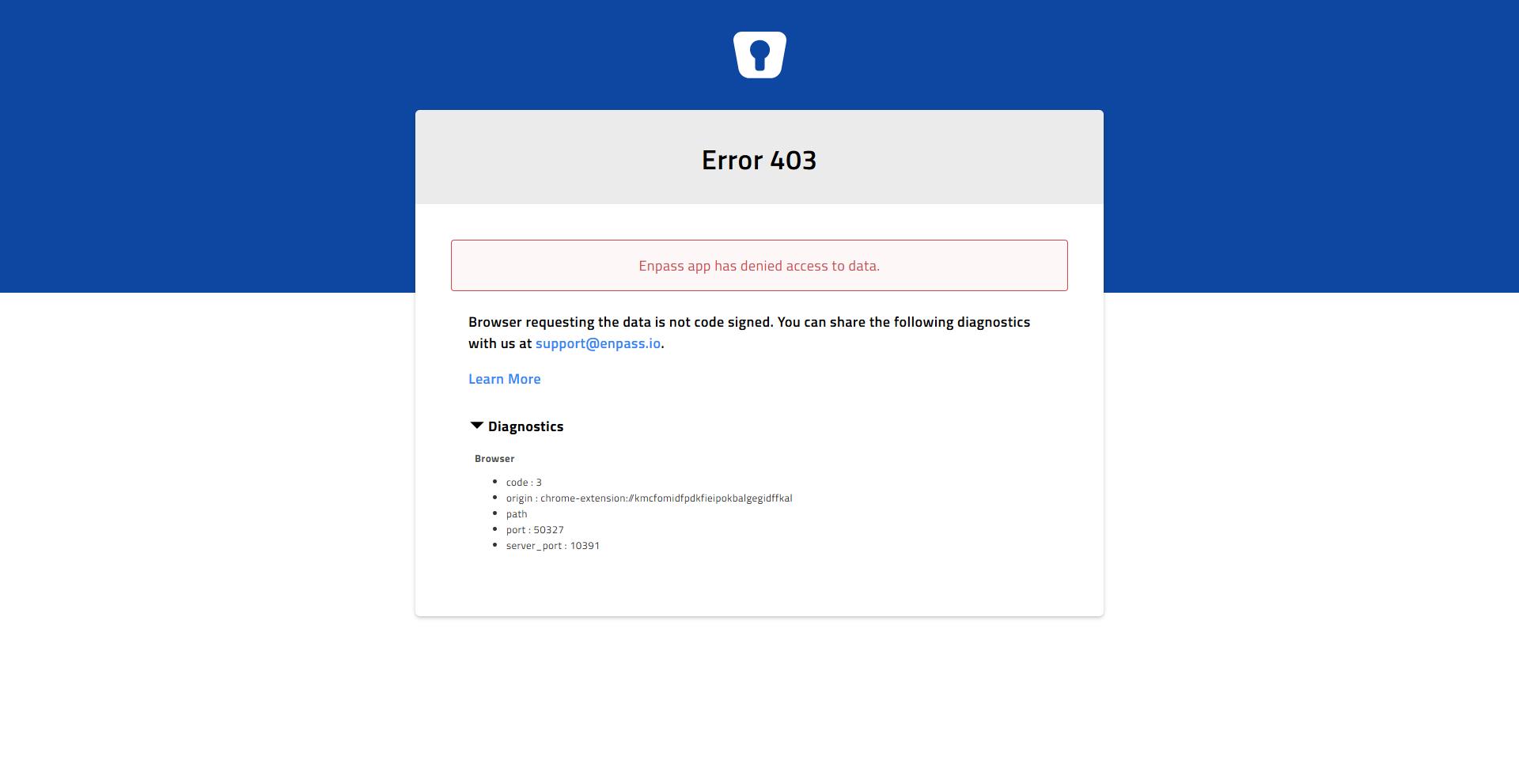
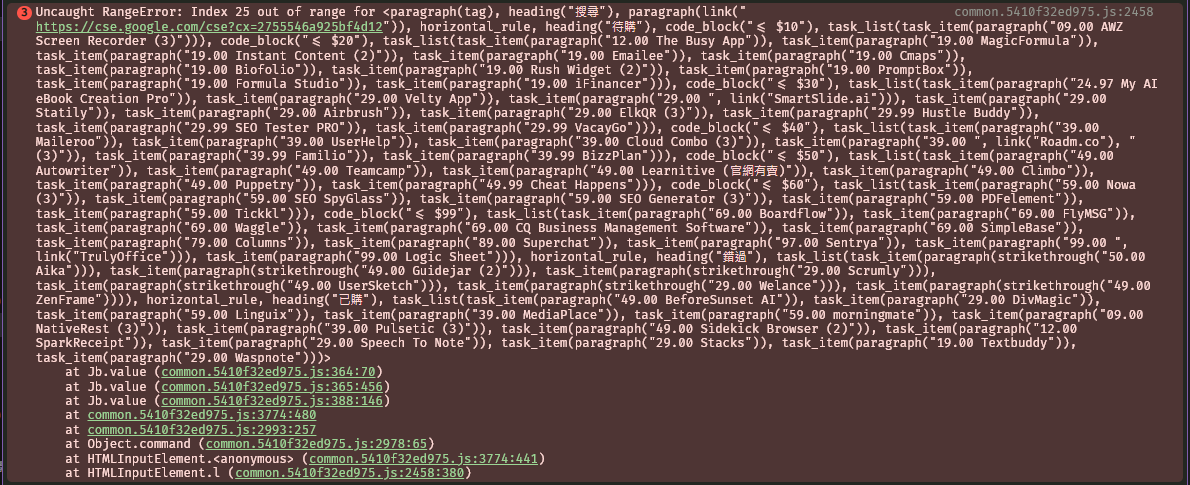
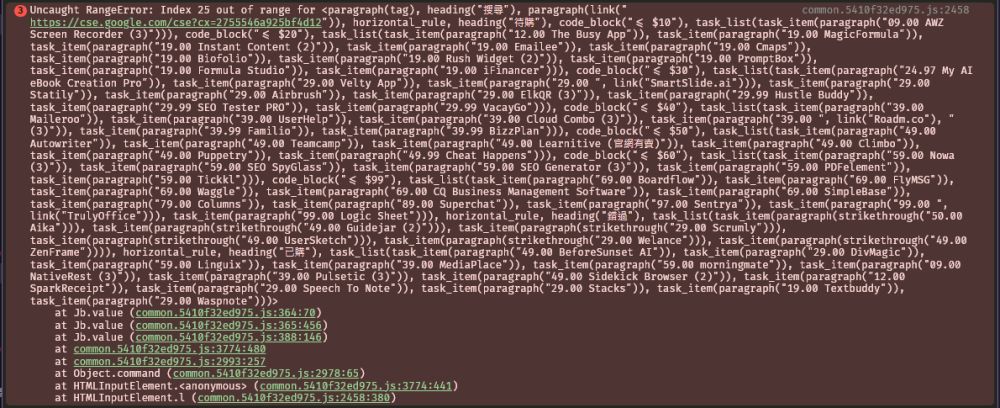
I found that with the Enpass extension enabled, the task checkboxes in Scrintal cards cannot be checked or unchecked. I have checked in incognito mode, the issue occurs when enabling the Enpass extension alone. The extension will cause the website to have errors like the one shown in the picture.
-
The issue occurs on all versions of Enpass, so it is a version-independent problem. This is a problem with the Enpass main program and has nothing to do with the browser or browser extension. The issue I am referring to is the lack of intelligence in your application's ability to retrieve website icons when creating new items.
-
Many websites cannot be extracted correctly for their icons in Enpass even though I can see them in my browser. I suspect that you are only attempting to extract the "favicon.ico" from the website root directory, right? Could you please also try to extract the data within the "<link rel=icon />" tag on the web page? Let me give you an example. For instance, on https://www.getflix.com/, the website does not use "/favicon.ico" as its website icon. Instead, there is a tag in the meta of the webpage that accesses a PNG image file located in the "/assets" directory. However, it seems that your website icon capture function does not read webpage content. I strongly hope that you can improve in this aspect. Thank you.

-
So this is a new feature only available in 6.8.0? I thought one of the computers was already up to date because it didn't tell me it was up to date. Also, I don't know why 6.7.2 kept telling me the file was corrupted when I used the software's built-in auto-update, so I had to download the installation file from the website. Now I have autocomplete, thanks.
-
-
-
I know I can use "Save Webform" to save the web input data. But my problem is that it doesn't work properly after saving, so I hope you can add a feature for advanced users to input CSS selector by themselves.
-
Hello, I found that many internet banking pages have poor autofill. So I hope you can add css selector for advanced users to input web elements to save the autofill. For example: https://mma.sinopac.com/MemberPortal/Member/MMALogin.aspx https://www.rakuten-bank.com.tw/ebank/ Thank you.
-
-
-
-
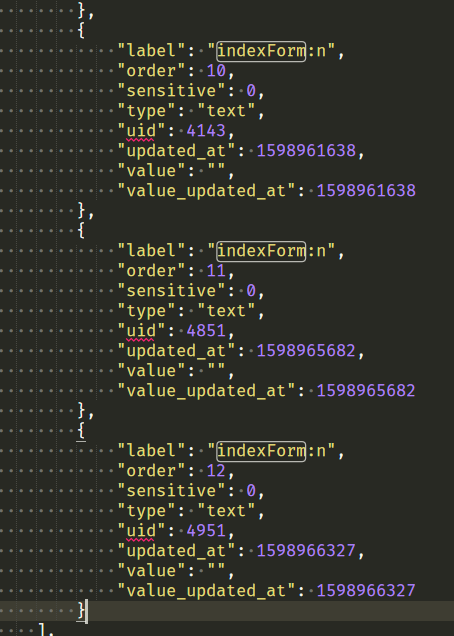
An item's webforms has an extra field, and after I clear the item's webforms, the search will also find the item's extra field. If I re-save this item on the webform, I see what should be cleared. I tried to export the JSON and found that some of the fields I had deleted were still there. So how do I completely remove the deleted field data from the application directly? If you wish to retain such information, why not add an extra field called deleted (Boolean)? When the field data is deleted set the value of this field to true like "deleted": true. This will avoid a lot of weird situations, right? Windows 10 1909 x64 Enpass beta v6.5.0 (695)
-
https://ace.io/login I can't save the webform or login properly on this login page. The option to save does not appear for this extension. Windows 10 1909 x64 Cent Browser v4.2.10.171 x86 Enpass extension v6.4.0 Enpass portable v6.4.0
-
-
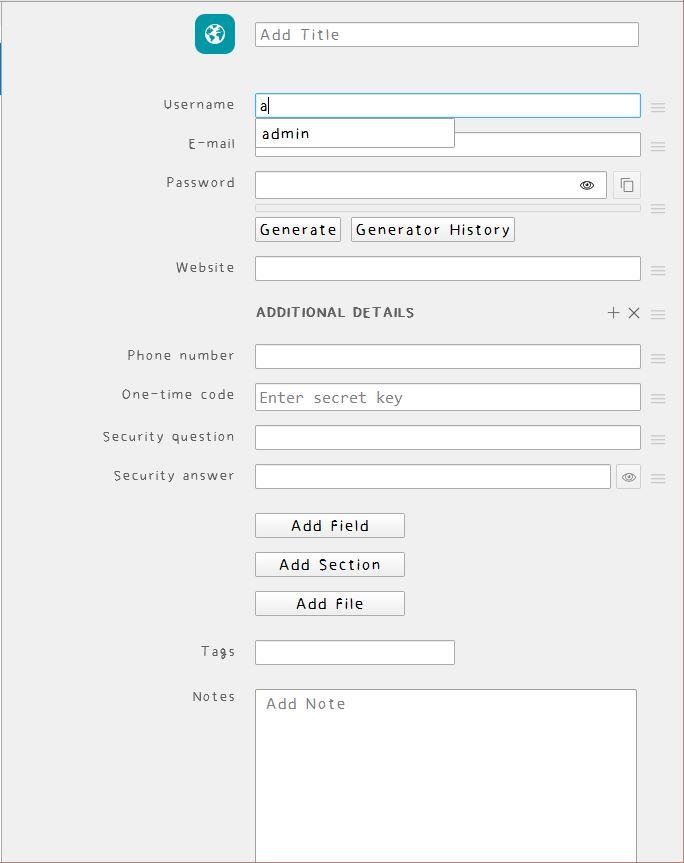
The default field will change its name according to the language of the program interface, but if I add my own field, I can't change the display name according to the language of the program even if the name is the same. So I would like to know if there is a way to create the same field as the default field to change the display name according to the language of the program interface? Thanks.
-