Captain_Eric
Members
-
Joined
-
Last visited
-
Thanks for the Link Tarun Singh Rawat, sincerely. But I still can use my Microsoft password to sync to OneDrive. Any other ideas, or Enpass versions available? I've got a new computer. But Enpass won't install and work. Help please
-
Same problem. I tried the version version 6.11.17 (2135) above. No Luck. Still won't recognize my OneDrive password. I sure hope they fix this soon. .
-
Fixed. By temporarily switching to Chrome (from Edge) it worked as expected. Switched back to Edge. Works fine.
-
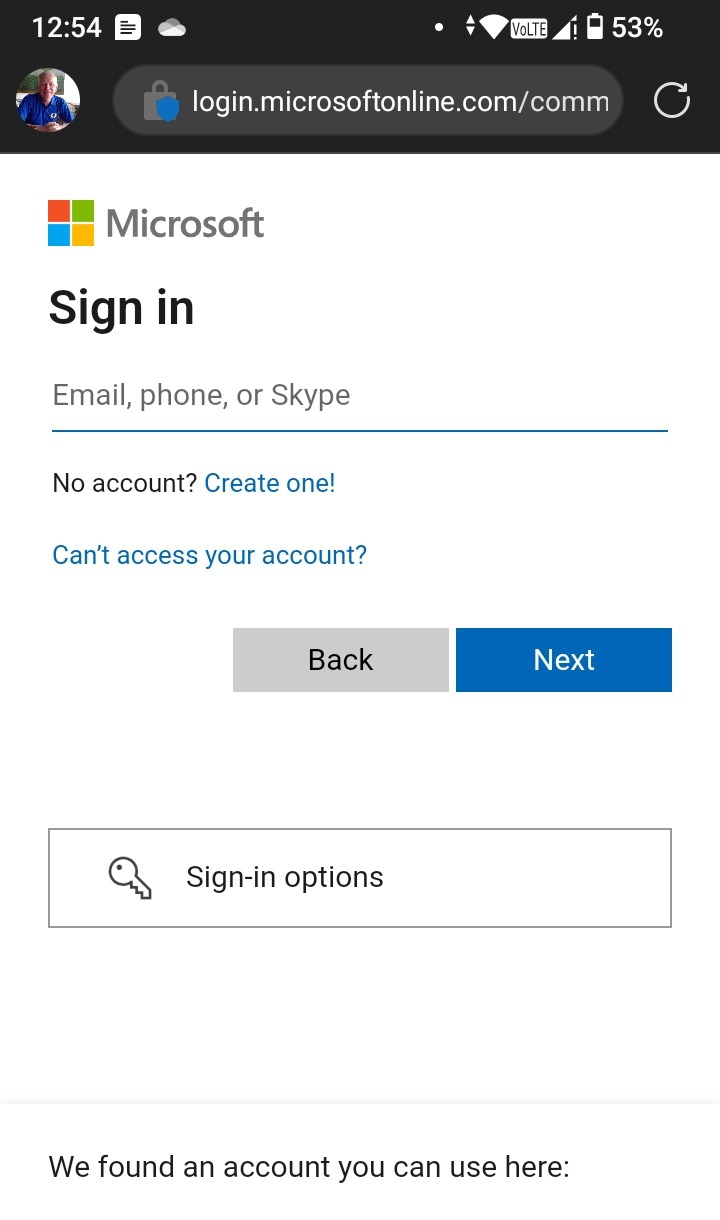
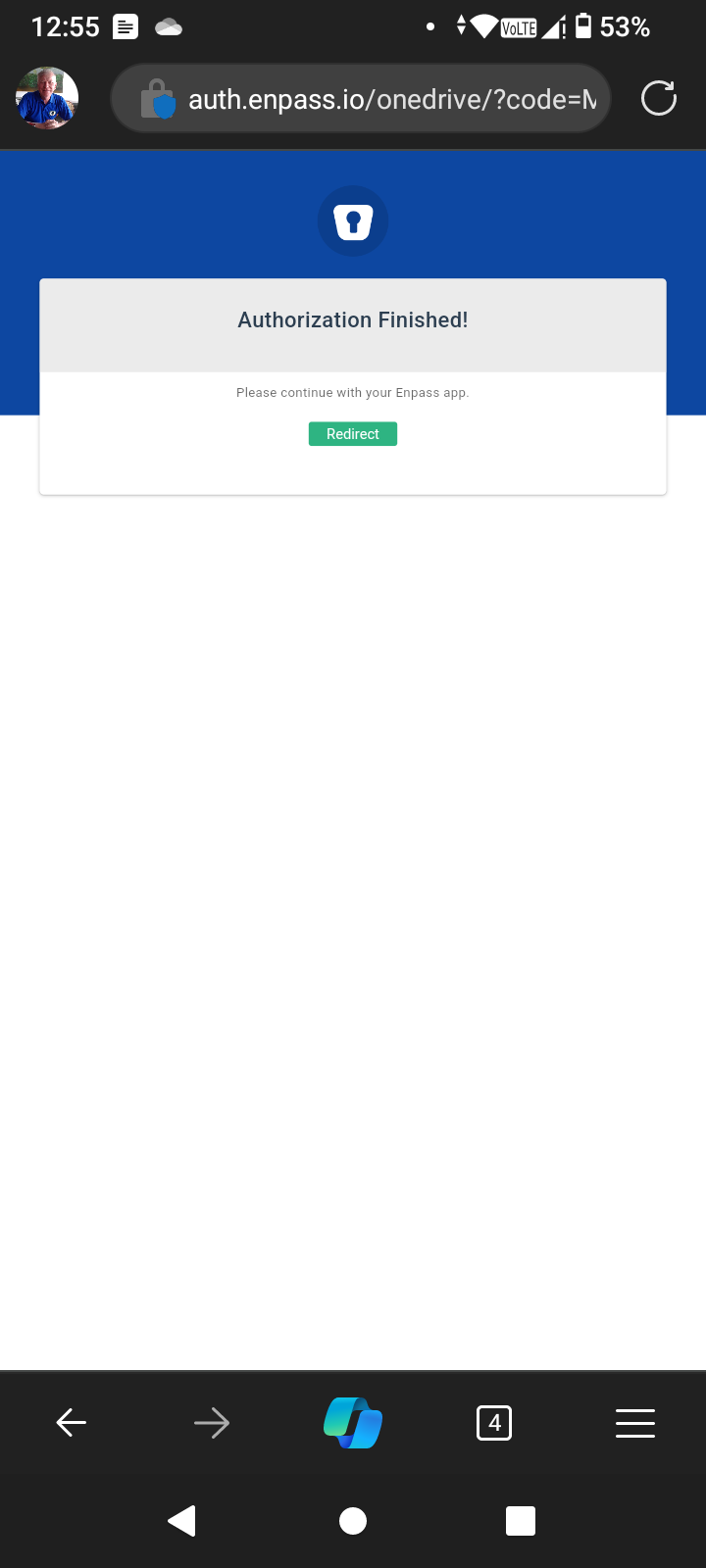
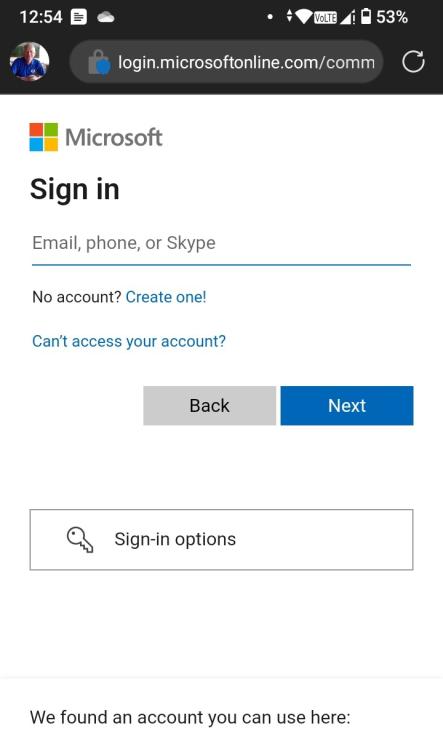
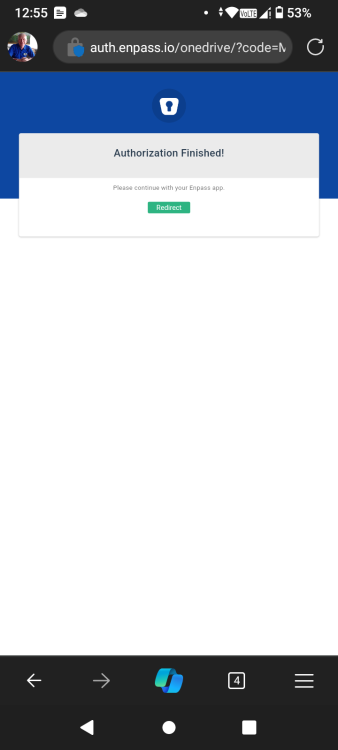
Greetings, I'm trying to restore / sync Enpass with OneDrive on my newly purchased Android 13 device, running Android 13. I can sign into OneDrive to authorize Enpass, no problem, But then OneDrive (see attached) will not return to Enpass app as it should. How do I fit that?
-
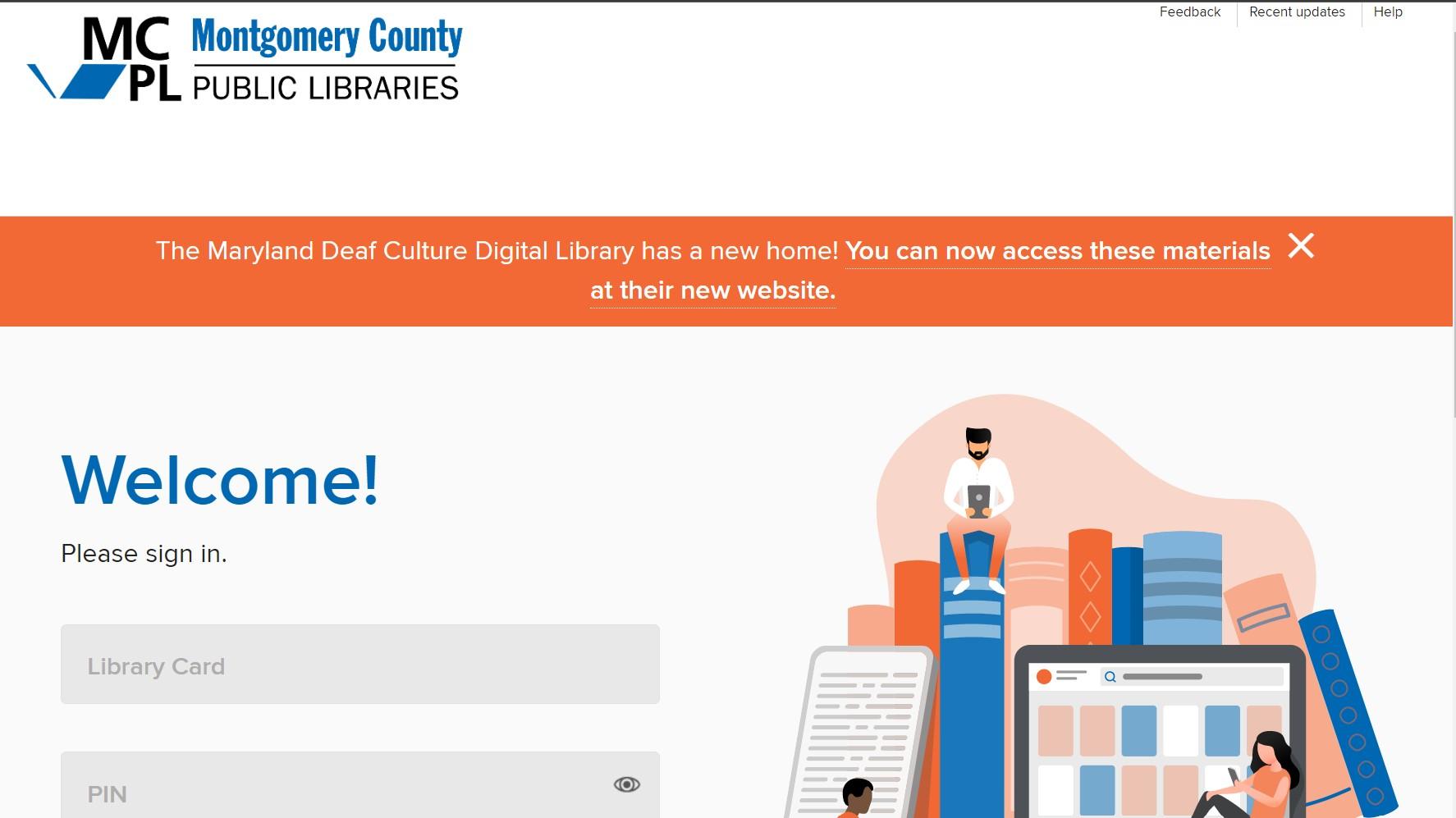
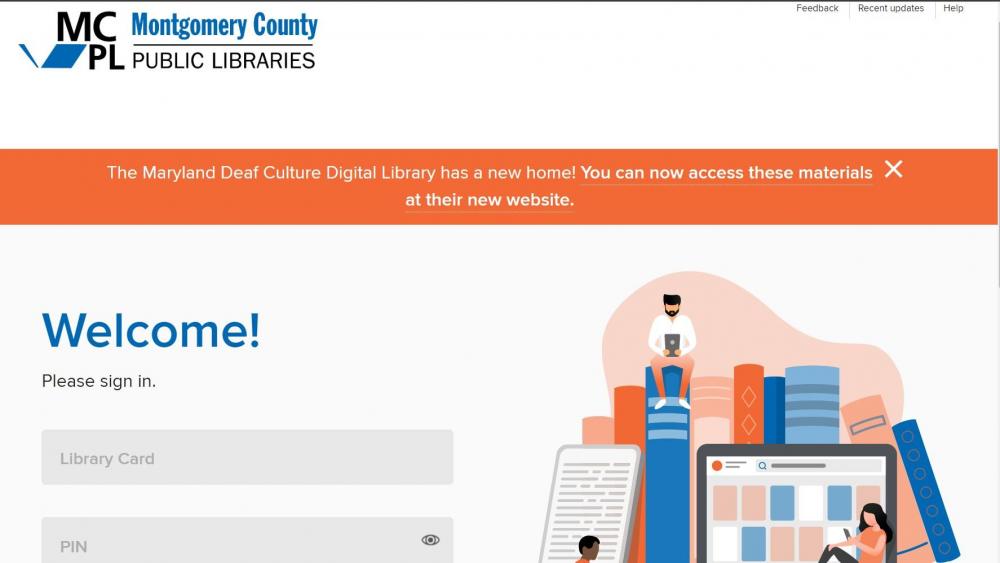
Also, Enpass fails to fill in the library card and pin at this site. https://mcplmd.overdrive.com/account/ozone/sign-in?forward=%2F&showIdcSignUp=false Please fix it as soon as you can. Thank you in advance.
-
I'm still having problems with Financial Times, which I reported to you many months ago. The precise page is: https://accounts.ft.com/login?location=https%3A%2F%2Fwww.ft.com The "general" webpage is ft.com. Please fix it,
-
Never mind, I fixed it. Lord knows how. I've got to say, these problems are concerning to me.
-
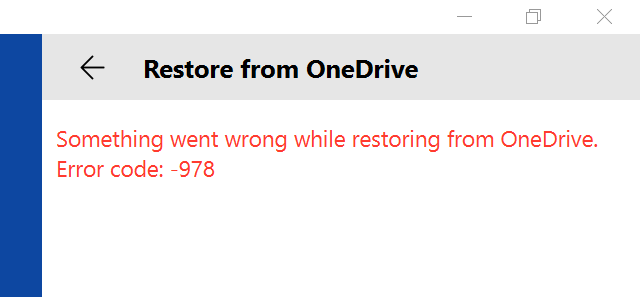
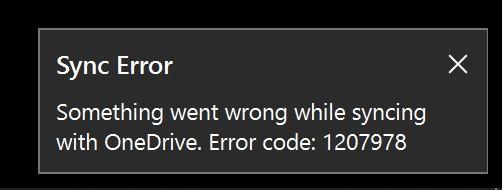
More info, now I get this error message, which is new.
-
Entering the Enpass Master Password did not work (I actually pointed this out in my original post). What do I need to do to fix this? One point: previously, before my reset of Windows 10, I used the Enpass version from your webpage. Now, after the reset of Windows, I've installed the Enpass from the Microsoft Store. Is that part of the issue? (Entirely a side note: Why you have two or more app versions, and the pros and cons of each is entirely lost one me. What's more, your naming conventions are inconsistent for your Enpass App versions and inconsistent in your forum topics, so I am lost in trying to figure it out on my own. A big waste of time.. So unless you tell me otherwise, with good clear reasons why, with precise references to your apps as they appear on your download page, making it simple for a simple man like me, then I switch to your app from the Microsoft Store. Fair?) Standing by.
-
I'll try it. But not to point out the obvious, why don't you call it the "Enpass Master Password," for crying out loud. Save a lot of wasted time. Sorry to be grumpy, but....
-
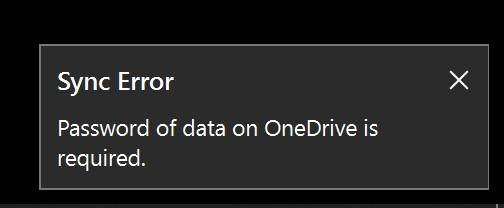
What is the "Password of data?" Is it my OneDrive password, my Enpass password or something else? I had to reset Windows 10 on my Surface Go. I now want to set up Enpass again. When I get to restoring Enpass data from OneDrive (after signing into Microsoft Account) it says I need to be enter my "Password of data," or something like that. Neither password for Microsoft nor Enpass work. And candidly, I don't think I've saved another Enpass related password. (And with the recent OneDrive syncing problems, I know I got through this step somehow). How do I fix this? I'm a little worried. Eric
-
Still not working. Do you think you fixed it (and I still have a unique problem)? Or have you not gotten to it yet?
-
Darn. It's happened again. My fourth or fifth time!
-
I reset, per the instruction above. Immediately happened again. I got these error messages 1207978. I hope that helps.
-
Dern. I've got it again for the third time! I'm on 6.4.3 (666)....