crs
Members
-
Joined
-
Last visited
Everything posted by crs
-
Ok. It looks like we have to bring this discussion to media outlets. Enpass was a favorite of mine and I recommend the software as a technic writer. No I might have to row back. The worst part is, the missing communication from your side. This make me worrying if there's a bigger issue with Enpass at all.
-
Two bugs that should be adressed immediately. If your team doesn't manage to get this fixed, they should withdraw these "features". The master password reminder is terrible annoying and time wasting. Meanwhile I'm already thinking about switching to another password manager. I don't get, how you can ignore this for weeks. Also Face ID on iOS doesn't work anymore as expected. Instead of opening the app immediately, I get a password input screen and have to press the small Face ID icon on the upper right to open the app. If you work frequently with Enpass, this is a draw back, that takes way too much time over the day. And both features make absolutely no sense. (Edit: fixted a typo)
-
The option to stop Wi-Fi Sync is still not available on iOS - 3 years later 😞
-
A general problem ist, that the iOS app give me no option to delete an existing WiFi Sync server. Instead it permanently tries to connect and the only option I see is to delete the whole app and set it up from zero. This is a bad experience and also required, when you set up a new iPhone and have Enpass installed from a backup. Logins etc. get transferred and can be used, but it can't sync anymore until you set it up new.
-
-
I use Wi-Fi sync for years but it suddenly stopped working. Mac is server and active, trying to sync the iPhone I get en error message in vault settings: "password for data on Wi-Fi sync needed". When I select "solve" it wants me to put in a "password for the data on Wi-Fi Sync". Filling this out it says, master password will be changed if I move on, but anyways if I try the Wi-Fi sync password or the Enpass master password I get an error "wrong password". I already tried to set ab a new Wi-Fi sync connection using the QR code with no success. I can use Enpass on the Mac and on the iPhone with the old settings, but can't sync the data anymore.
.thumb.jpeg.28831966d3e532bb604146bc239e2e65.jpeg)
-
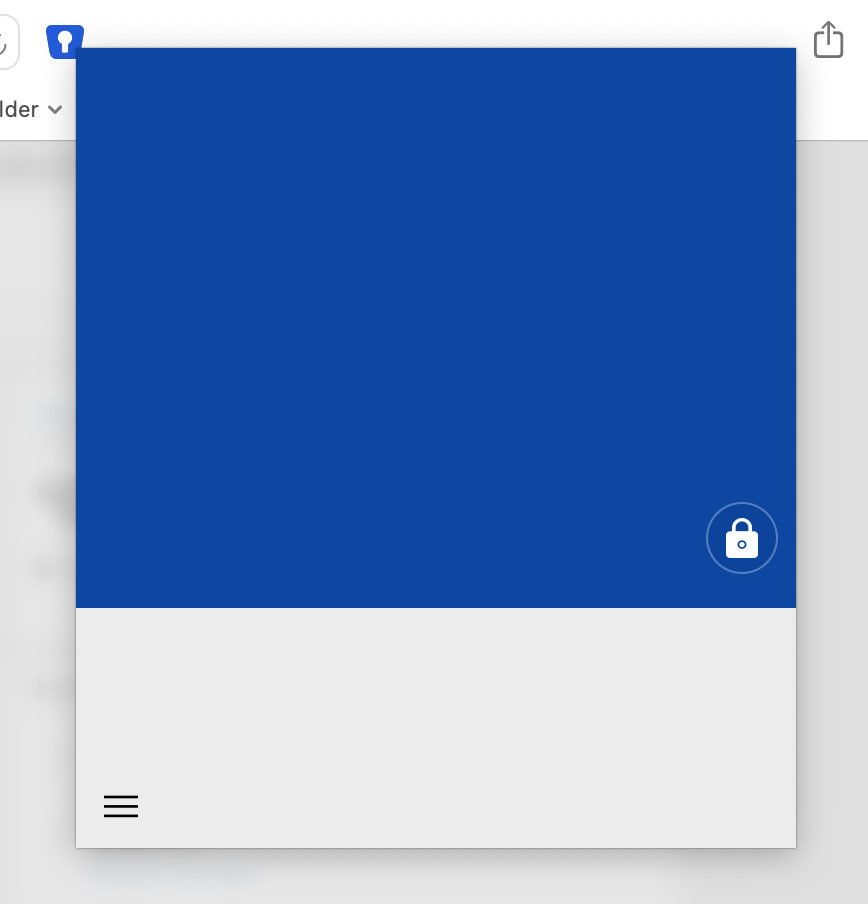
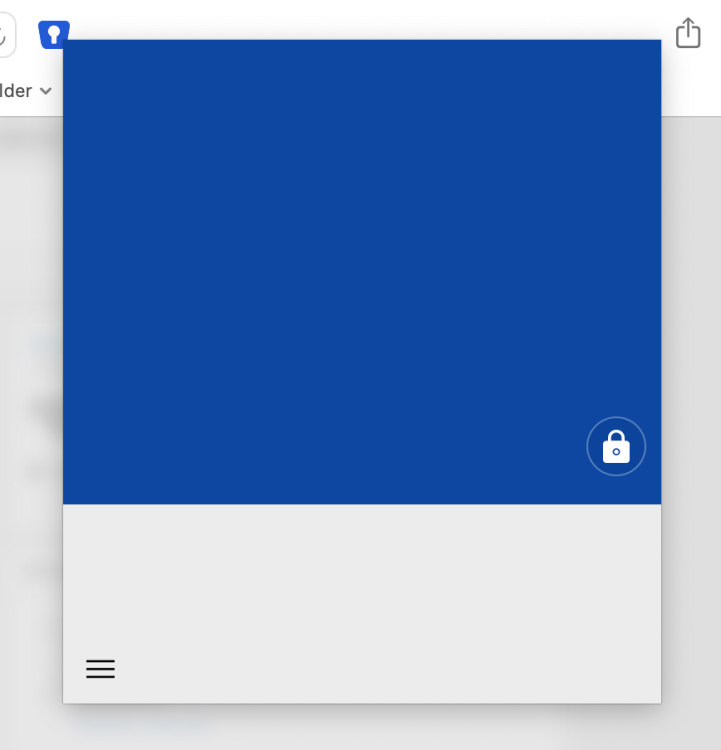
This happens sometimes, maybe once a day or every two days. Couldn't find a pattern: When the Mac wakes up from sleep and I want to access a website using the Safari extension of Enpass, I see just an empty blue square (see picture) - normally I should be able to open it with Touch ID at this point. Also the menu bar icon and the Enpass app itself are not accessible then. I have to quit (sometimes force quit) the app and start it again to use it.

.jpeg.79105f63f1710fe6285f0c3b96c203e9.jpeg)