Anthony
Members
-
Joined
-
Last visited
Everything posted by Anthony
-
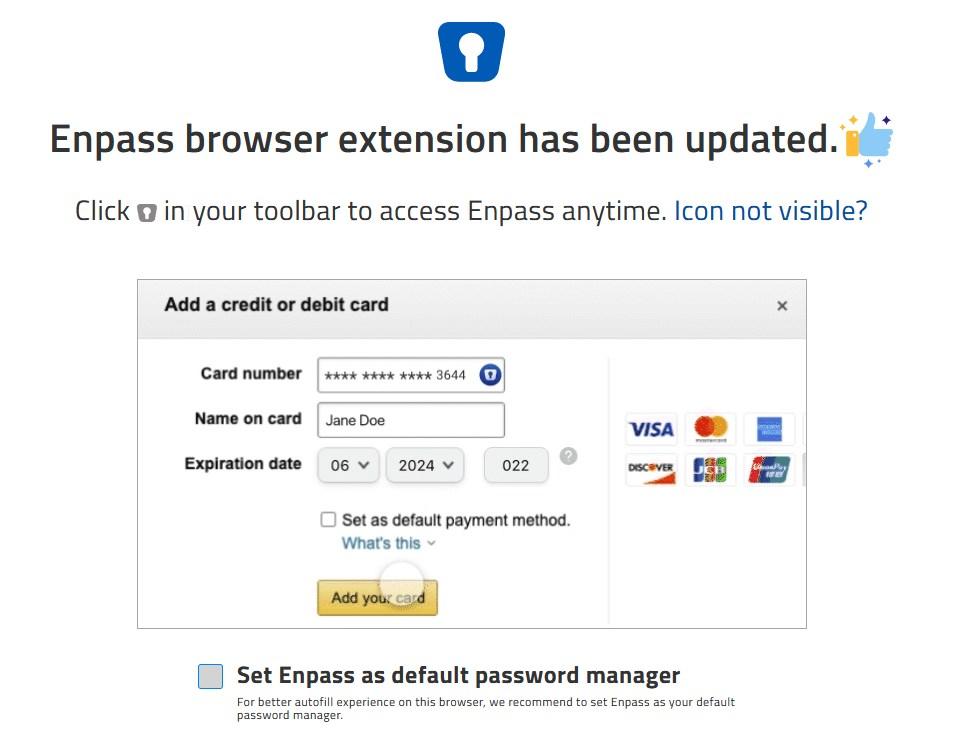
After receiving the option below, I decided to try letting Enpass be the default autofill password manager in Edge. However, I don't like the experience. How do I revert this to go back to Edge being the default autofill password manager as I'm not able to find the option in Enpass or Edge?
-
I've managed to "fix" the issue, but I'm not convinced that what I did really fixed the problem. However, worth sharing in case it helps someone else. I found this thread ( ) ..and one of the instructions was "Log in to the site https://account.live.com/consent/Manage with the same Microsoft account and delete all the permissions for Enpass." I went and took a look and found multiple sets of Enpass apps with associated permissions so I revoked/removed all the 'old' ones. I worked on the theory that the one with the matching icon and a 'most recently used' date in the previous 24 hours was the one to retain. After doing that, I disconnected sync on my phone and was able to successfully re-establish sync without any error.
-
Thanks @Gulshan Dogra - having done nothing, I'm now only seeing Error code: 1204401 even after rebooting my phone. What does this indicate? I'm seeing no issues on any of my other devices. I have 6 devices (1 x Android phone, 3 x Android tablets, 2 x Windows 10 PCs) so disconnecting 'all devices' is quite an effort and not something I'm keen to invest time in unless there is no other way forward!
-
-
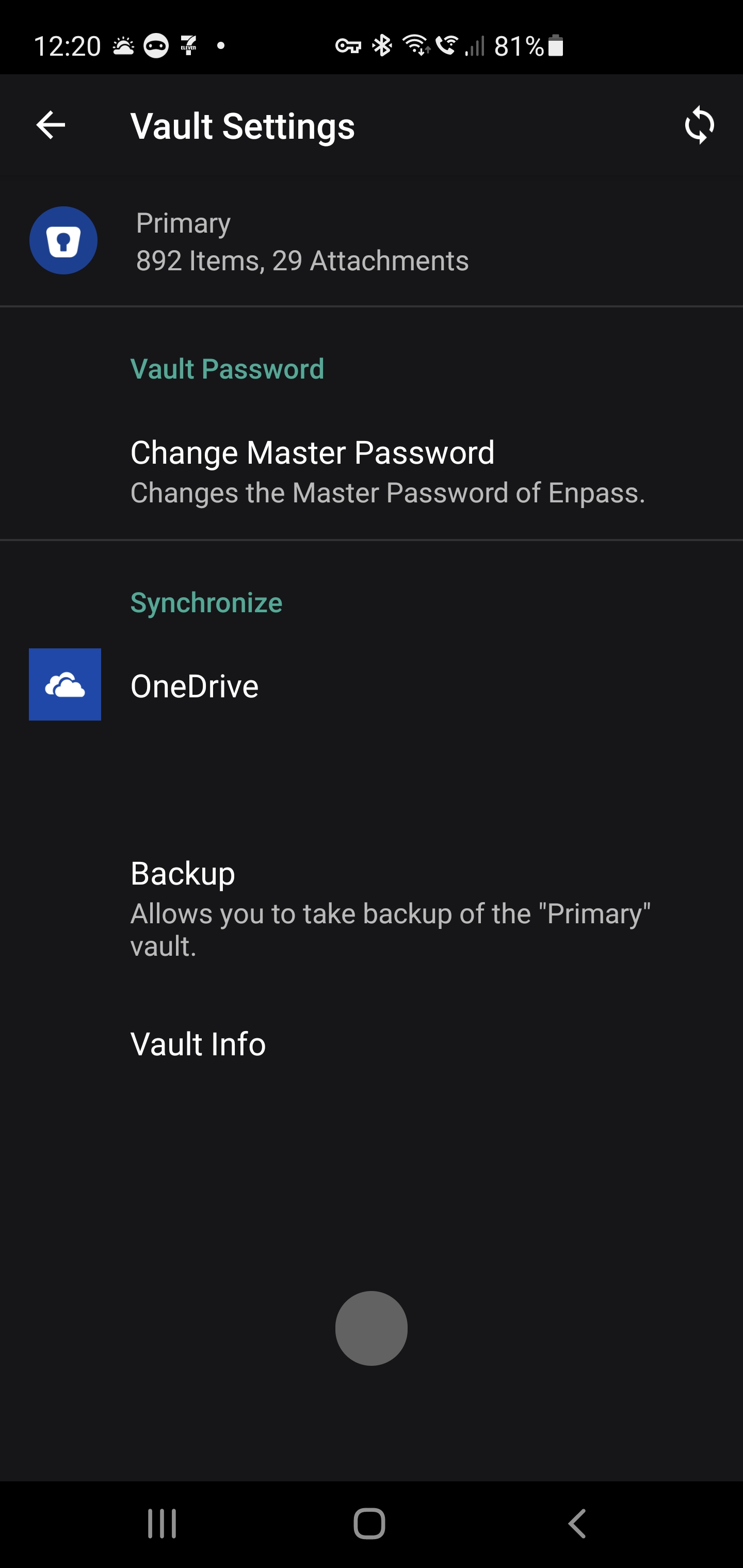
I've just started getting a OneDrive sync error on my Android 11 phone. Something went wrong while syncing with OneDrive. Error code: 1204060 I've tried "Force Stop" and relaunch - no change. I've tried disconnecting OneDrive sync and re-enabling, no issue re-establishing but still get the error when trying to sync. No issue with using OneDrive app on same phone to access the Enpass folder being used for sync.
-
Currently, there does not appear to be any way to duplicate an existing field in a card. When adding fields where there might be multiple instances of a field, e.g. Security Question and Answer, it would be more efficient to be able to select an existing field, choose duplicate, and then rename it, than to create each field from scratch.
-
Are release notes still being maintained anywhere? I notice this link hasn't been updated in a while - https://www.enpass.io/release-notes/windows-10-desktop/ Version 6.6.1 Release Date March 25, 2021 ..but we're now on 6.6.3 (836). Thanks!
-
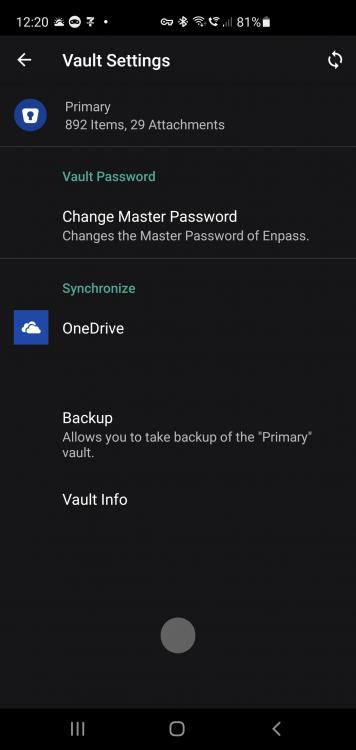
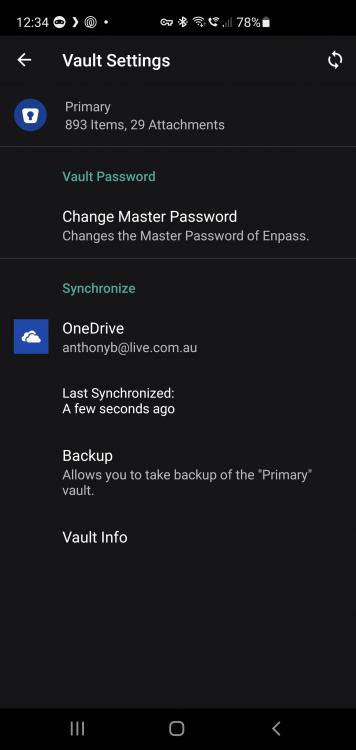
I'm seeing similar behaviour on Android. I've captured a screenshot of what I see when the Android app gets into the 'broken' state. If I try and force the sync, i get a small grey 'blob' at the bottom of the screen that appears, and then goes away after a second. It's almost as though there is an error message being suppressed. You'll also notice in the screenshot that the last sync date/time goes missing. To recover, I can either Force Stop the Enpass app and relaunch, or simply reboot my phone/tablet. I encounter this on both of my Android devices at least once a week. Is there something we can do to capture data to send to the dev team to troubleshoot this problem? Cheers, Anthony
-
Currently, the only way to add a file attachment to a card is to click the 'Add File' button, navigate to the folder that contains the file, select file. It would be a lot simpler if the cards also supported drag and drop, i.e. you simply drag a file onto a card, and it gets added as a file to the card.
-
+1 on everything listed on this thread!
-
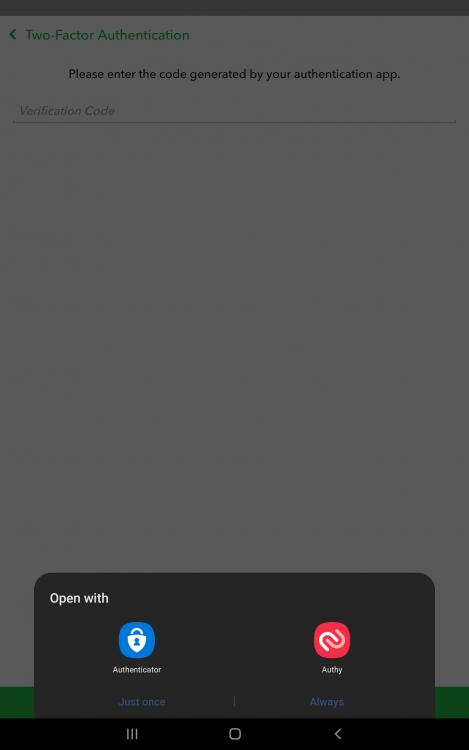
Uber is another app (on top of SnapChat from my original post) that requires this capability to be able to enable 2FA on your account.
-
Hi, I'm using Enpass 6.6.1 from Microsoft Store on Windows 10. I have numerous apps from the Microsoft Store, including Enpass, that I have configured to 'launch with Windows start' One minor annoyance is that when Enpass updates itself from the Microsoft Store, it does not re-launch itself after the update. So I'll be at a website in my browser and click the Enpass extension button and nothing happens. I then see that Enpass is not running, and then have to go and manually launch it. I have other Store apps that 're-launch' after update. Could you please consider the same with Enpass? Then, one other related annoyance is that I drag the Enpass icon out of the hidden system tray icons for easier access as I use it so often. after every update, it reverts to being in the hidden system tray icons. again, I have other apps that retain my preference after update. Could you please consider the same with Enpass?
-
I came here looking into the same issue. Windows Hello unlock in Enpass works fine the first few times, and then at some point Enpass seems to stop 'triggering' the Windows Hello auth feature and only solution is to Quit Enpass and relaunch. At that point, Windows Hello will work the first few times.. rinse and repeat. As @gpf pointed out, there is no way to manually trigger Windows Hello from the locked Enpass app. Windows 10 Pro 20H2 19042.867 and Enpass 6.6.0 from Microsoft Store.
-
Indeed it would. And that would be easier if you didn't force every vault to be on a different cloud sync provider Allow multiple vaults to be synced using the same cloud provider please.
-
Hi, I have many shared family logins due to companies/systems not facilitating individual logins for the same account. These vary for IoT platforms (e.g. LIFX, Amazon Alexa) where only one account can manage the hardware to private health insurance and banks. As I have to share the credentials with my wife on these many systems, I do that by sharing the card from Enpass, emailing to her, so that she can then import the card into her Enpass vault. Sometimes I lose track of: Have I shared a particular card with her (ever) and when, and Have I sent her an updated card since I last changed a password What would be helpful here would be to be some audit trail data that kept track of If a card has been shared and when (date/time) I'm not sure if this is possible, but the method by which it was shared. E.g. on an Android phone, when you select Share, you are then presented a lit of all the apps/methods registered as sharable means. Capturing how the card was shared would be handy (e.g. it was shared by WhatsApp or Nine Email) so that you can remind the recipient how it was sent to them (although they should delete after importing into Enpass for security). Not as high a priority as many other feature requests here, but just wanted to propose it in case it was easy to implement.
-
Thanks @Pratyush Sharma Manually triggering the sync is what I do now. The inconvenience there is also that you are having to navigate away from the card you are working on.
-
This feature request will fix some of the inefficiencies of setting up new accounts on PC, but then enabling 2FA which requires Enpass on phone to scan code, and then usually there are 2FA recovery codes to store, which you do on PC. All of this requires PC to phone and phone to PC sync to be fast (Enpass is pretty good here but dependent on the Cloud you use) But it also requires the card that you have open to be able to be refreshed, otherwise you have to close and re-open it which is annoying. Here the sample workflow: Create account on PC and create new card in Enpass On PC, go into the new account's security setting and enable 2FA A code to scan is produced You get phone and open Enpass and hopefully it has all synced in the background and you open the new account card You scan QR code The website then produces some recover codes to store You go back to Enpass on PC and the account card you had just created is still open.. but no reflection of the 2FA you just added to the card on your phone You now have to close the card manually (actually if you leave it for about 5 mins it will eventually close the card automatically) Re-open the card (which should now have 2FA code) and add the 2FA recovery codes to the card. Save account card So allowing a currently open card to refresh if it detects that the card has changed in background sync would cut out Steps 8 and 9.
-
+1 for me on this as a long-term Samsung Galaxy S3 (Tizen OS) owner and likely to upgrade to either Galaxy Watch 3 (or 4 later in 2021).
-
-
-
-
-
-
-
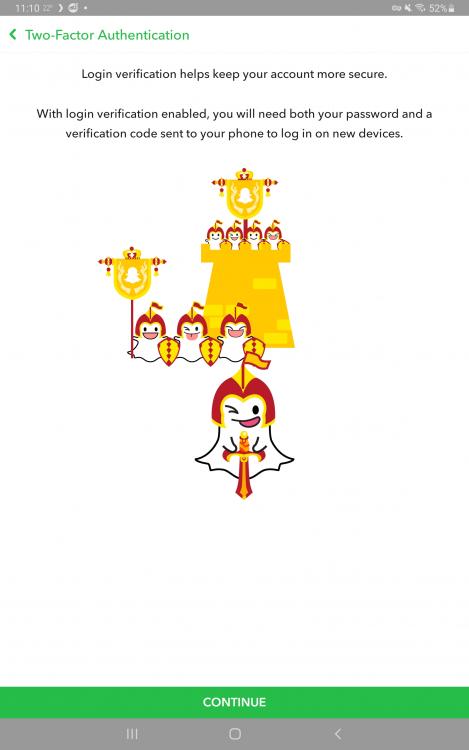
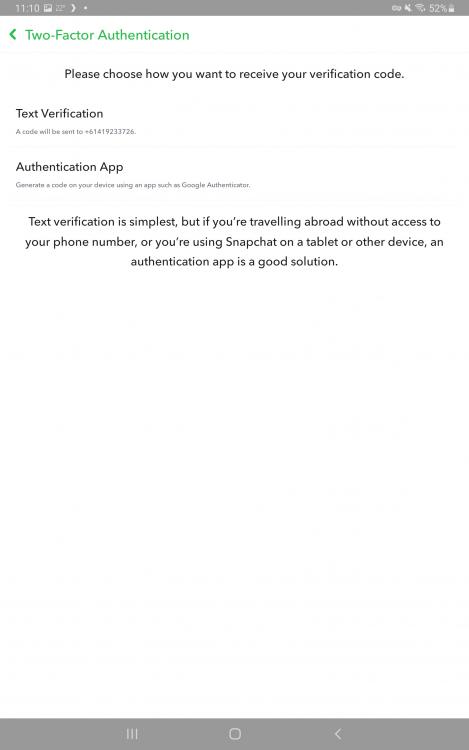
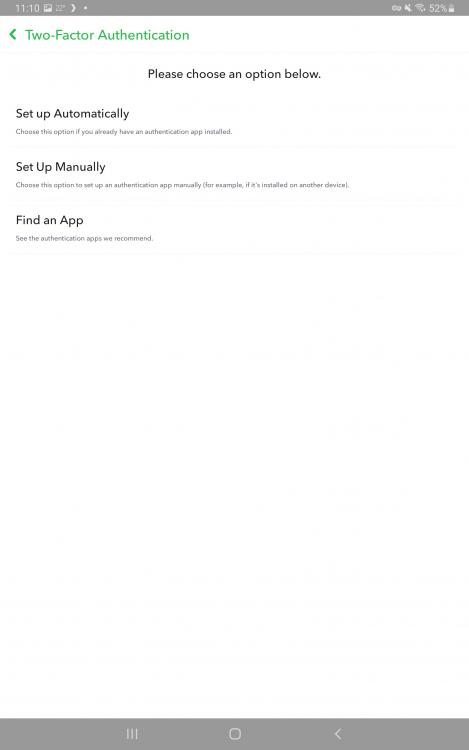
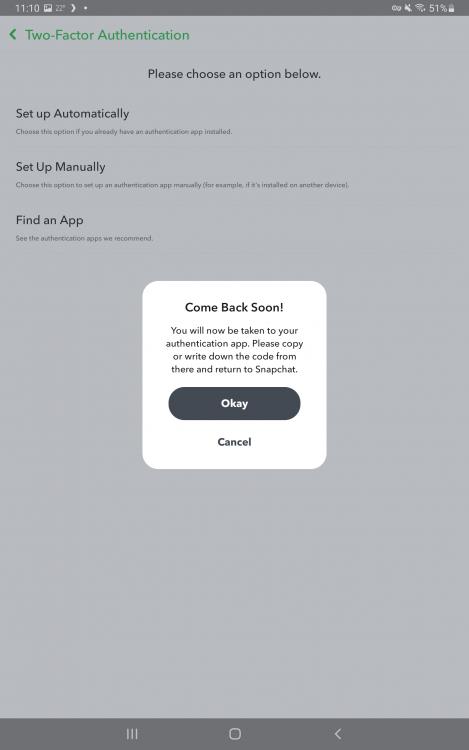
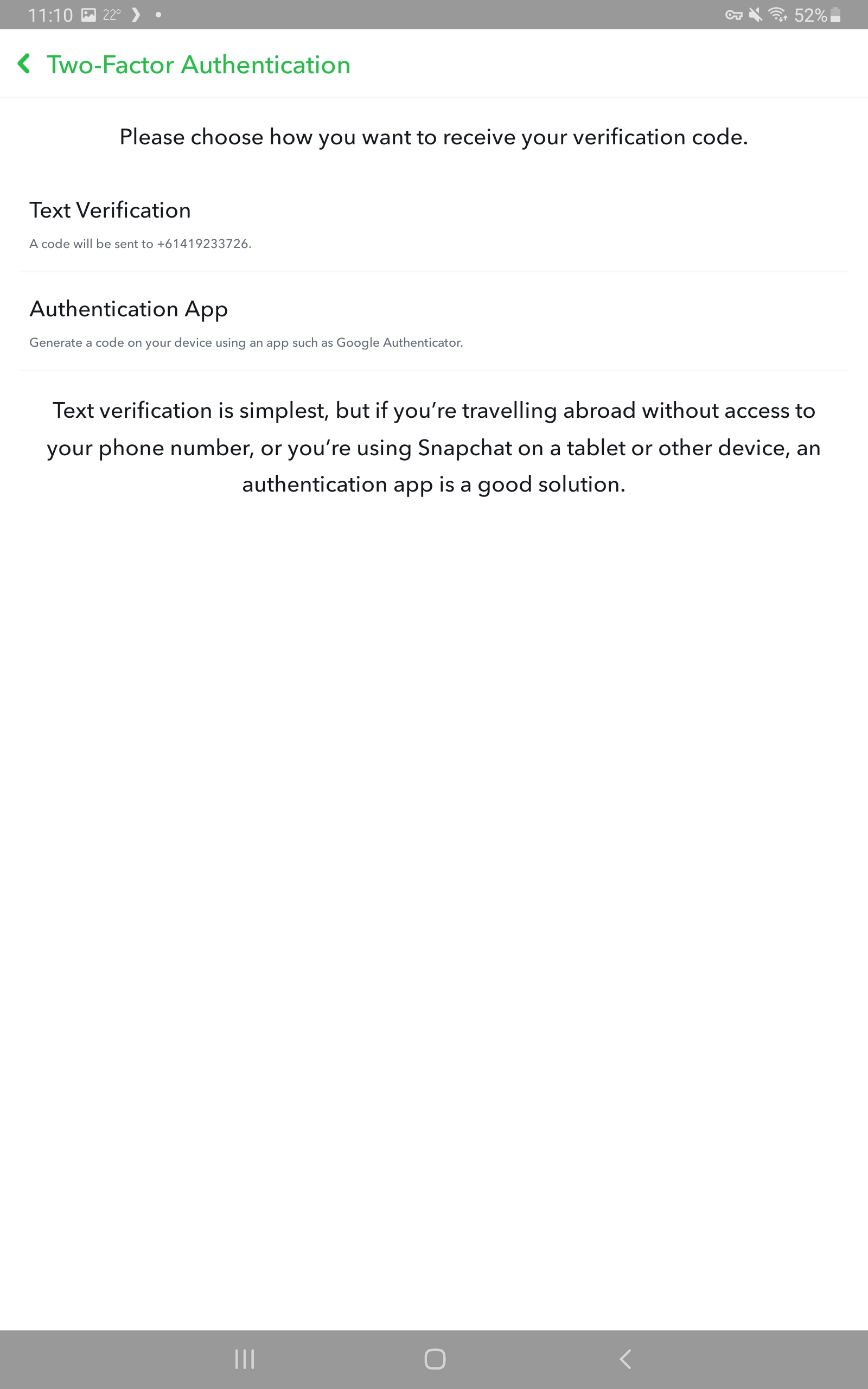
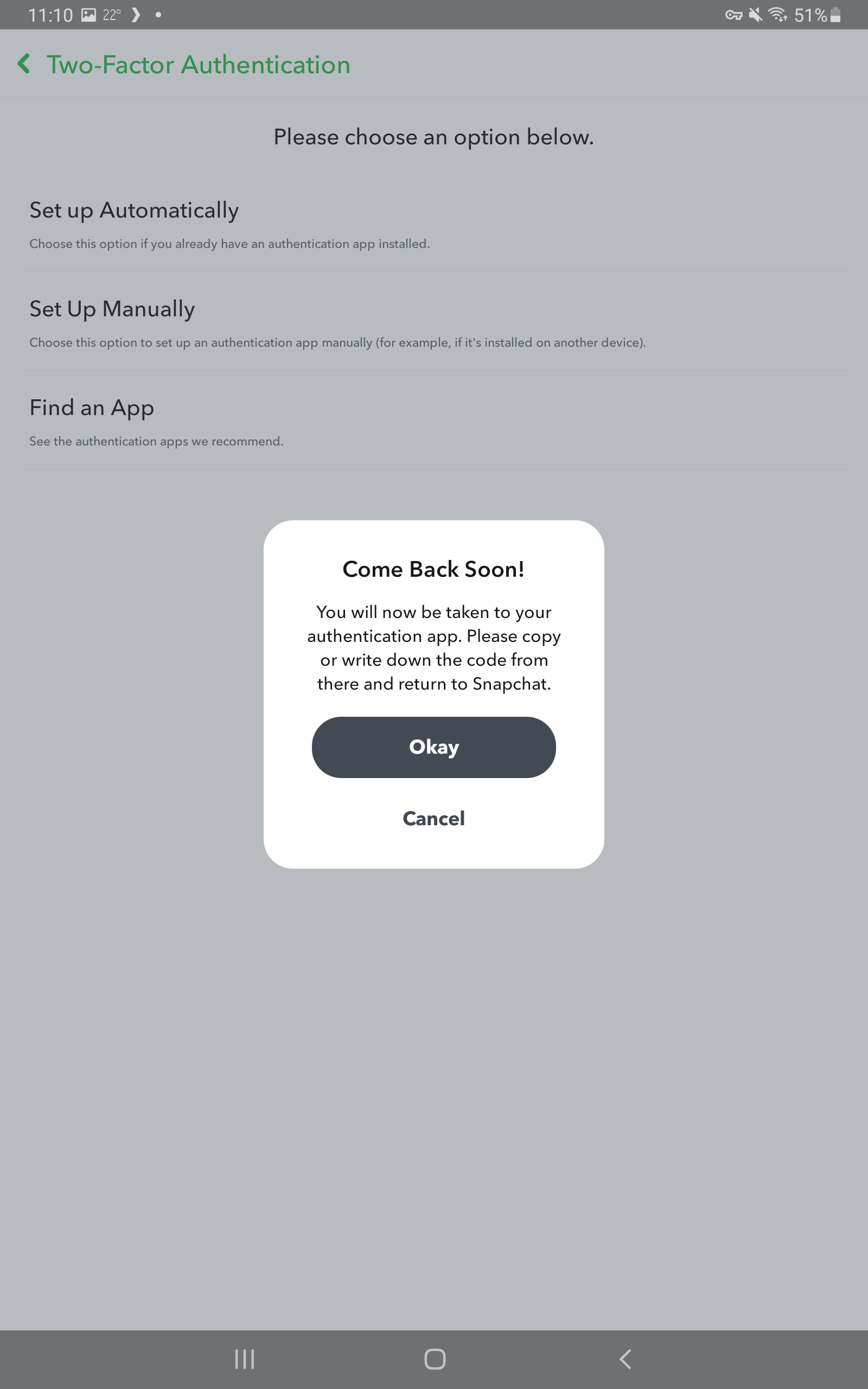
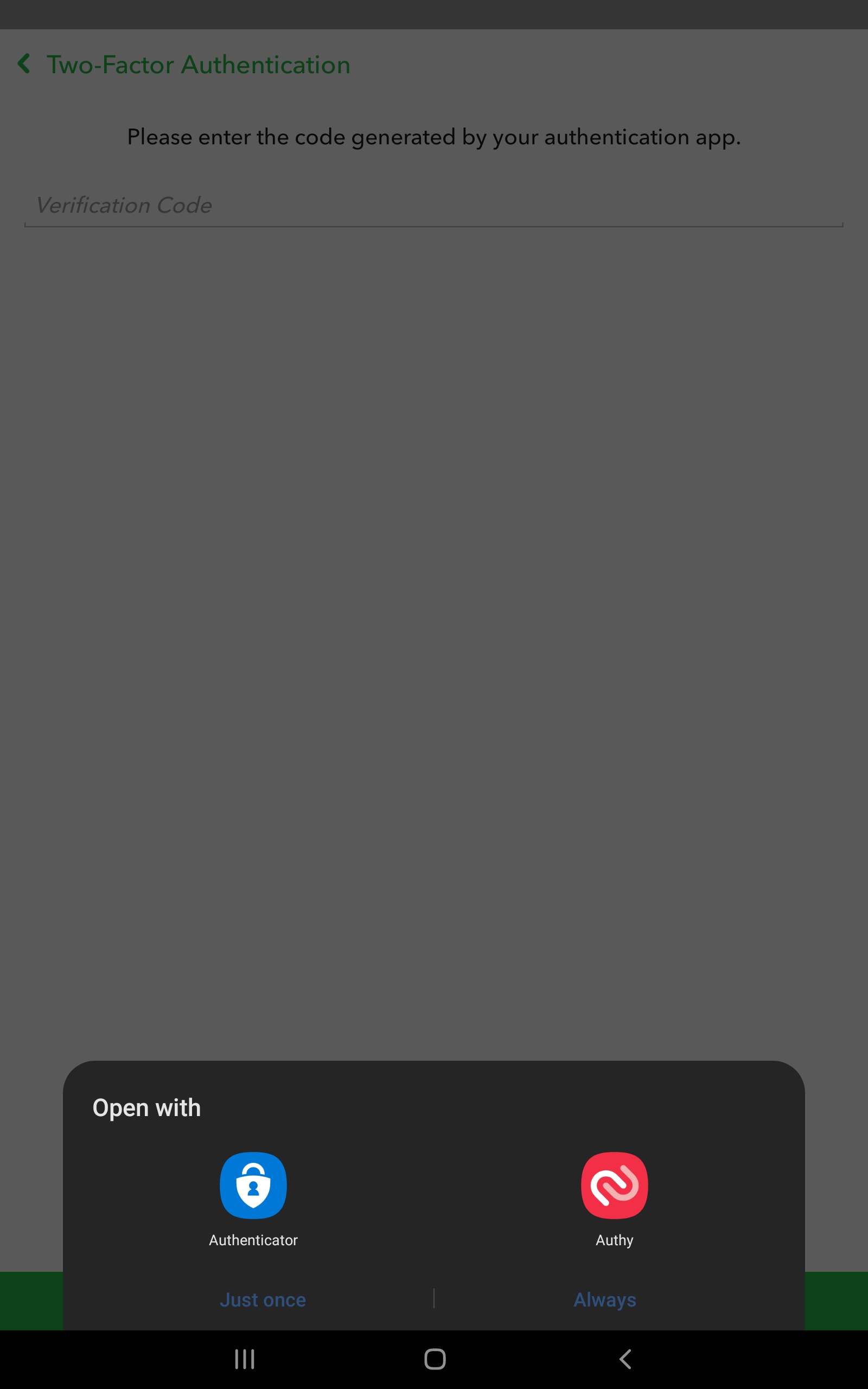
EDIT: Listing apps that require this feature to enable 2FA to increase priority of the feature request: SnapChat, Uber I just noticed when enabling 2FA in SnapChat on Android that it had the ability to invoke the installed 2FA apps on the Android device as part of the setup. On my tablet, that happened to be Microsoft Authenticator and Authy. Enpass has become my primary 2FA app and so I'm wondering if it is possible to have Enpass registered as a 2FA app on Android for these types of 'in-app' 2FA enablement?