Ulmisch
Members
-
Joined
-
Last visited
-
solved, thx
-
Hi, i have sent a mail to support@enpass.io on Saturday, jan. 18th. Until now I did not receive any answer. Would someone please take a look, ticket nr. ECS-54385 thx. Kalle
-
It is really annoying. Every time i log in to my Router / Switch / NAS / Eblocker this windows pop up. In the meantime i have checked and tested all settings, without effort. Please solve this problem!
-
Hello Garima, indeed it seems to be solved in the new beta. thx
-
Hello Garima, unfortunately your team is wrong. I am on the actual Beta and the problem still exists. Your team has to check this again.

-
Yes it is annoying. And still no solution or info from the developers.
-
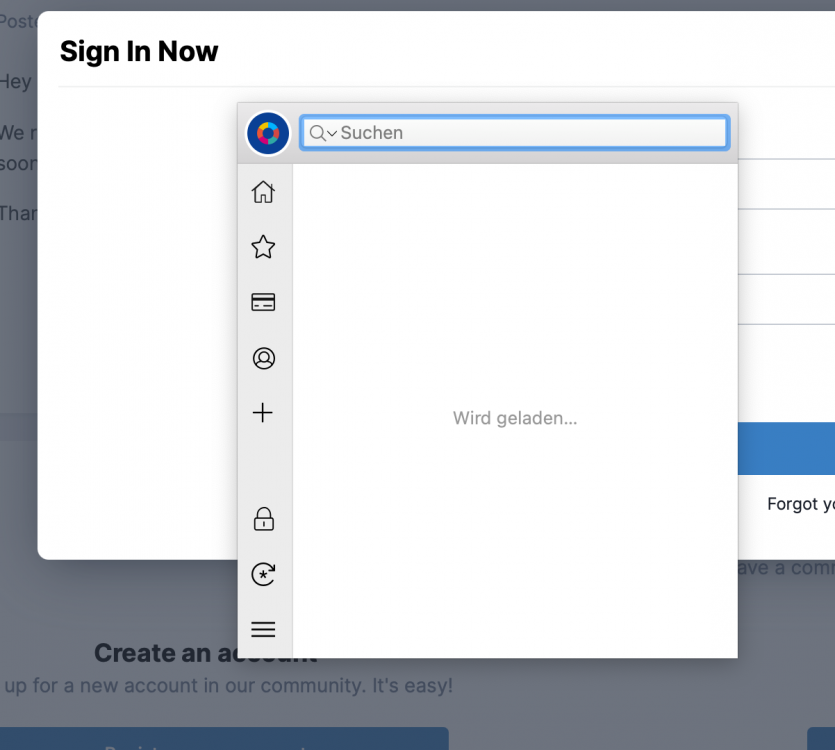
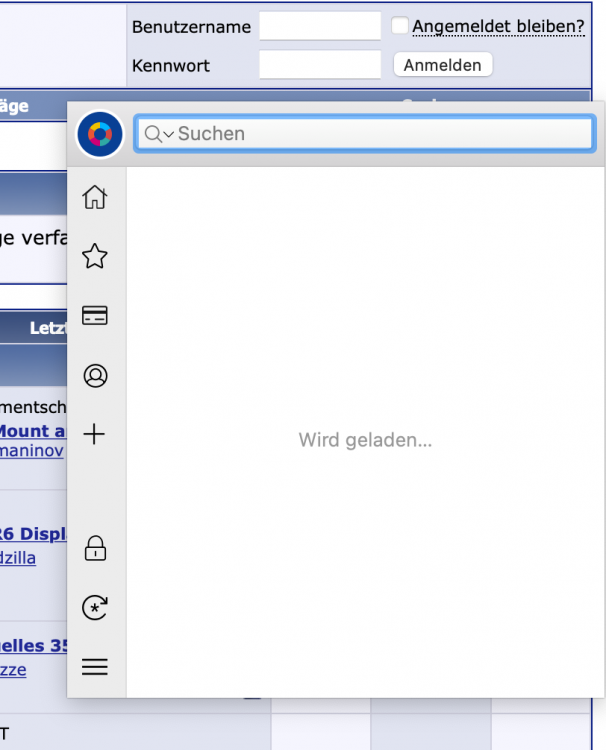
Hello Garima, ok, i will try to make it clearer. 1. Using my Macbook for something... 2. Close lid -> Macbook goes to sleep (standby)... 3. opening lid -> Macbook starts... 4. surfing and trying to unlock a website with Enpass -> assistant windows does not shows any entry (see screenshot)... At this point I will have to close enpass completely and restart ist to get access to the vault entries again. Your Questions: What is the exact Enpass version you have on the macOS? Did you installed the Enpass from App Store or our website? Enpass 6.6 form website On which browser version you are getting this issue? Safari 14.0.3 Are you having the same issue with any browser as well? not tested, I don't use other browsers A screenshot of the error if possible, would be great. attached...
-
Hi, after wakeup from standby, randomly enpass forgets my entries. Therefore autofill does not work. The only workaround is to end and restart enpass. This does not happen every time, but can be reproduced after time e.g. half a day. Versions: Enpass 6.6 Mac OS Big Sur 11.2.1 MacBook Pro 2019 15" Any hint? cu
-
Hi Garima, i was happy to see the new update today. Unfortunately the issue above seems not to be solved. i am looking forward to a solution cu
-
Hello guys, any news on this? The annoyance is still there... In addition: during homeoffice i used a windows computer as well. The effect ONLY takes place un der Mac Os. cu
-
Hello Garima, thx, for coming back. It happens to the internal IPs 192.168.178.1 , 192.168.178.1 etc. I have made a small clip. If you would like to see it, let me know how I can send it to you. cu
-
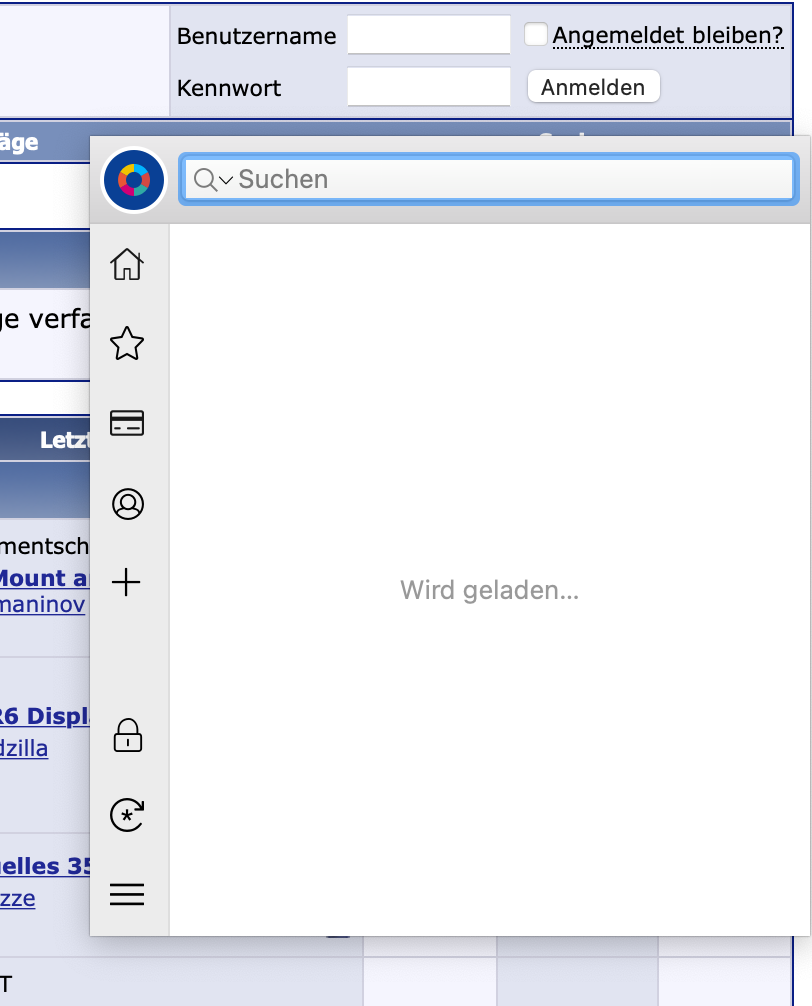
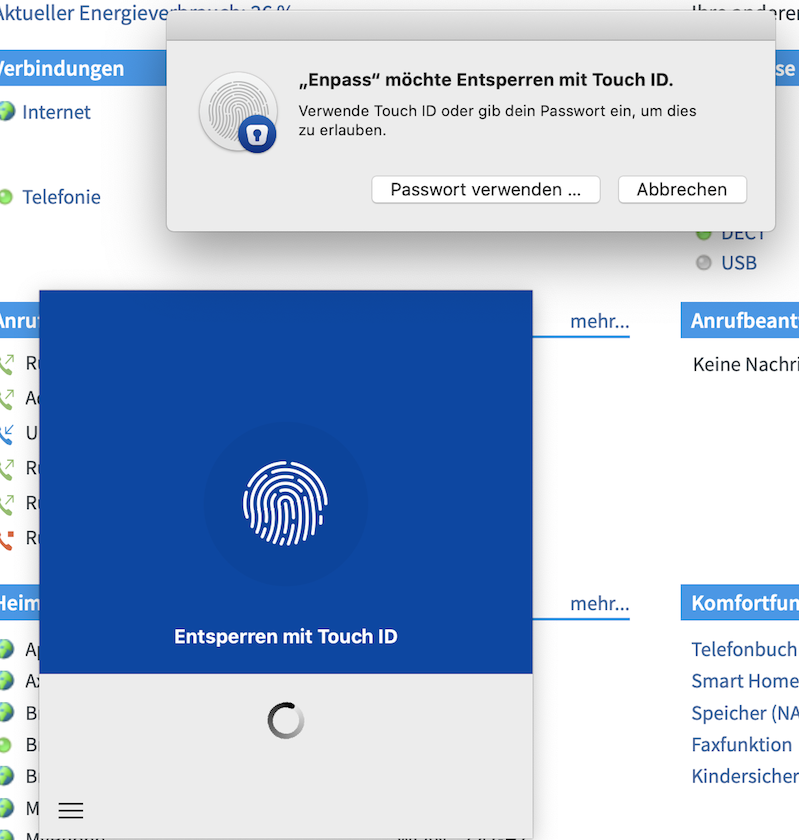
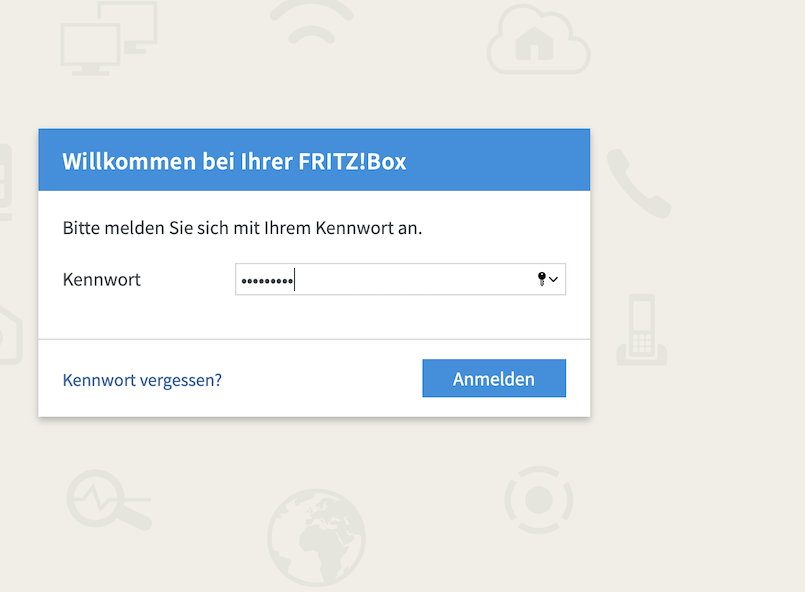
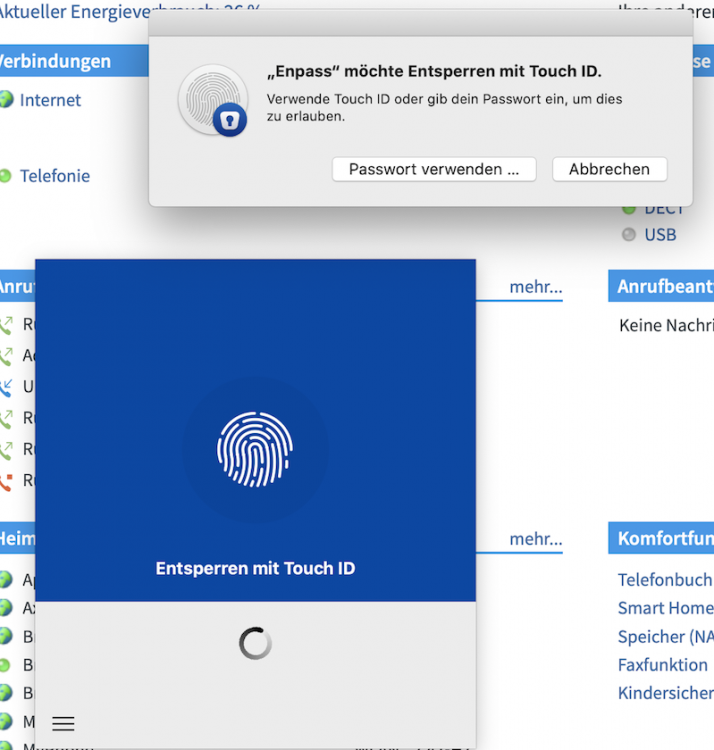
Hi Pratyush, thx for your support. Here are my informations: Macbook Pro Mac Os 10.15.4 (same happens with 10.14.x) Enpass Version 6.4.2 Procedure: 1. Browsing to the IP of my Fritzbox 2. type in my password (not stored in enpass) and confirm (enter) - screenshot 1 3. enpass assistant comes up - screenshot 2
-
Hello, i have the same behaviour on my Mac even when there is only one matching item. It seems the automatic fill is broken when there is more than one vault (i have two). Is there a way to get this solved? thx
-
Hi Guys, it is really annoying. Every time when i log in e.g to my router or raspberry the assistant starts and asks for authentication. What for? Even when i mark the ip address to be ignored for automatic saving or disabling the automatic saving for new entries, this dialogue comes up. Am i missing something? How can i disable this? thx
-
Same here. This Update is a step back regarding browser extensions, because of the missing shortcut. Please fix it!