datarepos
Members
-
Joined
-
Last visited
-
The Issue came up again on my m4 MacBook Air. Crashing always when quitting the app independent if CMD +q or menubar. Enpass-2026-10-28-163800.ips
-
I can confirm that Firefox 157.0.1 has triggered the issue again. Workaround: Manual Firefox Downgrade or switch to Firefox ESR.
-
I completely agree. The quality control for the software is definitely not sufficient, and the support is highly unsatisfactory.
-
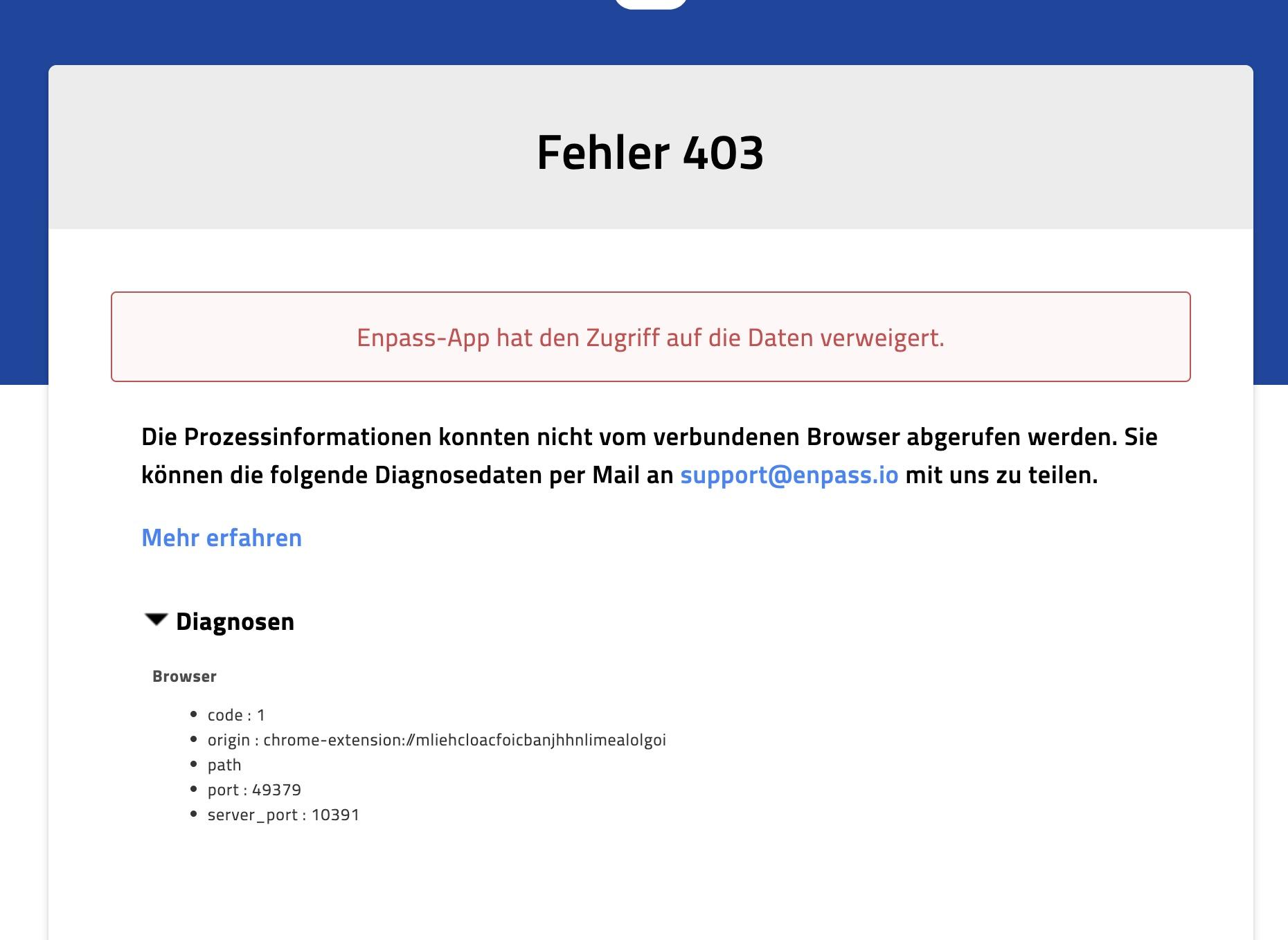
This worked until you guys released 6.11.18.2. Now the 403 is back. Disabling code signature check is a workaround, but no solution.
-
Hi, after upgrading my Macs (M5 Pro and M3 Pro) to macOS 27 Golden Gate, the Browser Extensions on Firefox and Edge are unable to connect to Enpass app. The Extension in Safari is working as expected. You can find the error messages attached. Enpass Version 6.12.6 (2772) Mac AppStore Firefox 155.0.1 - Extension 6.11.17.2 Edge 153.0.4234.32 - Extension 6.11.17 I would appreciate quick support.


-
OK, but it sounds that's a different issue and has nothing to do with this conversation. Maybe you should start a separate conversation about it.
-
Hi, In the meantime, I've found a solution. Apparently, Enpass had entered a strange state and saved it. I closed Enpass once via the menu bar: Enpass -> Quit. This apparently corrected the issue. After doing that once, I can now quit Enpass using Cmd + Q without it crashing. Please give this a try.
-
I have the similar Issue on my MacBook Air M4.
-
Funny Enpass guys: Different replies to the same topic:
-
Worst support ever….
-
The reported error has existed for 3 months now. Dear Enpass team, it's not nice to stall your paying customers like this. It would be nice if you would not only care about launching new paid features, but also fix bugs in a timely manner.
-
I played a little with the settings of the add-on for testing. In doing so, I noticed that the problem no longer occurs when I disable the "Show popup menu to auto-fill" setting. All other settings have no influence on the problem, also the sync settings of the vault have no influence. Maybe this will help the Enpass team in their analysis. Regards datarepos
-
I have the exact same problem. It appears with the extension 6.8.0 (Enpass 6.8.4) on my M1 Mac in all browsers. I played a little with the settings of the add-on for testing. In doing so, I noticed that the problem no longer occurs when I disable the "Show popup menu to auto-fill" setting. All other settings have no influence on the problem, also the sync settings of the vault have no influence. Maybe this will help the Enpass team in their analysis. Regards datarepos
-
The behavior of the Chrome extension on the mac sounds very similar to the behavior of my Firefox and Safari extension on the mac: https://discussion.enpass.io/index.php?/topic/28733-autofill-and-connection-error-when-trying-to-log-into-microsoft-websites/