
Gulshan Dogra
Enpass team member
-
Joined
Everything posted by Gulshan Dogra
-
Hi @Bambi and @Discordant, I would like to share that this issue has been replicated on our end as well, and our team is working on a fix that will be released in a future version of Enpass. Thank you for your patience and understanding. #SI-2623
-
@TAA, In order to investigate this issue further please confirm the below mentioned details. 1. Enpass version ( Is it downloaded from Enpass website or windows store)? 2. Does Enpass have some database? 3. Are you using any Antivirus or firewall? 4. Please enable the "Log" option from the Enpass Advanced settings if you are using the website version. Next, try making a connection with the Enpass extension --> when the error occurs, go to Advanced settings and copy the log and email it to us at support@enpass.io . #SI-2651
-
@TAA, Thanks for sharing the details. I have duly noted your feedback and it has been forwarded to the concerned team for further investigation. For the meantime I would recommend to use any other Browser to access Enpass Browser extension. #SI-2651
-
Hi @TAA, Welcome to the Enpass Community. For quick trouble shooting I would recommend you to open Enpass app on your desktop and make sure these settings are enabled. Open Enpass--> Go to Settings--> General--> Enable "Open Automatically at system startup". Open Enpass--> Go to Settings--> Browser-->Enable "Browser extensions". Also would recommend you to reinstall the Enpass extension to its latest version from here. If the problem persists, please let us know the following details so that we can help you better. On which device (along with OS version) are you using Enpass? The versions of your Enpass, Enpass extension and Browsers are you using? Are you facing the same problem with other browsers too?
-
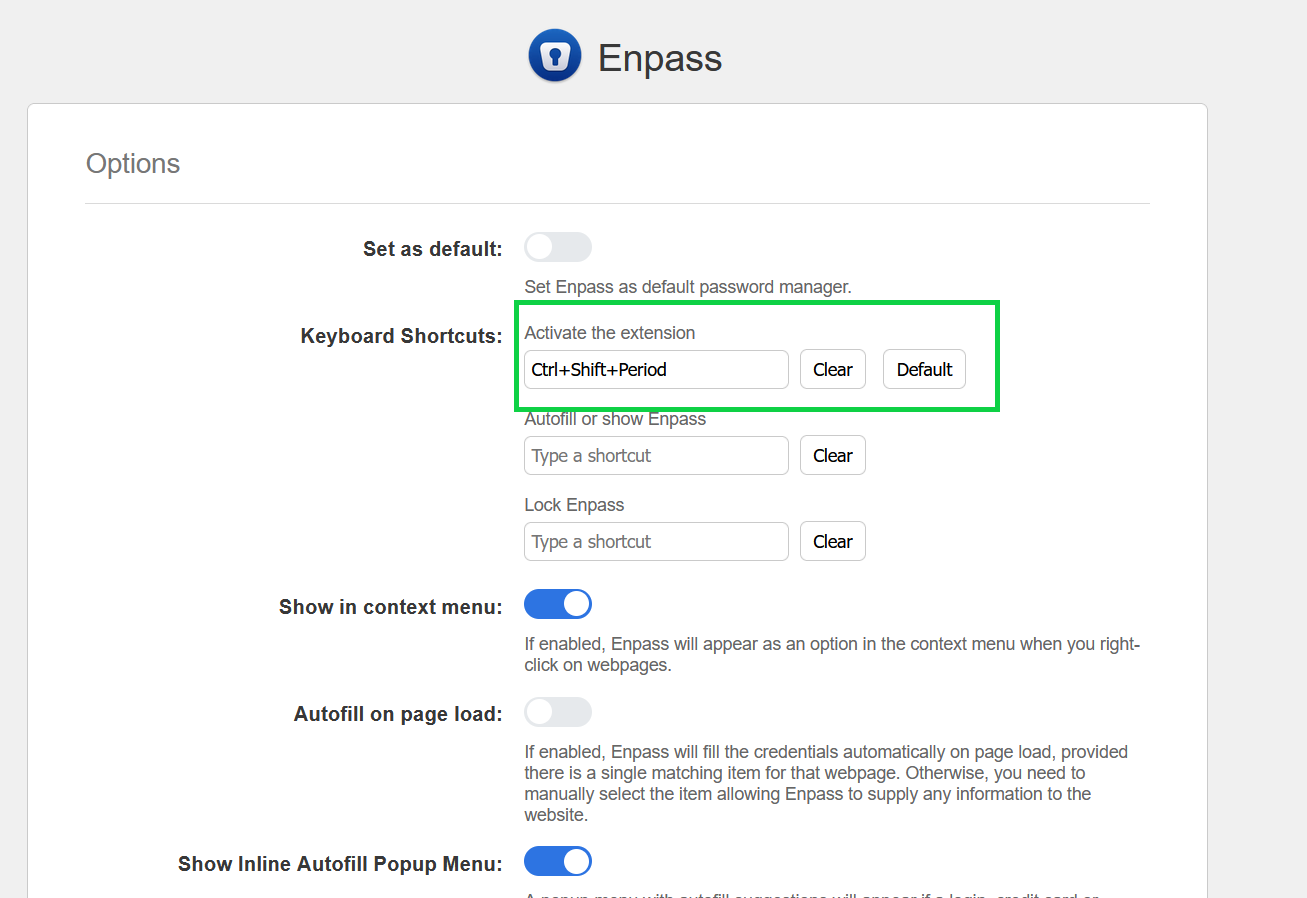
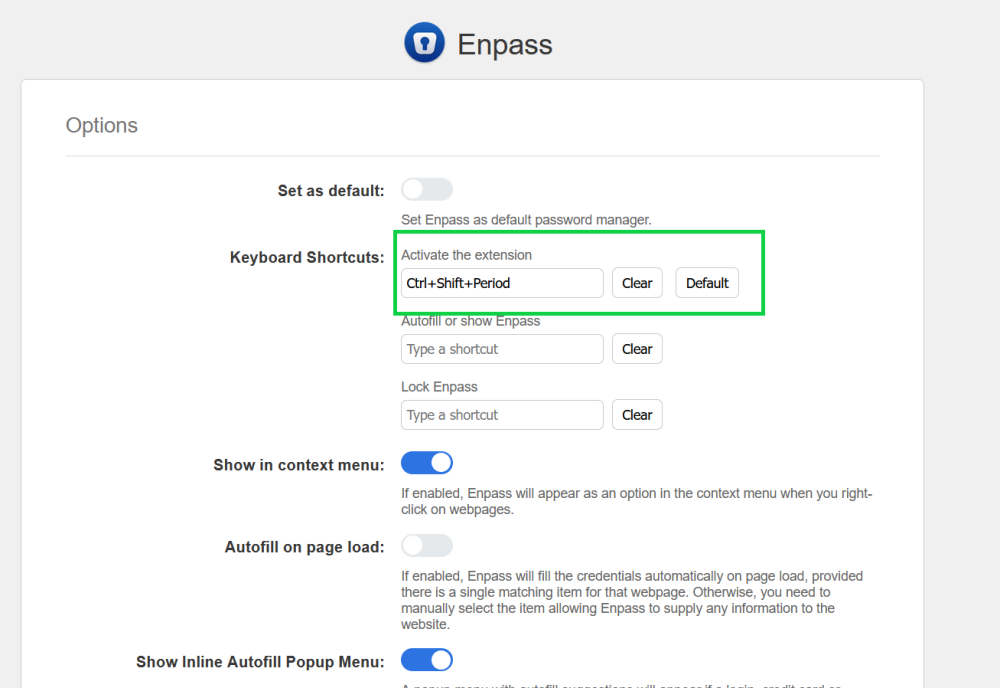
Hi @rthomp, Welcome to the Enpass community. I would like to share that Ctrl+Shift+Period is working as expected to activate Enpass extension in Firefox Browser. We understand there'll be a little inconvenience in setting new shortcuts and getting accustomed to them, but for a better autofill experience using keyboard shortcuts, Enpass extension lets the browser control the keyboard shortcuts natively. It also makes sure our extensions work seamlessly in long term with the respective browsers and don't interfere with their default shortcuts.
-
Hi @scharc, Welcome to the Enpass community. Please share the following details so that I can assist you better. On which device along with the OS version you are using Enpass? Which Enpass Version are you using? Your License type? SI-26401.
-
@flyingbirds, We appreciate you taking the time to explain and bring these to our attention. Let me share the information shared by our development team with you. 1. For boardgameareana.com: Enpass suggests identities only and doesn't use them to sign up without the user's consent. Users can create demo identities in Enpass if they wish to do so. Enpass suggests the available identities on the sign-up page so that users can sign-up without having to manually enter the information. 2. For eBay: Since you cannot share the URL of the page, we would appreciate it if you could save and send the webpage to us so that we can investigate it. 3. For GitHub: I would like to share that issue has been reproduced on our end and our team is working on it. #SI-2629
-
@flyingbirds, I would like to share that this issue of Enpass where it is suggesting credit cards for phone numbers in the microsoft phone verification page is reproduced on our end and our team is working on its fix. Also for boardgamearena.com as per the attached screenshot it seems that you are trying to create an account for this particular website. If this is the case then Enpass will display identity items--> Please confirm the same. Github Issue: On this page, Enpass will show identity items since it is a signup page. eBay issue: Please share the URL of the page where you are experiencing this issue. #SI-2629
-
Hi @Kapel. Welcome to the Enpass community. Thanks for letting us know about the issue being fixed OS Linux Ubuntu, for OS Fedora 35 and Manjaro 21.2.x, please share the following details so that I can get this investigated from the concerned team. Which Enpass version you are using on each? Screenshot of the error, if possible. #SI-2634
-
@flyingbirds, I have duly noted your feedback and it has been forwarded to the concerned team for further investigation. Please share the OS of your device and Enpass version you are using. #SI-2629
-
@JohnnyX, Your questions/query has been addressed in a direct message. Please take a look at it.
-
Hi @Bambi, Welcome to the Enpass Community. This generally happens when you are attempting to launch the portable version from the Mac itself. I would recommend you to move the file to the USB pendrive and choose the desired location from there. #SI-2623
-
@JohnnyX, As you have succesfully synced your mobile device with Dropbox cloud and while syncing your PC with the same dropbox cloud you are getting this error of "Invalid master password". Enter the Master Password of your (Mobile) vault which has encrypted your backup files to your Dropbox cloud.
-
Hi @flyingbirds Thank you for reaching out to us. For quick troubleshooting I would recommend to enable the "Match URL hostname" from your Browser settings and let me know the results are same.
-
Hi @JohnnyX, Thank you for reaching out to us. For quick troubleshooting I would recommend follow the steps mentioned below and share your findings with us. Disconnect Sync from all devices that are synced with dropbox. Open Dropbox on any browser on your windows device-->Go to App--> Enpass folder-->Vault.enpassdbsync-->Rename it as Old vault.enpassdbsync. Now open Enpass and connect with dropbox Sync on all devices.
-
Hi @all, I would like to inform you that this issue has been reproduced on our end, and as per the information shared by our development team, it will be fixed in the future updates of Enpass. As soon as I have any updates regarding the same, I will post them on this forum. In the meantime, we appreciate your co-operation and support.
-
Hi @cyrnian, Welcome to the Enpass community. I would like to share that on Mac devices, Enpass follows a system theme. If you wish to use Enpass in a dark theme, you have to switch from: System Preferences → General → Dark.
-
-
Hi @RoadRunner, Thank you for reaching out to us. I recommend you follow the steps below for quick troubleshooting and let me know if that helps. Quit Enpass on your device A. Rename the Enpass Folder on your device A by following the path: Documents-->Enpass. Un-install the App and re-install it again -> Once downloaded, you will receive the welcome screen where you will be asked to restore the Enpass data -> Click on Restore from your One-Drive cloud (with which you have synced successfully on your device B)--> Login the cloud account--> Click on Continue --> Enter the master password (same you using on your Device B) --> Tap on 'Continue'.
-
Hi @t83zNdPKzVcU, Welcome to the Enpass community. I would like to share that auto-sync also happens after every 15 secs, while the app is in the foreground and when you save any change in item details or master password, Enpass waits for 5 secs and initiates an auto-sync. The amount of time needed for a sync depends on the number of items and attachments in Enpass.
-
Hi @flyingbirds, Thank you for reaching out to us. For quick troubleshooting I would recommend to enable the "Match URL hostname" from your Browser settings and let me know the results are same. Also after enabling this even if items with the same hostname may not exist in the Enpass database, so this extension will still show items with domain names that match the hostname.
-
-
Hi @d1abo, Thanks for reaching out to us. I realize that these minor glitches are annoying to the eye, but I want to assure you that this issue will be fixed in the upcoming release of Enpass. I will notify you as soon as possible if there are any updates regarding the ETA for the update. In the meantime, we appreciate your patience. #SI-2473
-
@flyingbirds, I appreciate you sharing this information with us. I have forwarded it to our dedicated team for investigation.
-
Hi @flyingbirds, @DenalB We appreciate such loyal and active users. Enpass heeds every need and concern. However, we would like to draw your attention to the fact that development and testing take a lot of time and resources, our goal is always to provide the best work possible. At times, a user may feel unheard or unattended, but I assure you that at Enpass, a user's experience is paramount. That being said, I have forwarded this information to the appropriate team for further consideration and feasibility. In the meantime, I appreciate your patience and support.