Search the Community
Showing results for tags 'tags'.
Found 11 results
-

TAGS Disappearing after Enpass 6.9.0 Update
bu11etpr00f replied to es_on's topic in Enpass Support & Troubleshooting
I'm not sure where the problem lies, I use Enpass for iOS, macOS, Windows, & Nix. After updating to the latest release, I noticed several previously tagged items were suddenly now MISSING their tags. It has been driving me crazy! I just keep re-tagging items, and then other items loose their tags. Seems completely random, and is extremely frustrating! Also, normal editing / switching between items now seems EXTREMELY SLOW! SLOWNESS issues are the same on both Windows and macOS. I'm ready to roll back... -

TAGS Disappearing after Enpass 6.9.0 Update
es_on posted a topic in Enpass Support & Troubleshooting
Hello has anyone encountered newly saved tags disappearing the next day? I would add a Customer tag, save it, it would show up for that day but the next day the tag disappears. This happens on multiple records. Any old customer tags still exist, not sure what the difference is.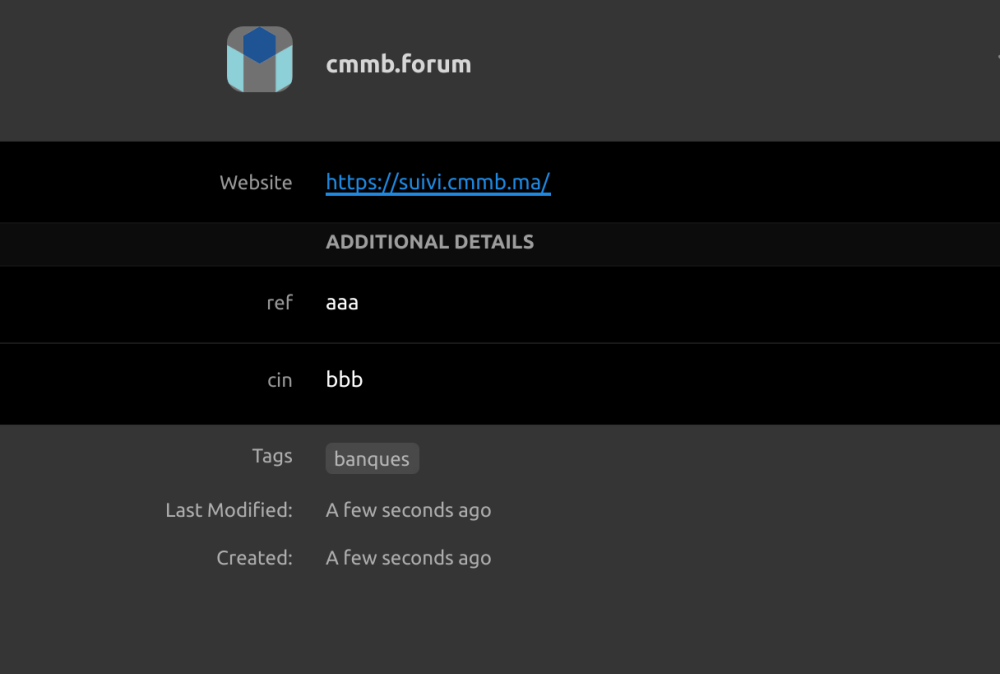
-
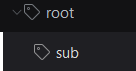
On Desktops, the arrow that allows user to expand a tag's sub-tags is very small and hard to hit. Either make the droparrow bigger, or allow user to doubleclick a tag to have it's subtags expanded or imploded. thanks.
-
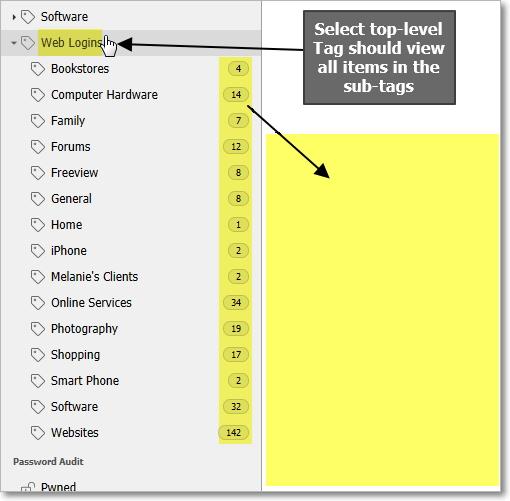
It seems logical that when I click on a top-level tag, the items of all sub-tags should display in the item list. Without this, I need to click each sub-tag to view the items within. At times it would be great to view all sub-tag items in one list when a top-level tag is selected.
-
It would be nice if you can see a vault label or tag on every item that corresponding with the vualt where the items is saved in. Especially in the view "All Vaults" Cheers
-
It would be nice if you can see a vault label or tag on every item that corresponding with the vualt where the items is saved in. Especially in the view "All Vaults" Cheers
-
I'm currently using Enpass 6.0.4 on Ubuntu 18.04 (64 bit), and I found this issue. Steps: select a subtag (es. Customers > Customer 1) click on an item with this tag edit the item save Issue: it loses the subtag selection, and return to "All elements" view. Expected result: after saving the edited item it should stay in the current selected subtag view. This is useful when reviewing and correcting many items inside a subtag.
-
Although I prefer the folder concept that was used in previous versions, I can make tags work in a similar way. What makes tags difficult however, is that they always have to be typed. A drop-down list of tags already in use would prevent the creation of new tags with just slightly different spelling or wording. In particular nested tags are tricky to remember and retype exactly every time. So, my request is for you to please develop a way to select from existing tags when creating a new item or editing an item and only type a tag when a new one is needed. I thank you in advance. Kind regards, Peter
-
hi everyone, Enpass mini (in browser) doesn't have keyboard shortcuts for generate password. It would be nice to generated password with ctrl+g shortcut after launching enpass mini. and enpass mini "add new item" ui doesn't have an option for adding tags. Best regards.
-
Hi, I'm really enjoying Enpass 6 beta in Windows, but when importing passwords from other managers, Enpass does not recognize the "Groups" (or "Folders") field, even if I edit the CSV file and manually type "Tags". I believe that Enpass should recognize it automatically or at least that an import wizard appears to customize the fields as in version 5. Of the rest, Enpass 6 seems to me a marvel.
-
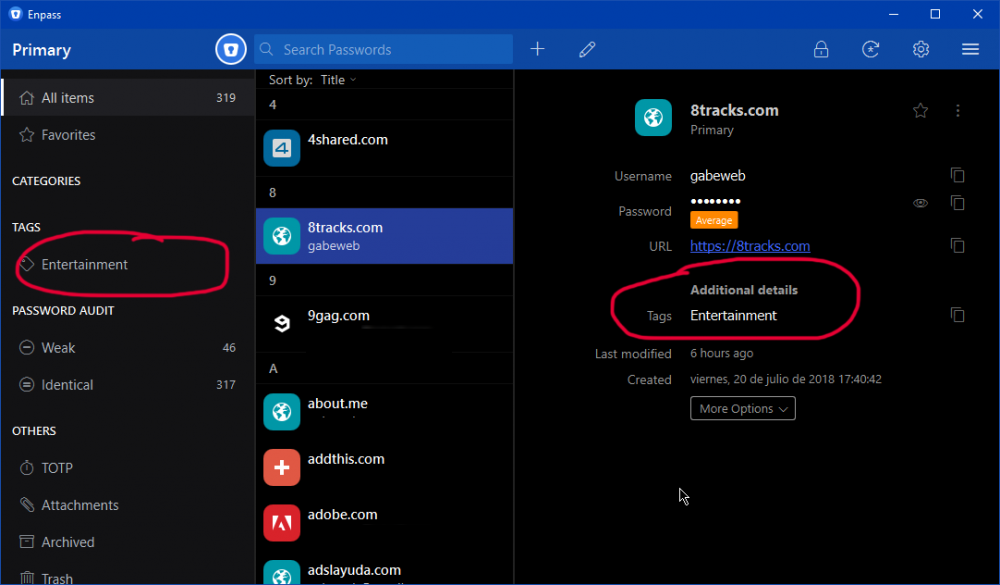
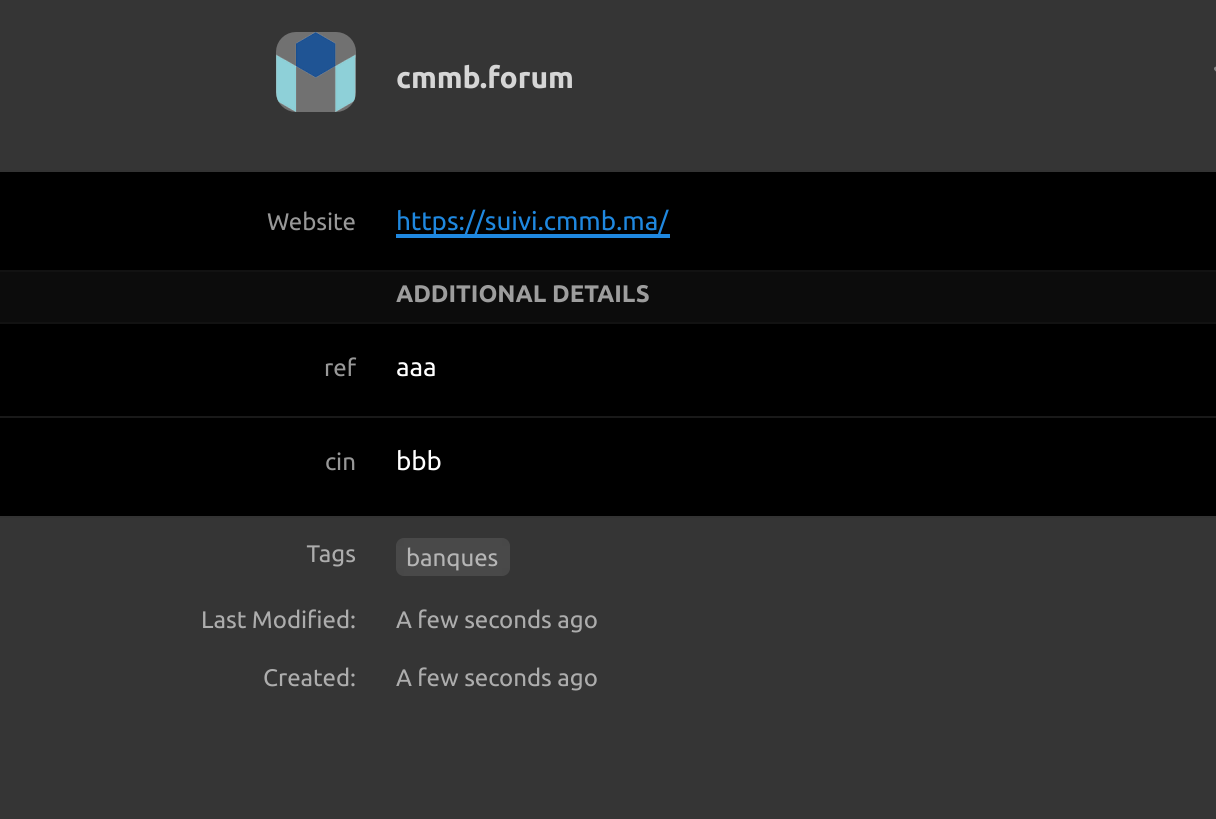
Allow users to tag items. For example, I have multiple email addresses and credentials for some of the sites I run. I would like to tag them based on this requirement. Let's say, abc is for ABC Site and def is for DEF. That way, even though I have multiple accounts let's say with Gmail or Outlook etc alone, still I can figure out which one to use.


.thumb.jpg.112a5cae378f610dd4d4c892f9c1daba.jpg)